Skip to content

πŸŽ“ Save 30% (or more) on Linux Foundation Certs & Courses!

  • YouTube
  • Reddit
  • GitHub
  • X
Latest Videos
Books
Courses
Linux Swag
Community
About
Request Assistance
Live Training

All Content

⇨

see all

  • Full-Time Linux Users React to the Linus Daily Driver Challenge Video

    Linus from Linus Tech Tips recently released a couple of videos where he attempts to use Linux as his daily driver, and makes some interesting decisions. In this video, Tom and Jay, two full-time Linux users, share their thoughts on how Linus could’ve done better.

    YouTube player

    Episode-specific Links:

    • Linus Tech Tips daily driver video
    • Tom’s channel

    ⇨

    Read more: Full-Time Linux Users React to the Linus Daily Driver Challenge Video
  • Boosting your Linux Server Security with CrowdSec

    CrowdSec is a cutting-edge security solution for your Linux servers. As an intrusion prevention system, its goal is to stop unauthorized access and prevent attacks. But unlike other IPS solutions, it does it a different way – by using knowledge as power. CrowdSec was covered on this channel before, but in this video, you’ll see an updated look complete with an overview of how to set up protection for WordPress as well.

    YouTube player

    ⇨

    Read more: Boosting your Linux Server Security with CrowdSec
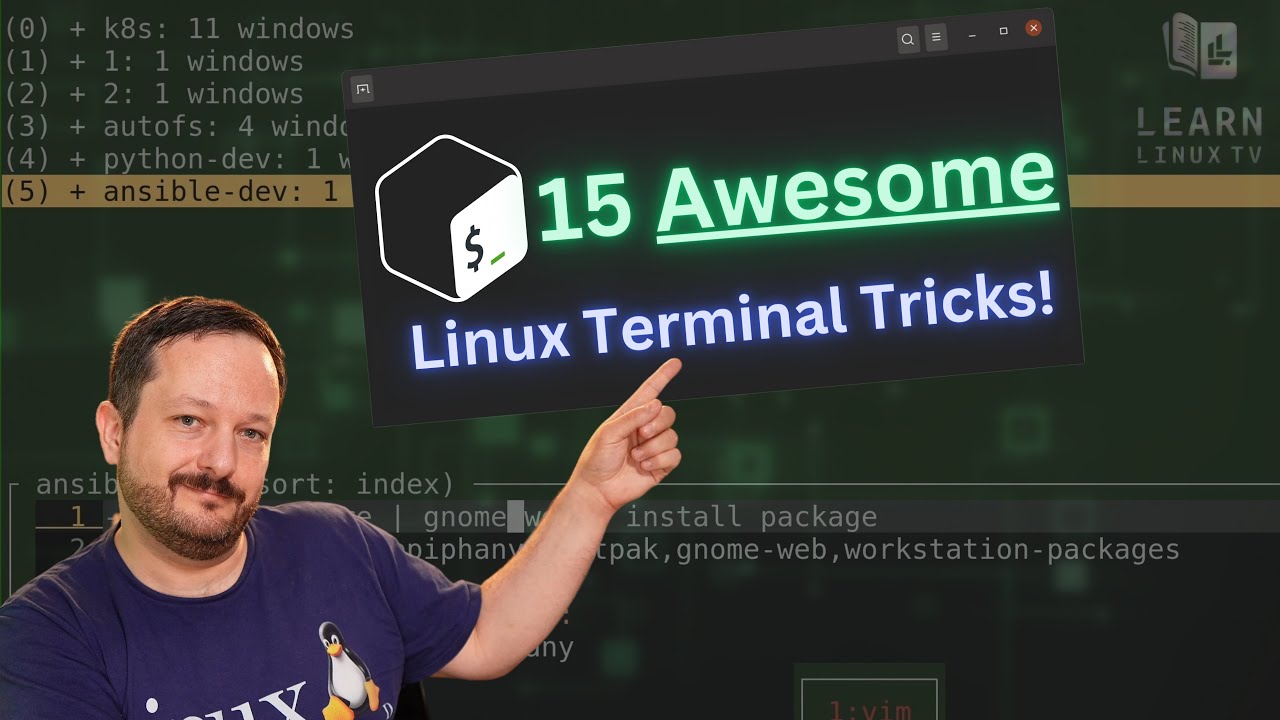
  • Linux Command-Line Tips & Tricks: Over 15 Examples!

    The number of command combinations you can come up with on the Linux command-line is seemingly endless, and there are some real gems out there that you might not know about. In this video, Jay goes over some of his favorite command combos, time-saving tricks, and other various tips he wish he learned sooner. In this video, you’ll find all kinds of things to add to your command-line toolbox.

    YouTube player

    ⇨

    Read more: Linux Command-Line Tips & Tricks: Over 15 Examples!
  • The JingPad A1 Linux Tablet, Full Review!

    The final version of the JingPad A1 has arrived at the LearnLinuxTV studio, and I’ll give you my thoughts on the finished product. The JingPad A1 claims to be the first consumer-ready Linux tablet, and I put it to the test in this video.

    YouTube player

    ⇨

    Read more: The JingPad A1 Linux Tablet, Full Review!
  • Fedora 35 – Full Review

    Fedora 35 was released on November 2nd of 2021, and brings with it the latest GNOME experience and various tweaks and improvements. Could this be the best GNOME desktop of 2021 so far? In this review, we’ll take a look at it and see how it stacks up.

    YouTube player

    ⇨

    Read more: Fedora 35 – Full Review
  • Behind the Distro – Benny Vasquez, AlmaLinux OS Chair of the Board

    I recently had a chance to chat with Benny Vasquez, who was recently named the Chair of the Board of Directors for AlmaLinux OS. In this conversation, we chat about some of the things that led to the creation of AlmaLinux itself, the community-focused and inclusive nature of the project, the new board position, and more!

    YouTube player

    ⇨

    Read more: Behind the Distro – Benny Vasquez, AlmaLinux OS Chair of the Board
  • Linux Crash Course: Background (bg) and Foreground (fg)

    In this episode of Linux Essentials, we’ll take a look at how to send tasks to the background, and then bring them to the foreground. This helps you get the current task out of the way so you can switch to something else, without having to use multiple terminal windows.

    YouTube player

    Thank you to Linode for sponsoring this video. Check them out and get your very own Linux server in minutes!

    ⇨

    Read more: Linux Crash Course: Background (bg) and Foreground (fg)
  • Linux Crash Course – Bash Aliases

    Aliases in Bash enable you to essentially create your own commands, or even just simplify existing ones. In this video, I’ll explain what aliases are, and I’ll show you some of my personal favorites. At the end, I’ll show you how to make your aliases persist between sessions.

    YouTube player
    (more…)

    ⇨

    Read more: Linux Crash Course – Bash Aliases
  • Linux Crash Course – Cron

    As Linux server administrators, we need to be able to schedule tasks to run at some point in the future. Perhaps as a one-off command, or a job that’s expected to repeat on some sort of schedule. And that’s exactly what Cron helps us to do – by setting up a Crontab, we can schedule tasks to run at some point in the future.

    YouTube player

    ⇨

    Read more: Linux Crash Course – Cron
  • Taking a look at CrowdSec: Installation & Example Scenario

    CrowdSec is a solution that aims to help protect your Linux servers, and its approach is quite different than other solutions. CrowdSec is able to utilize reputation to make intelligent decisions, and is able to be extended to meet your needs. In this video, I take a first look at CrowdSec – I’ll show you the installation process and also an example scenario so you can see it in action.

    YouTube player
    (more…)

    ⇨

    Read more: Taking a look at CrowdSec: Installation & Example Scenario
Previous Page
1 … 9 10 11 12 13
Next Page
  • YouTube

YOUTUBE

  • Twitter

twitter

  • LinkedIn

LINKEDIN

Copyright 2026 Learn Linux TV, all rights reserved.

All content on this channel adheres to the company’s content ethics guidelines.