
There are many terminal apps available that you can use while working with the command-line, but which one should you consider using? In this video, Jay shows you his top 5 favorite terminal emulators.

⇨
see all
There are many terminal apps available that you can use while working with the command-line, but which one should you consider using? In this video, Jay shows you his top 5 favorite terminal emulators.
Bash is the default shell in the majority of Linux distributions, and it has countless features and tricks to make you more efficient. Bash keeps a history of the commands you’ve typed at the prompt, but most people aren’t aware of additional functionality that the history provides you. In this episode of Linux Essentials, Jay describes not only how to use the history command, but also some techniques to make better use of it.

Running a distribution of Linux on your laptop or desktop is a lot of fun, but that’s not all Linux can do. Using the “live mode” of a distribution can assist you with recovering data from a PC that won’t boot. In this video, Jay shows the process of booting a distribution in live mode to assist in the process of recovering files. As long as your hard disk hasn’t totally failed, this process will enable you to copy its data to an external USB drive.

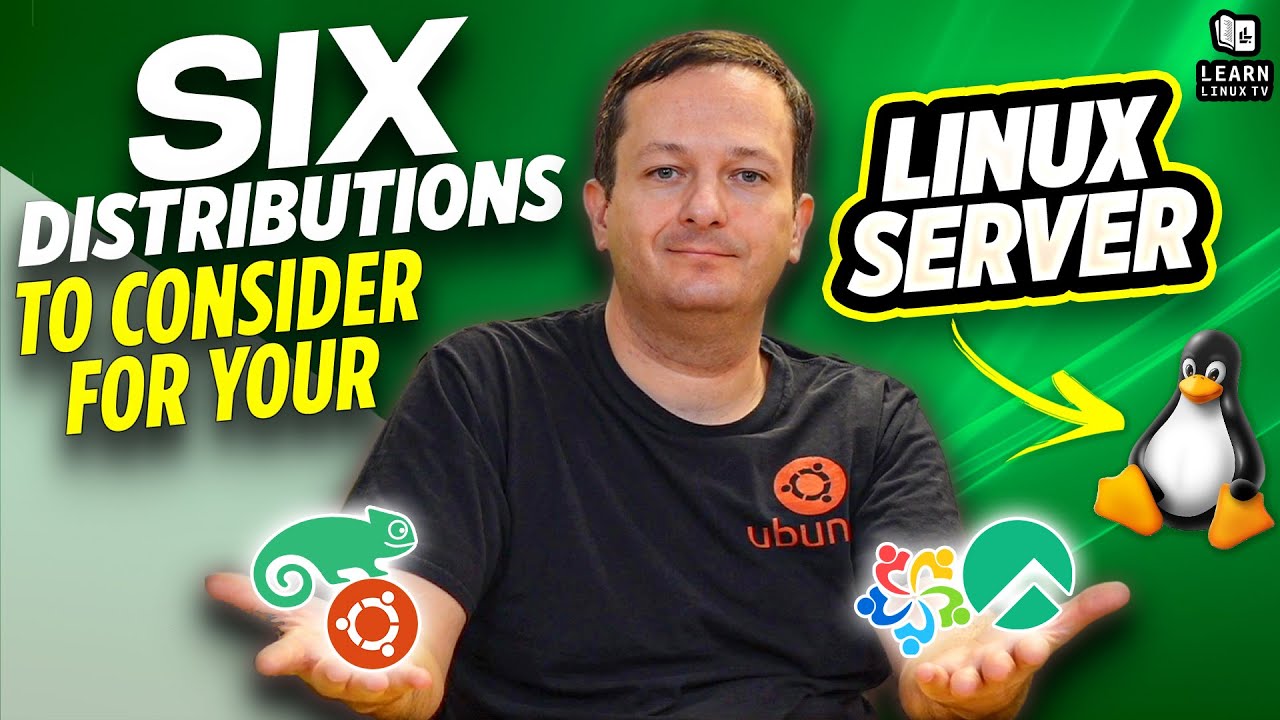
In the Linux community, there’s constant debate about which distribution is best for your desktop. However, there’s not as much discussion regarding Linux distros for your server. There are many good options for your Linux server project, and in this video Jay discusses his top 6 choices.
Having a dashboard installed on your Linux server can be a great way of enhancing remote management capabilities, as well as getting an overview of its resource usage. In this video, I’ll show you Cockpit which is an awesome management system you can install very easily.

When you need to run Linux commands with elevated privileges, sudo is the tried and true method to run commands as another user (such as root). In this introductory tutorial, we’ll take a look at some of the inner-workings of sudo.

Released on December 14th, Pop!_OS 21.10 is built on the latest Ubuntu base, and features a new application library feature. In this review, I’ll show off the new release, and give you my thoughts.

The ps command is useful for taking a look at the processes that are running on your Linux system. In this video, I’ll show you the basics of the ps command, and some variations you can use to show the output in different ways.

In this episode of Awesome Linux Tools, the spotlight is on Lynis – a really awesome utility you can use to get a better understanding of the overall security hygiene of your server. In this video, Jay will show you how to install it, and also how to run an audit.

