Skip to content

🎓 Save 30% (or more) on Linux Foundation Certs & Courses!

  • YouTube
  • Reddit
  • GitHub
  • X
Latest Videos
Books
Courses
Linux Swag
Community
About
Request Assistance
Live Training

All Content

⇨

see all

  • Kestra’s Proxmox Plugin: Create a Workflow to Easily Spin-Up VMs

    Manually spinning up VMs in Proxmox gets old fast. In this video, I’m using Kestra (an open-source workflow automation platform) to automatically clone a VM template and start it, all without touching the Proxmox UI! You’ll see the process of buiding the workflow, setting up the Proxmox API – and more! In this step-by-step video, you’ll be able to build this for yourself.

    Thanks to Kestra for supporting this tutorial! You can self-host it and use it to automate entire workflows , so check it out!

    YouTube player
    (more…)

    ⇨

    Read more: Kestra’s Proxmox Plugin: Create a Workflow to Easily Spin-Up VMs
  • Hands On: The HL15 Homelab Server from 45Homelab

    45Homelab, a brand-new division of 45Drives, has just released a new server – one that’s specifically built for use in your homelab! The goal of the HL15 is to offer the self-hosting community a server/chassis that mirrors that quality you’d typically find in enterprise data centers. In this video, Jay will give you his first thoughts after having some time to check it out.

    YouTube player

    ⇨

    Read more: Hands On: The HL15 Homelab Server from 45Homelab
  • From Zero to Proxmox: Building Your First Virtualization Server

    For those of you that are brand-new to Proxmox and are wondering how to get started, this is the video for you! This beginner-focused video serves as a super-easy jumping on point for anyone that might be interested running Proxmox VE as their virtualization solution. This video will cover a sample server build, installation, launching a virtual machine, and more!

    YouTube player

    Relevant Links

    • Proxmox Server Build List (Commission Earned)
    • Check out Proxmox Virtual Environment
    • Check out the FULL COURSE on Proxmox

    ⇨

    Read more: From Zero to Proxmox: Building Your First Virtualization Server
  • 2023 Homelab Tour – TrueNAS, Proxmox, and More!

    In this video, Jay shows off some of the services that run in his homelab! This time around, we’ll take a look at TrueNAS, Proxmox, and even get a sneak peak at the provisioning solution known internally as “NodeForge”. This is more of an introductory video, additional videos will be considered for diving into even more detail!

    Thanks to Akamai for sponsoring this video! Support Learn Linux TV and set up your own cloud server with Akamai’s Connected Cloud.

    ⇨

    Read more: 2023 Homelab Tour – TrueNAS, Proxmox, and More!
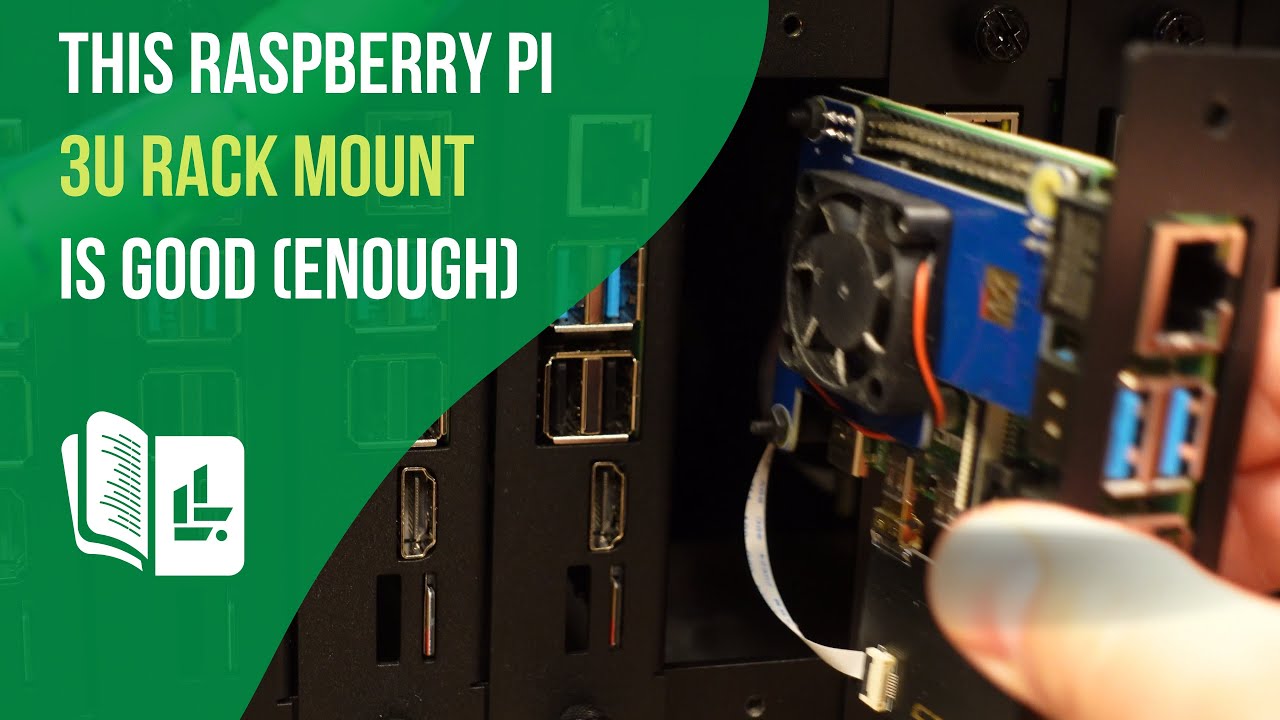
  • This 19″ 3U Raspberry Pi Rack Mount is Good (Enough)

    I wanted to test out a rack mount for Raspberry Pi clusters, and that search brought me to the 19″ 3U Rack Mount made by GeeekPi. So, as always, I decided to give you guys my thoughts. It’s not going to win any style awards, but it DOES rack 14 Raspberry Pi’s. Check out this review for more.

    YouTube player

    Check out the 19″ 3U Pi Rack Mount here (affiliate link).

    ⇨

    Read more: This 19″ 3U Raspberry Pi Rack Mount is Good (Enough)
  • Building a Powerful Raspberry Pi NAS with the Argon EON Pi Case & OpenMediaVault

    Are you looking to build your very own Raspberry Pi-based Network Attached Storage (NAS) for your network or homelab? In this video, we’ll take an in-depth look at the features and functionality of the Argon EON Pi NAS case, a case designed for Raspberry Pi that transforms it into a NAS. You’ll see the the build process, and we’ll also demonstrate how to install and configure OpenMediaVault, a popular open-source NAS operating system, to maximize the capabilities of your build. This is definitely a fun project, so check it out!

    YouTube player

    Relevant Links

    • Check out the Argon EON Pi NAS case (affiliate link, commission earned)
    • Vendor instructions for installing the script for enabling all features
    • Argon 40 documentation for the EON Pi Nas Case
    • Raspberry Pi OS
    • OpenMediaVault
    (more…)

    ⇨

    Read more: Building a Powerful Raspberry Pi NAS with the Argon EON Pi Case & OpenMediaVault
  • Taking a Tour of my Awesome Home Office/YouTube Studio

    The LearnLinuxTV studio was recently remodeled! Since you guys asked for an updated studio tour, I figured I’d give you exactly that in this video. You’ll see the entire room, including (but not limited to) the technology half, the retro-gaming half, recording devices, homelab devices, and more!

    YouTube player

    Relevant Links:

    • List of products featured in this video
    • Awesome decorative lamps (Sankora Studios)

    ⇨

    Read more: Taking a Tour of my Awesome Home Office/YouTube Studio
  • Tiny Pilot Voyager 2 – Remotely Manage your Server Quickly and Easily

    The Tiny Pilot Voyager 2 is a very impressive Raspberry Pi project. You can purchase one, or build your own – and it’s incredibly useful. With the Tiny Pilot, you can quickly and easily remotely manage your server as well many other devices. In this video, Jay reviews the most recent iteration of the Tiny Pilot Voyager.

    YouTube player

    Check out the Tiny Pilot KVM here (commission earned).

    ⇨

    Read more: Tiny Pilot Voyager 2 – Remotely Manage your Server Quickly and Easily
  • Hands-on with the Turing Pi 2!

    The Turing Pi 2 is quite an exciting project that might even be a game-changer when it comes to homelab. With it, you can set up Raspberry Pi Compute Modules as individual servers, and even cluster them! The Turing Pi 2 gives you access to many additional features that Compute Modules wouldn’t normally have access to, such as mPCIe, SATA, and more. This gives you access to build a data-center in a box, and Jay gives it a first-look on the channel in this video.

    YouTube player

    Relevant links

    Check out the Turing Pi 2

    (more…)

    ⇨

    Read more: Hands-on with the Turing Pi 2!
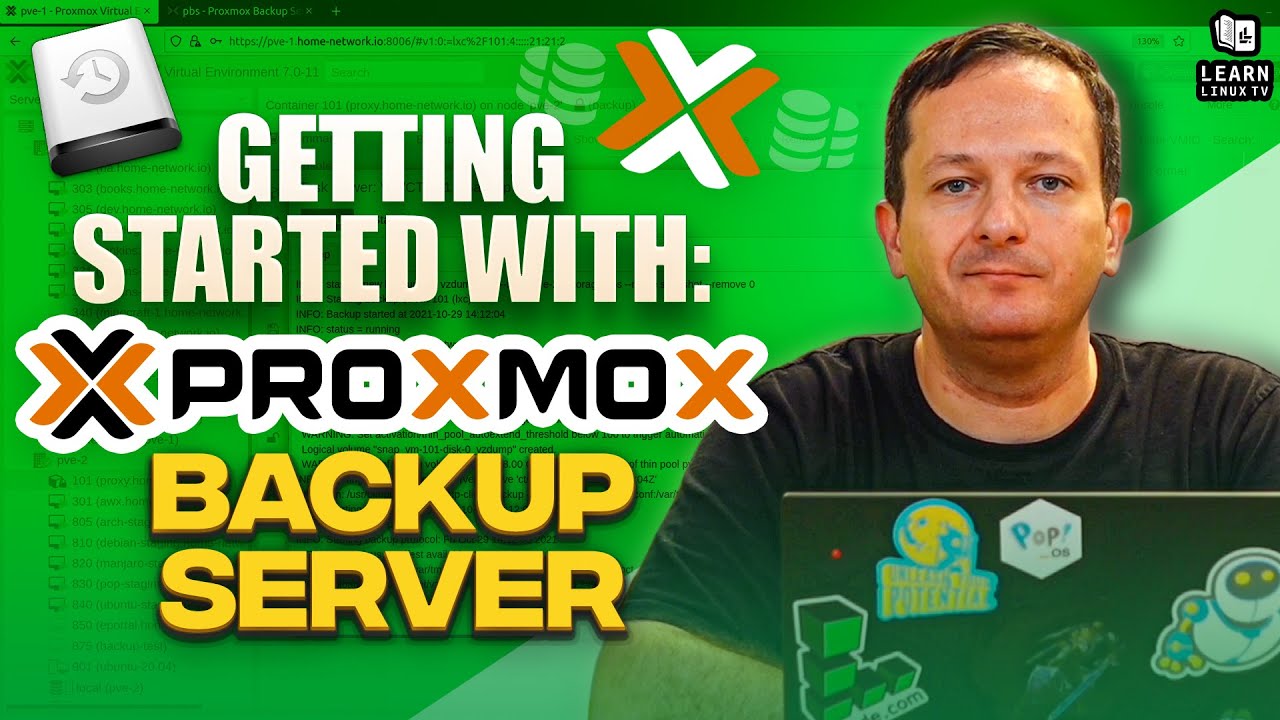
  • Proxmox Backup Server: Full Getting Started Guide!

    Proxmox Backup Server is a custom Linux distro that you can run on your server to have it serve as a backup endpoint. It integrates quickly and easily with Proxmox Virtual Environment, making it a great solution to back up your virtual machines and containers. In addition to that, it can also be used to store non-VM backups too, so running Proxmox Virtual Environment is NOT a requirement. In this video, I’ll teach you everything you need in order to get started with Proxmox Backup Server.

    YouTube player

    You can download the Proxmox Backup Server ISO image from here. Also, feel free to check out the official documentation pages to learn even more.

    Be sure to check out the Proxmox Full Course for Virtual Environment here if you haven’t already.

    ⇨

    Read more: Proxmox Backup Server: Full Getting Started Guide!
1 2
Next Page
  • YouTube

YOUTUBE

  • Twitter

twitter

  • LinkedIn

LINKEDIN

Copyright 2026 Learn Linux TV, all rights reserved.

All content on this channel adheres to the company’s content ethics guidelines.