
Welcome to my Docker Essentials series, which teaches you the basics you’ll need to know in order to get started with Docker. In this video, I talk a bit more about what Docker is and how it differs from other solutions.

⇨
see all
Welcome to my Docker Essentials series, which teaches you the basics you’ll need to know in order to get started with Docker. In this video, I talk a bit more about what Docker is and how it differs from other solutions.
Welcome to my Docker Essentials series, which teaches you the basics you’ll need to know in order to get started with Docker. In this video, I go over the outline for the series.

Landscape is a tool made by Canonical that you can use to manage your Ubuntu Servers. In this tutorial, I’ll walk you through getting it set up on your own server, as well as adding a client for it to manage. It’s an awesome utility, and easy to install.

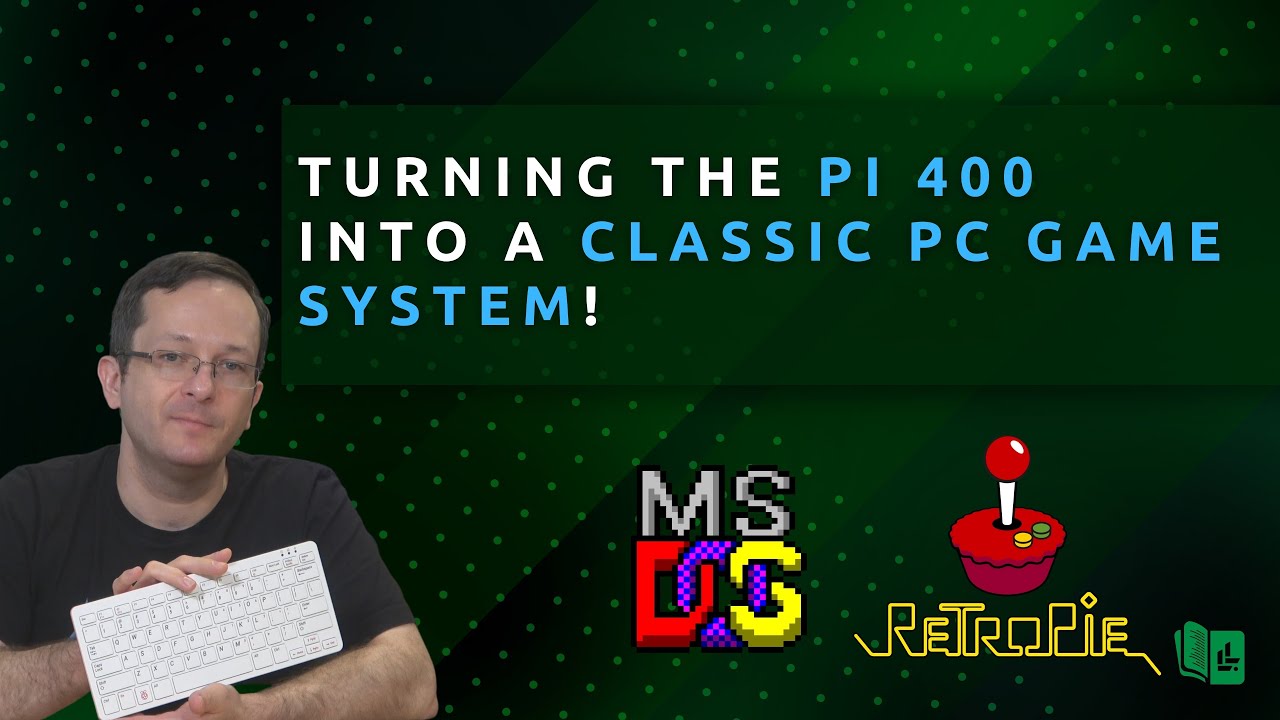
The Raspberry Pi 400 is a complete computer with a built-in keyboard, so why not turn it into a classic PC game system? In this video, I talk about a recent project I worked on for fun where I configured RetroPie to run various MS-DOS games via DOSBox.
While looking around for some sort of dashboard to keep an eye on my Linux servers, I came across Rudder. Rudder allows you to keep track of all your Linux installations, and even force changes to make your servers meet compliance requirements for your organization. In this video, I’ll go over the process of setting up the server and agent components, as well as an overview and my thoughts.

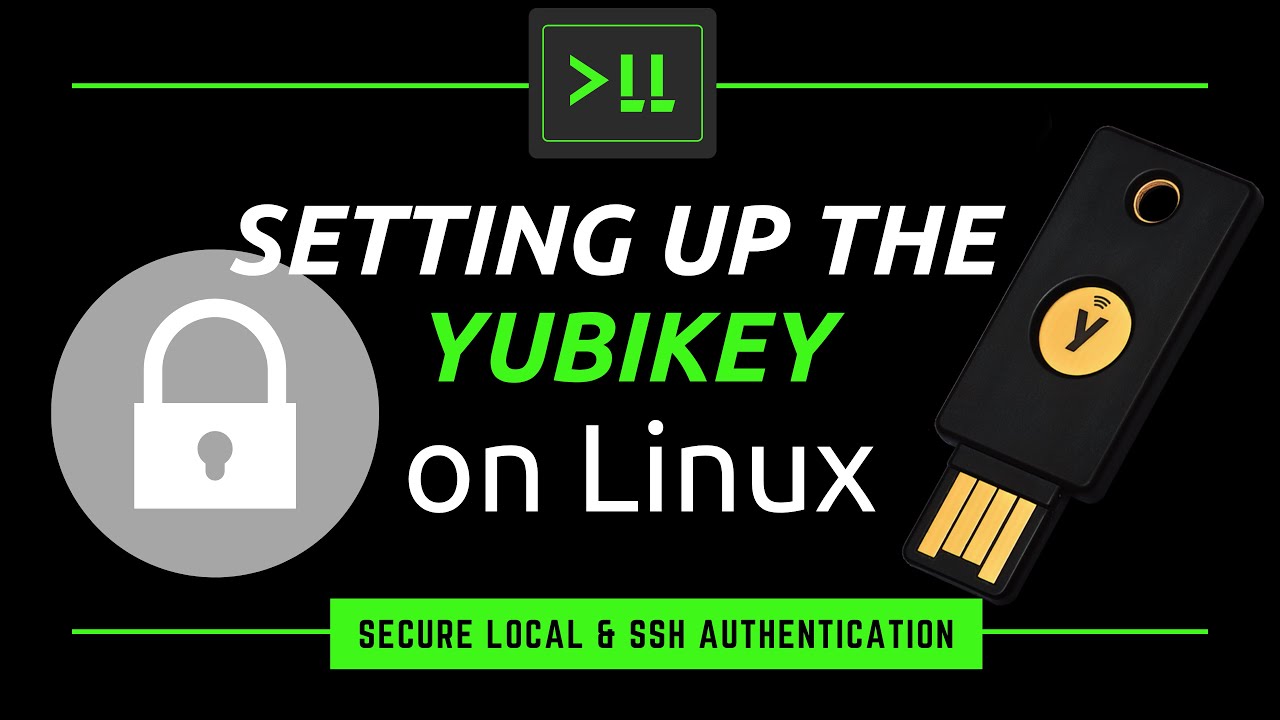
I’ve recently had a chance to check out some newer YubiKeys, and decided to make a video on it. In this video, I’ll show you how to set up the YubiKey on Linux, with examples that include setting it up on your local laptop/desktop as well as using it to secure OpenSSH to a remote server.
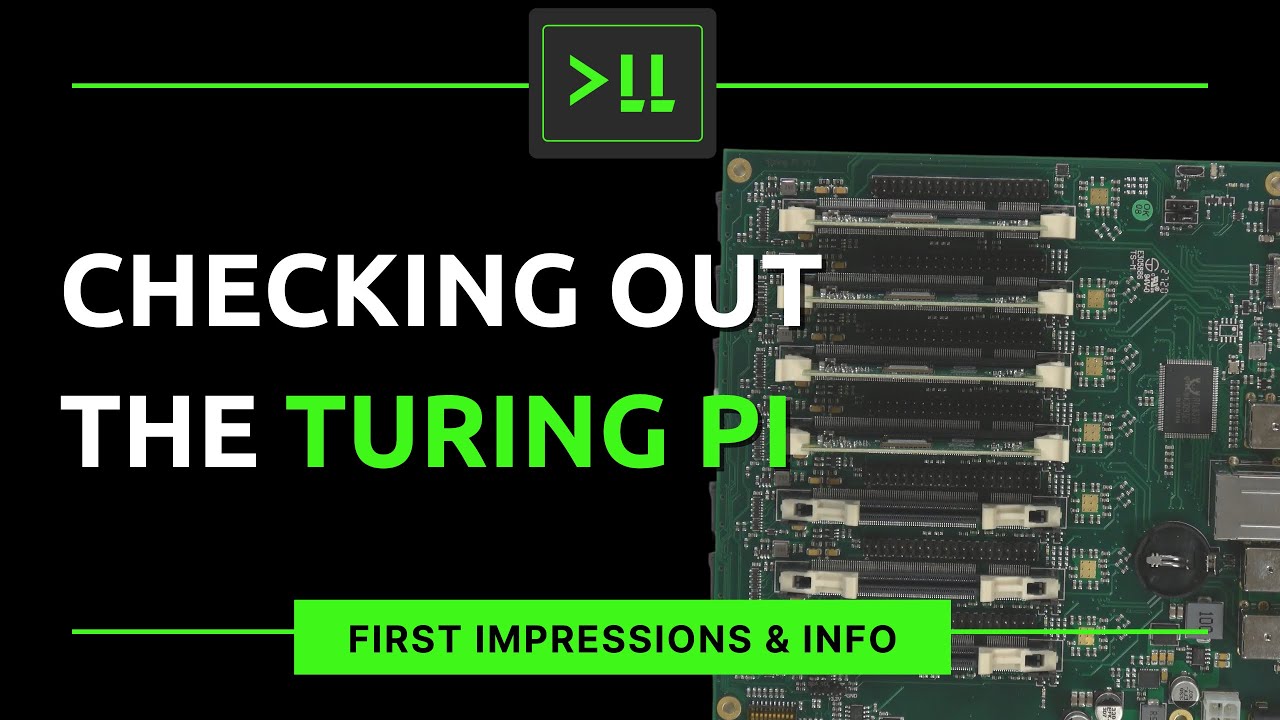
The Turing Pi is an awesome Mini-ITX board that allows you to slot up to 7 Raspberry Pi compute modules and have them each share the same ethernet cable and power supply. It’s great for Homelab and testing out things like containers. This is the first video featuring the Turing Pi, more to come! Let me know if you’d like to see tutorials for the Turing Pi.
Have you ever wanted to create a wide-open file share on your LAN to enable your users to quickly and easily share files? In this video, the viewer is shown the process of setting up a custom Samba implementation on Debian/Ubuntu that makes sharing files on your LAN easy.

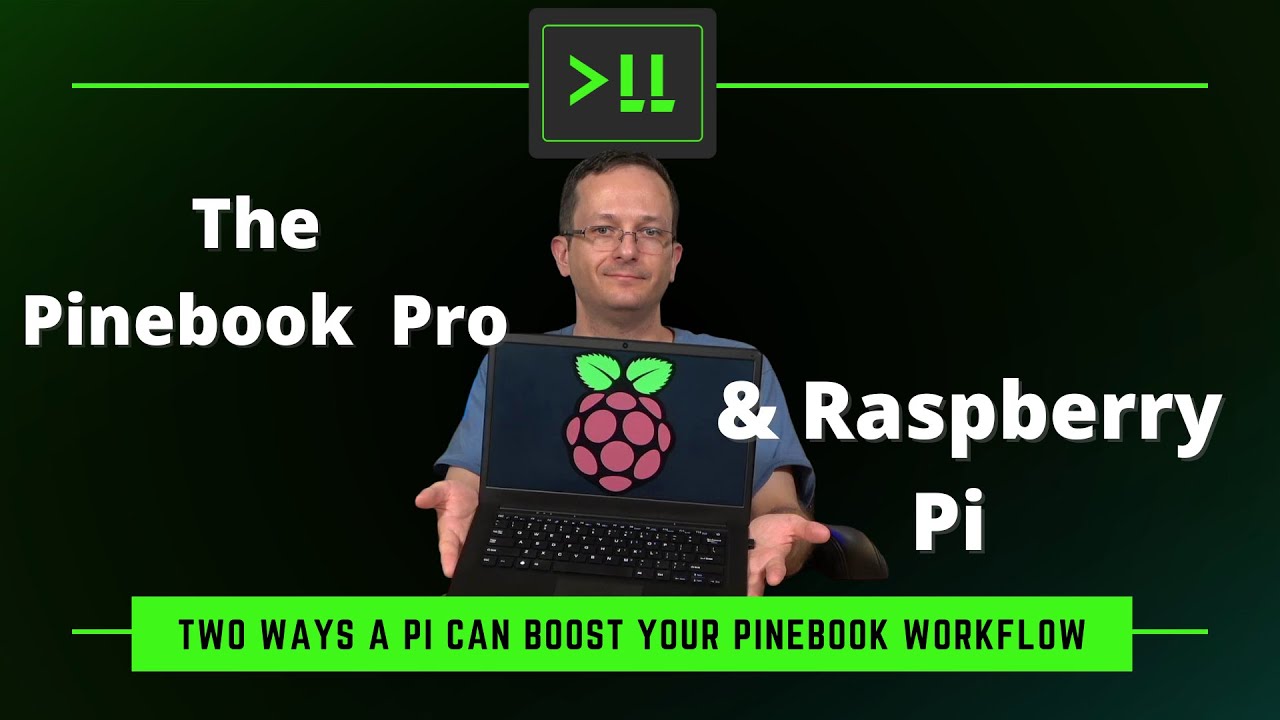
The Pinebook Pro is an awesome ARM laptop, and when paired with a Raspberry Pi, it’s even more awesome. In this video, I’ll show you how to offload your browser and terminal tasks to free up the RAM on the Pinebook, giving you additional resources.
Kubernetes is a very powerful platform to scale your applications, as the lower resource usage of containers can give you greater efficiency. The Linode Kubernetes Engine allows you to easily deploy containers in the cloud, eliminating the need for you to maintain your own hardware for your Kubernetes stack. In this video, we’ll explore the Linode Kubernetes Engine, and walk through an example of not only deploying a pod, but also setting up persistent storage as well.
