With the recent release of Pop!_OS 21.10, a version for the Raspberry Pi was also released. In this video, I’ll check out the new Pi spin and give you my thoughts.
EVICIV was awesome and sent me over a brand new Raspberry Pi display so that I could review it, and that’s exactly what I did. In this video, I’ll give you my thoughts on this display and whether or not I can recommend it.
After watching the review, check out the EVICIV display here.
52pi sent their 19″ Raspberry Pi rack mount over to the studio, so as always I gave it a full review. In this video, I’ll talk about the pros and the cons so you can make a decision for yourself as far as if this product will fit your Pi-server use-case.
If interested, check out the 52pi 19″ Rack Mount here.
Raspberry Pi is an awesome platform, the only limit is your imagination. If you want to turn your Pi into a desktop, the DeskPi aims to help you do exactly that. In this video, I’ll review the DeskPi Pro v2 and give you my thoughts.
Thanks to Linode for sponsoring this video, check them out here and get your very own Linux server!
Tom visited the LearnLinuxTV studio recently to present Jay with an awesome gift – a 3D Printed Raspberry Pi Rack that he and his crew built! In this video, we’ll talk a bit about the build and give you our thoughts. This build is awesome!
In this video, I’ll give you a full review of the RasPad 3 – a fun kit that turns your Raspberry Pi 4 into a tablet! Complete with a touch-screen, stereo speakers, and even its own Linux distribution – it’s quite an interesting device. Check out this review for all my thoughts.
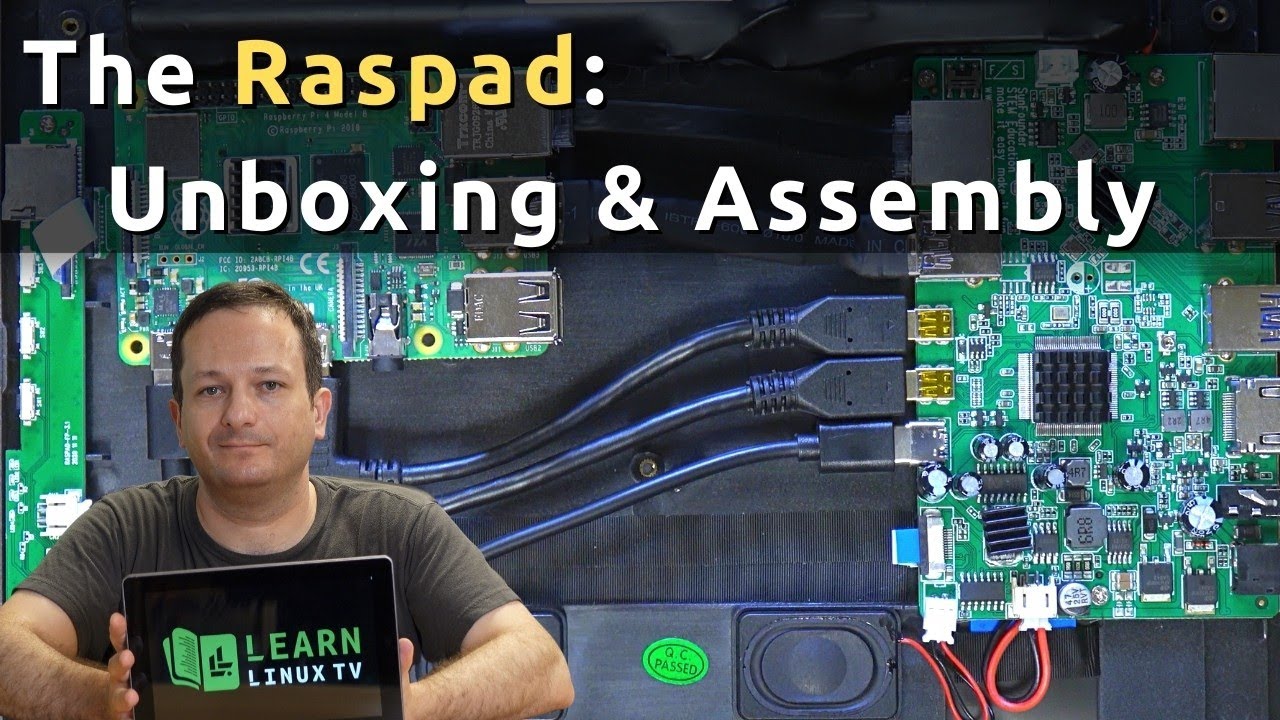
The RasPad 3 is a neat project that enables you to turn your Raspberry Pi 4 into a full tablet! In this video, I’ll unbox the RasPad 3 and I’ll also show you the entire assembly process. Be sure to check out my full review as well.
Have you thought about setting up your very own Kubernetes cluster consisting of multiple Raspberry Pi’s? It’s not as hard as it sounds, and in this video, I’ll show you how to set it up. Although this video will show the process of creating a ten node cluster, you don’t have to have 10 nodes – as long as you have at least two, you’ll be all set. By the end of the video, you’ll have your very own Kubernetes cluster that will be ready to go for my upcoming Kubernetes tutorial series.
If you want to build a Network Attached Storage device on a Raspberry Pi, this video is for you. Using a Raspberry Pi 4, the Argon One M.2 case, and OpenMediaVault – I show you how to build a NAS of your very own. I’ll cover an unboxing of the case, assembly, OS tweaks, and I’ll go over a one-line command to install OpenMediaVault.