
What exactly is a “distribution” of Linux and why are there so many? In this video, new Linux users will discover what exactly makes up a distro. In addition, a few example Linux distributions are shown, such as Fedora, Ubuntu, and a few more.
Grab your copy and switch to Linux with confidence!
What exactly is a “distribution” of Linux and why are there so many? In this video, new Linux users will discover what exactly makes up a distro. In addition, a few example Linux distributions are shown, such as Fedora, Ubuntu, and a few more.
The bat command is a clone of the cat command, but with wings! This tool can be used similarly as the cat command, but it includes additional features such as syntax highlighting, line numbers, and more! In this video, you’ll see the bat command in action.

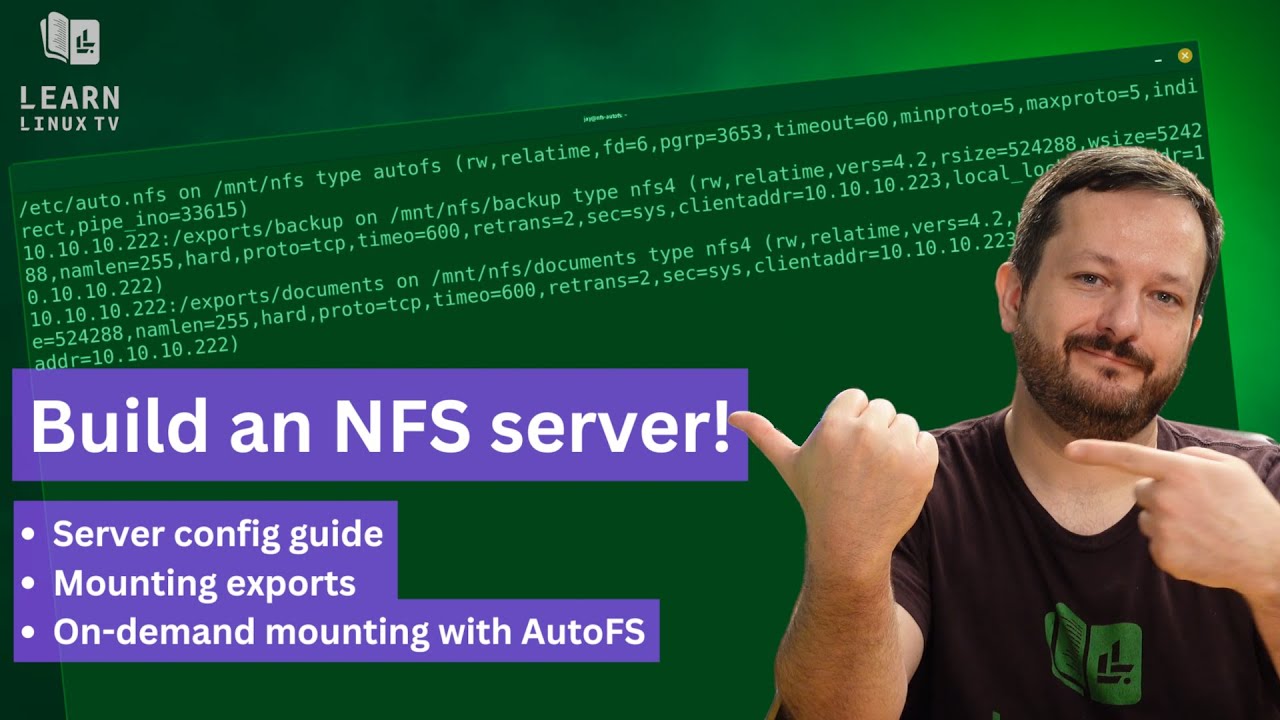
NFS (Network File System) is a fantastic way to share files between Linux and UNIX machines. In this video, Jay walks you through the process of setting up an NFS server on Ubuntu, complete with a walkthrough on mounting the exports. Not only that, you’ll see how you can utilize AutoFS for on-demand mounting as well.
Were you every confused regarding the differences and use-cases between a hostname and domain name for a device within your network? How does naming your servers benefit you? In this latest episode of the Linux Crash Course series, we’ll explore some foundational concepts around both.

System76, a company that focuses on Linux-first computers, designs keyboards now. The Launch Keyboard “launched” some time ago, and for some of you the lack of a numpad was a concern. Now, the “Heavy” variation of the Launch mechanical keyboard is available – and yes, it’s a full keyboard complete with a numpad. In this video, Jay will give you his thoughts on the latest input device from System76.

Check out the Launch Keyboard lineup here (no commission earned).
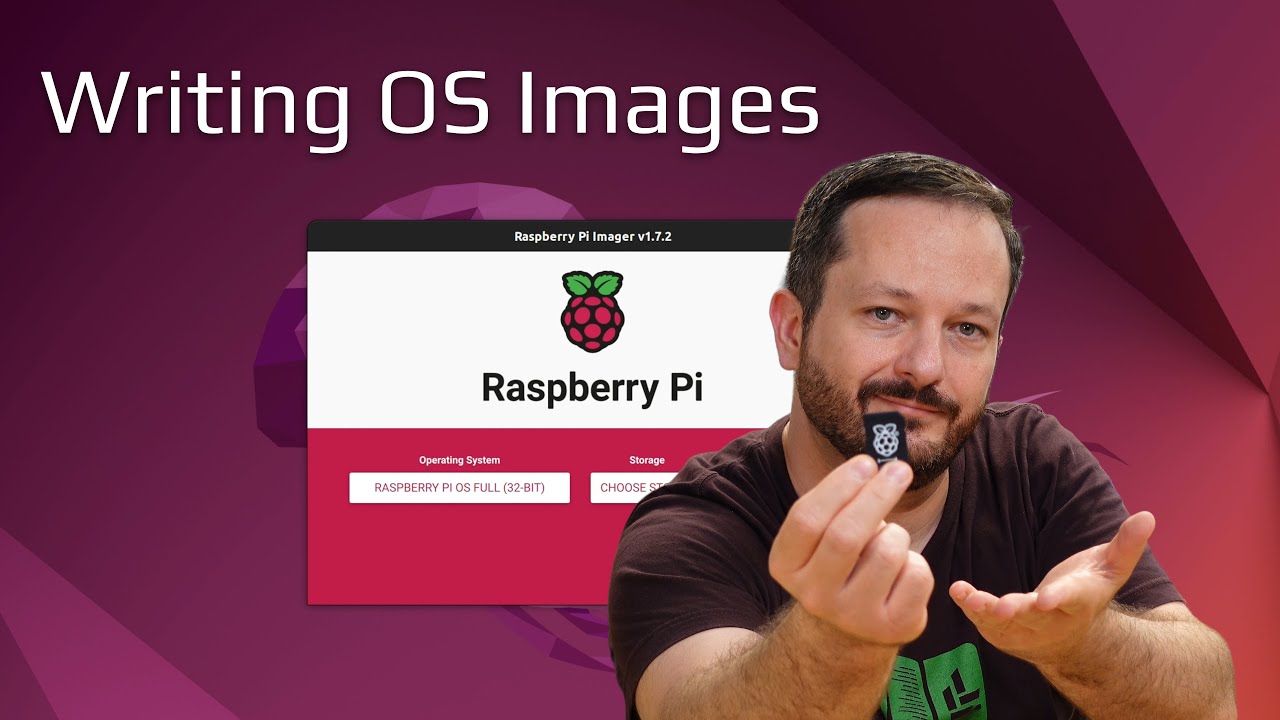
Every computer needs an operating system – and the Raspberry Pi is no different. Primarily, the Raspberry Pi boots from an SD card. But how do you write an operating system to that SD card? Well, if you’re just starting out – then this is the video for you!
With the Linux Crash Course series on LearnLinuxTV, you’ll learn everything you need to know in order to master the art of Linux. In each video, a single topic is covered in-depth. This time around, we take a look at the ls command – a command that many of you have probably already used, but there’s always more to learn!

Thanks to Linode for sponsoring today’s video! Definitely check them out – you can have your very own Linux server set up in mere minutes!
System76 recently expanded their line of Linux laptops with a new Oryx Pro model – complete with DDR5 and a 4K OLED display! In this video, Jay will give you his thoughts on this latest model. This review will go over specs, build quality, performance, and more!

Recently, I decided to check out ThinLinc – a remote desktop solution for Linux. With client apps for Linux, macOS and Windows – it’s easy to set up and configure. In this tutorial, I’ll give you an overview of the solution and walk you through the process of setting it up. Please note that this is a tutorial/setup guide, and not a review.
When it comes to computing, it’s often said that the key to efficiency is to not repeat yourself. That’s true. Except for the the watch command – it’s intended use-case is to repeat a command over and over. Believe it or not, it can really come in handy. Learn all about the watch command by watching this watch tutorial.

Thank you to Linode for sponsoring today’s video! Check out their awesome cloud platform and set up your very own Linux Server!