Welcome to another episode of the “Linux Crash Course” series! In this installment, we delve into the top command in Linux. With hands-on examples, we’ll demystify the top command, explaining its various options and parameters in a beginner-friendly manner. Learn how to monitor system resources, view running processes, and gain insights into system performance in real-time. By the end of this tutorial, you’ll have a solid grasp of using the top command to optimize your Linux system. Subscribe now for more Linux Crash Course tutorials and empower yourself with Linux knowledge!
Are you looking to build your very own Raspberry Pi-based Network Attached Storage (NAS) for your network or homelab? In this video, we’ll take an in-depth look at the features and functionality of the Argon EON Pi NAS case, a case designed for Raspberry Pi that transforms it into a NAS. You’ll see the the build process, and we’ll also demonstrate how to install and configure OpenMediaVault, a popular open-source NAS operating system, to maximize the capabilities of your build. This is definitely a fun project, so check it out!
Relevant Links
Check out the Argon EON Pi NAS case (affiliate link, commission earned)
In the Linux Crash Course series, you’ll learn all the skills you’ll need to become a seasoned Linux Administrator, one video at a time! In this episode, we’ll take a look at the lsof command, which you can use to view open files on your Linux server or workstation. This is definitely a very useful command, so don’t miss out!
If you’re wanting to set up your own blog on Ubuntu, then this is the video for you! In this complete walkthrough, you’ll set up your very own WordPress installation on an Ubuntu cloud instance. This walkthrough will go over launching an instance, setting up a MariaDB database, installing PHP plugins, and by the end of the video you’ll set up a certificate with Let’s Encrypt for a secure connection to your blog. This is a fun project, so definitely check it out!
Thanks to Percona for sponsoring today’s video! Check out the links below to see how they can help you retain support on MySQL 5.7 after its end of life, upgrade to MySQL 8.0, and more!
Fedora Workstation 38 is here, and along with it comes Linux kernel 6.2 and GNOME 44. The latest Redhat-sponsored desktop proves again that Fedora is quite possibly the king of GNOME-based distros, and in this video you’ll see it in action!
Ubuntu 23.04, codenamed the “Lunar Lobster” is here, and along with it comes Linux kernel 6.2 and GNOME 44. While it’s certainly nice to be able to check out the latest GNOME desktop, this release instead ends up being a good example of why non-LTS Ubuntu releases should generally be avoided.
In the Linux Crash Course series on LearnLinuxTV, you’ll learn all the commands you’ll need to know in order to master Linux. In each video, you’ll navigate through a hands-on session to learn the basics of a particular command. In this episode, we’ll take a look at the cut command.
Thanks to Akamai for sponsoring this video. Check out Akamai’s Connected Cloud to launch your very own Linux server!
In the Linux Crash Course series, you’ll learn the basics of all the must-know commands, one video at a time. In this episode, you’ll be introduced to the tr command, which enables you to make adjustments to characters within strings of text.
Thanks to Akamai for sponsoring this video. Check out Akamai’s Connected Cloud to launch your very own Linux server!
“The Year of the Linux Desktop: The Movie” is a short film made by Jay LaCroix that’s best described as a combination of “Mr. Robot meets Orphan Black”, with a tone modeled after 90’s hacker flicks. In this super-short mini-movie, Jay (playing a parody of himself) creates a video to commemorate the Linux community finally achieving the “Year of the Linux Desktop”, only to find out that Linux dominating “every computing device on the planet” may not be as great as it seems.
Note: Although this video was originally created for April Fools 2023, it’s very much a legitimate and entertaining short film that you won’t want to miss!
Here’s an interesting Raspberry Pi contraption – a case for your Pi that includes an OLED status display on the front! The “Pironman” from Sunfounder definitely stands out from most of the other Pi cases out there, but is it worth considering? In this review, Jay will give you his thoughts. Plus, you’ll see an overview of the build process as well.
Working with Linux servers is a fun and rewarding career. But for those getting started, the learning process can be a bit of a challenge to navigate. In this video, Jay goes over ten things he wish he knew about Linux when he first started. There’s definitely potential for more, if you’re interested…
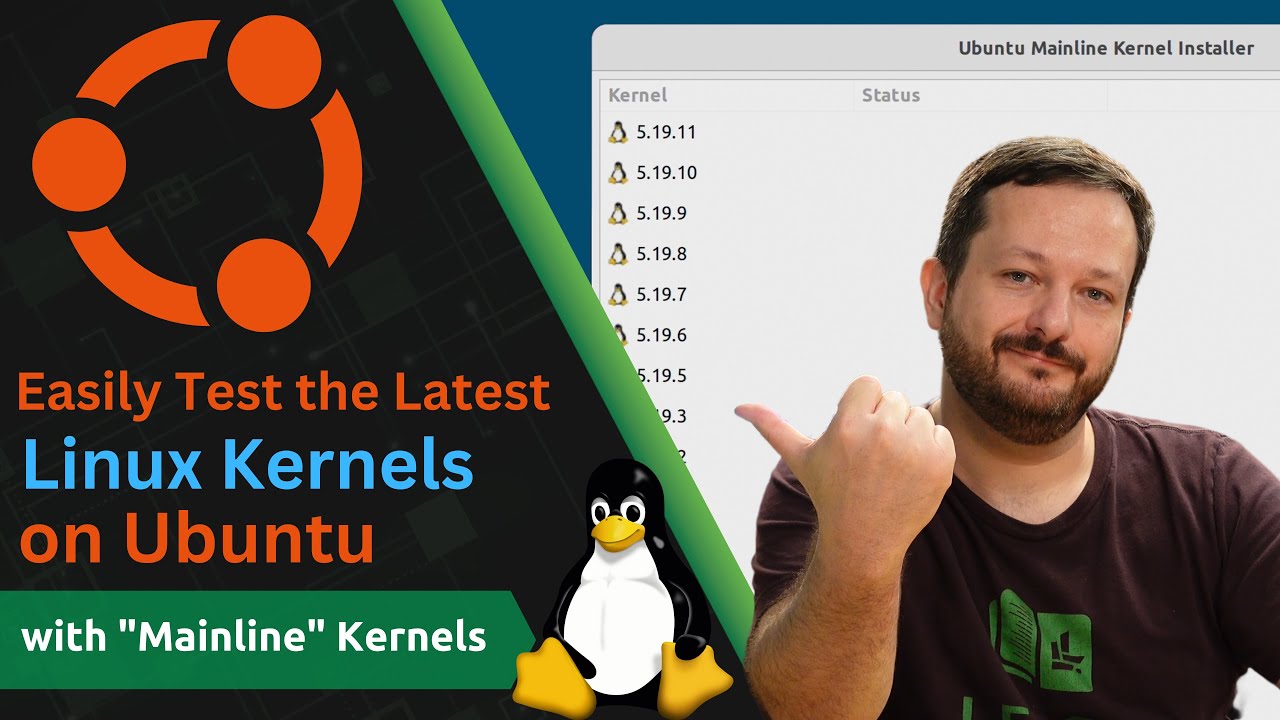
Did you know that Ubuntu users have access to a repository containing alternative Linux kernels? With Ubuntu’s “Mainline” kernels (and matching app) you can easily start hopping kernels almost as often as you hop distros.