
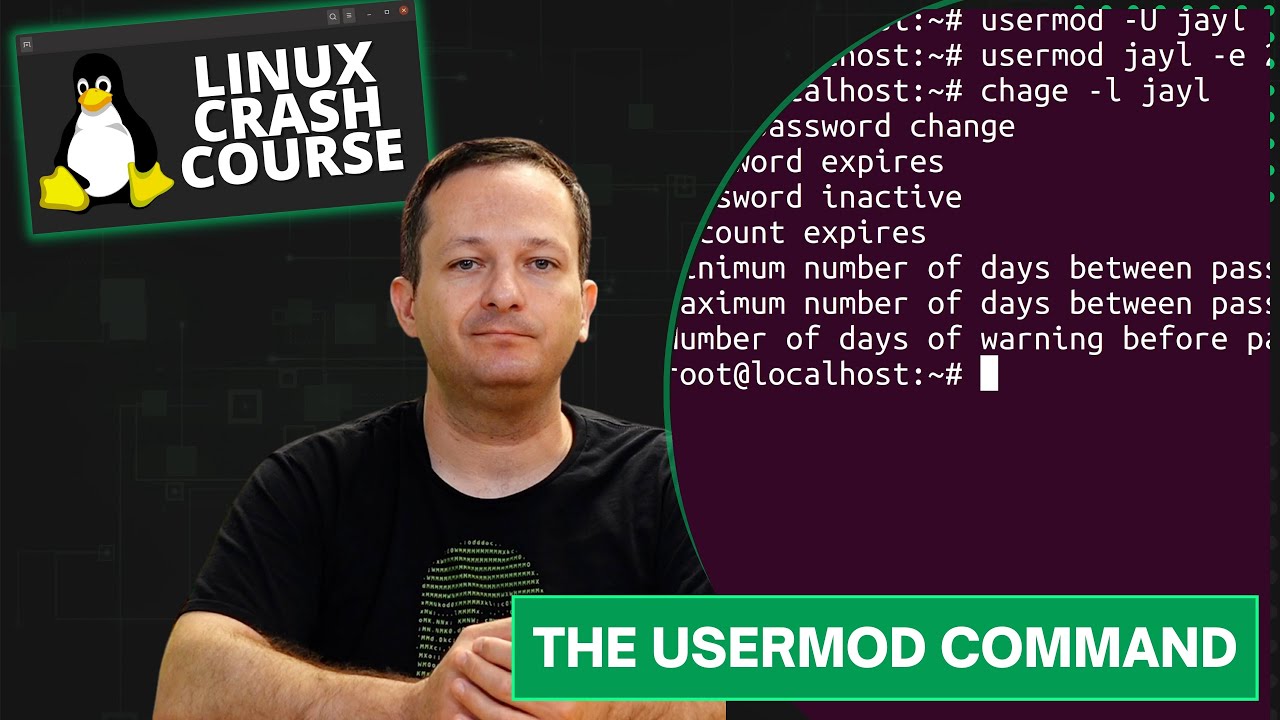
The Linux Essentials series on LearnLinuxTV consists of mostly stand-alone episodes that are each dedicated to a specific command or feature in Linux. In this episode, we’ll go over the basics of the usermod command.
⇨
see all
The Linux Essentials series on LearnLinuxTV consists of mostly stand-alone episodes that are each dedicated to a specific command or feature in Linux. In this episode, we’ll go over the basics of the usermod command.
When you need to run Linux commands with elevated privileges, sudo is the tried and true method to run commands as another user (such as root). In this introductory tutorial, we’ll take a look at some of the inner-workings of sudo.

The ps command is useful for taking a look at the processes that are running on your Linux system. In this video, I’ll show you the basics of the ps command, and some variations you can use to show the output in different ways.

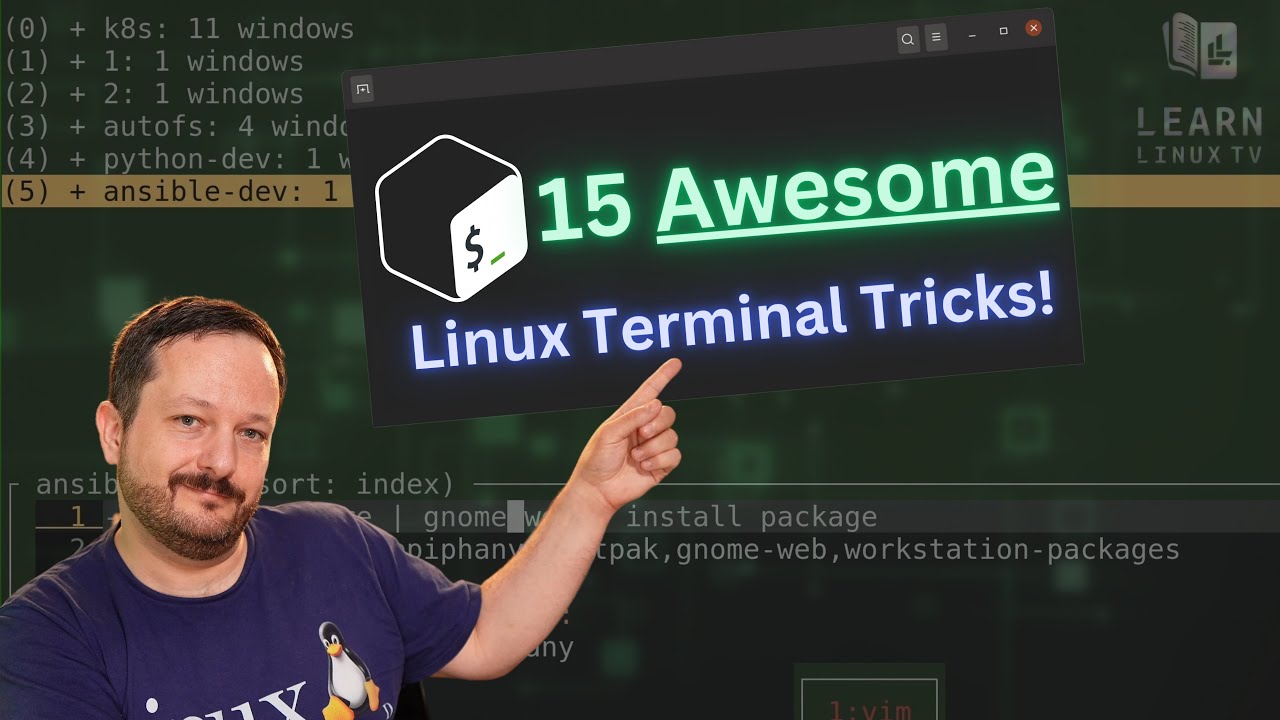
The number of command combinations you can come up with on the Linux command-line is seemingly endless, and there are some real gems out there that you might not know about. In this video, Jay goes over some of his favorite command combos, time-saving tricks, and other various tips he wish he learned sooner. In this video, you’ll find all kinds of things to add to your command-line toolbox.
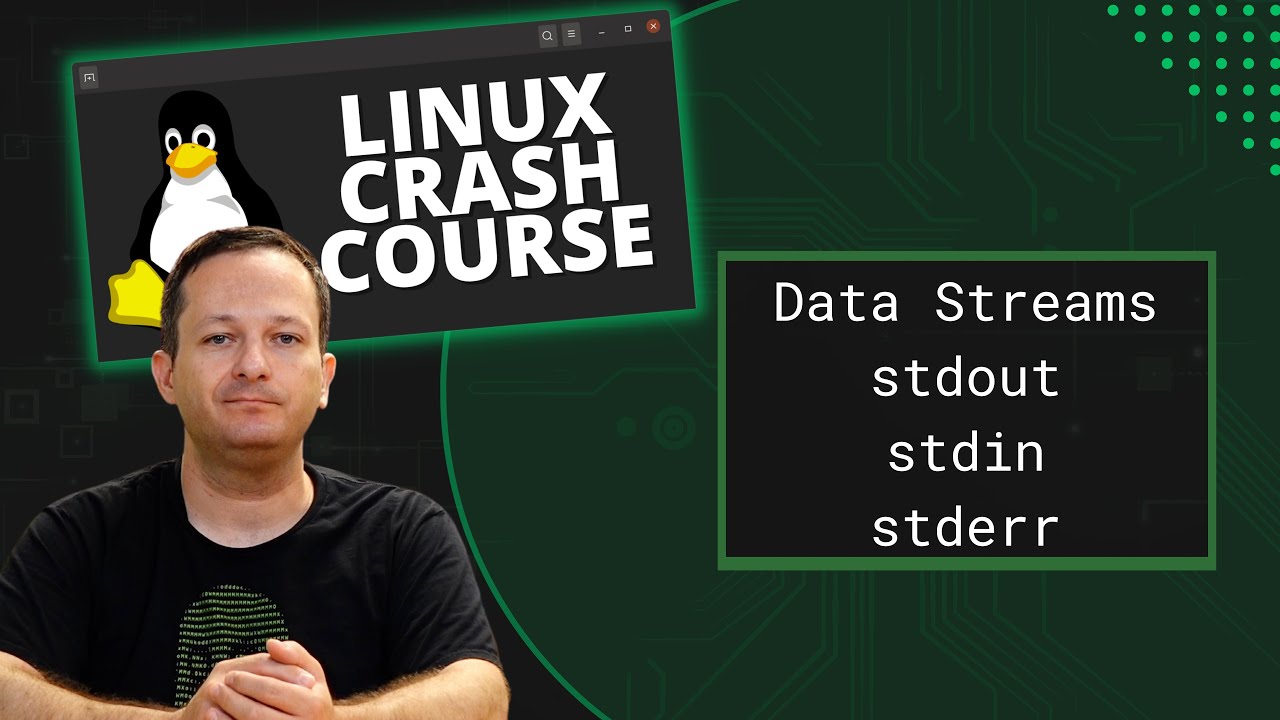
In this episode of Linux Essentials, we’ll go over data streams. Specifically, Standard Output (stdout), Standard Input (stdin), and Standard Error (stderr). We’ll also take a look at how to redirect specific data streams, so you can easily separate errors from output.
In this episode of Linux Essentials, we’ll take a look at how to send tasks to the background, and then bring them to the foreground. This helps you get the current task out of the way so you can switch to something else, without having to use multiple terminal windows.

Thank you to Linode for sponsoring this video. Check them out and get your very own Linux server in minutes!
Aliases in Bash enable you to essentially create your own commands, or even just simplify existing ones. In this video, I’ll explain what aliases are, and I’ll show you some of my personal favorites. At the end, I’ll show you how to make your aliases persist between sessions.

As a Linux Server Administrator, it’s your job to keep an eye on your users – and in this video, I’ll show you how to add and remove users. Also, I’ll show you how to change the password of your users. In addition, we’ll go over a quick summary of the /etc/passwd and /etc/shadow files.
