• Books
  • Courses
  • Shop
  • Forums
  • Consulting
  • About
    • About LearnLinuxTV
    • Content Ethics
  • YouTube
  • LinkedIn
  • GitHub
  • Patreon

All Content

⇨

see all

  • Linux Crash Course – The tr Command

    In the Linux Crash Course series, you’ll learn the basics of all the must-know commands, one video at a time. In this episode, you’ll be introduced to the tr command, which enables you to make adjustments to characters within strings of text.

    YouTube player

    Thanks to Akamai for sponsoring this video. Check out Akamai’s Connected Cloud to launch your very own Linux server!

    ⇨

    Read more: Linux Crash Course – The tr Command
  • Linux Crash Course – The zypper Command

    The Linux Crash Course goes over the most important Linux commands, skills, and topics to help you become the best Linux Administrator you can be. Each video covers a dedicated topic, and can be watched in any order. In this video, the zypper command is covered.

    YouTube player

    Thanks to Linode for sponsoring today’s video.
    ⇨

    Read more: Linux Crash Course – The zypper Command
  • How to Deploy Your Own Gitlab Community Edition Instance with Ubuntu on Linode

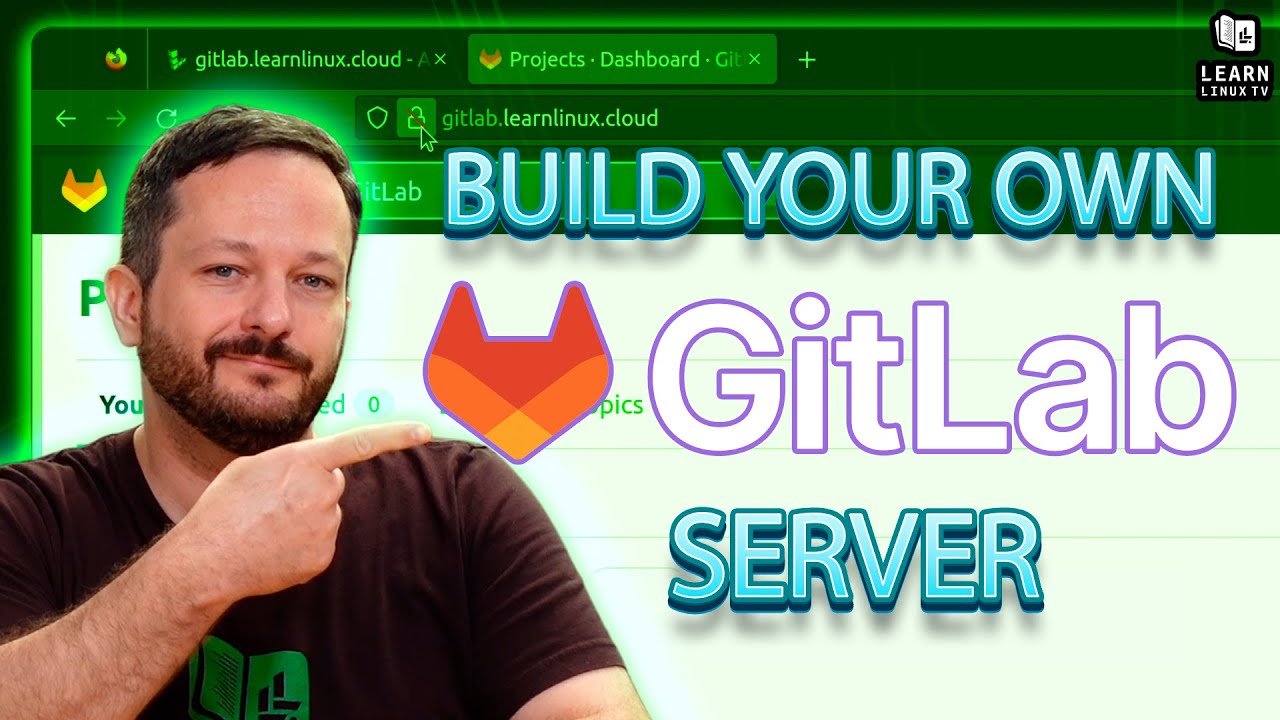
    If you’re looking for a web app or service to assist with keeping track of all your source code, then Gitlab is definitely something you should consider. Gitlab is more than just a front-end to Git, it actually contains quite a few features to empower software development. In this video, Jay will walk you through setting up your very own Gitlab server with Ubuntu on Linode.

    YouTube player

    Thanks to Linode for sponsoring today’s video. Check them out and get set up with $100 in credit toward your new account!

    (more…)

    ⇨

    Read more: How to Deploy Your Own Gitlab Community Edition Instance with Ubuntu on Linode
  • Linux Crash Course – The “watch” Command

    When it comes to computing, it’s often said that the key to efficiency is to not repeat yourself. That’s true. Except for the the watch command – it’s intended use-case is to repeat a command over and over. Believe it or not, it can really come in handy. Learn all about the watch command by watching this watch tutorial.

    YouTube player

    Thank you to Linode for sponsoring today’s video! Check out their awesome cloud platform and set up your very own Linux Server!

    ⇨

    Read more: Linux Crash Course – The “watch” Command
  • The cat Command in Linux (Featuring Real Cats) – Linux Crash Course Series

    In the Linux Crash Course series, we’ll go over one important foundational Linux topic each episode. This series includes tutorials, demonstrations, and more! In this episode, Jay will go over the basics of the cat command. And best of all, this video will feature REAL CATS!

    YouTube player

    Thanks to Linode for sponsoring this video!

    ⇨

    Read more: The cat Command in Linux (Featuring Real Cats) – Linux Crash Course Series
  • Linux Crash Course – The head and tail Commands

    In the Linux Crash Course series, we’ll go over one important foundational Linux topic each episode. This series includes tutorials, demonstrations, and more! In this episode, the head and tail commands are both covered. These commands enable you to view the first and last ten lines of a file. But there’s also some additional functionality that we’ll explore in this video as well.

    YouTube player

    Thanks to Linode for sponsoring the Linux Crash Course series! Check out their Linux-focused cloud platform and spin up your own Linux server.

    ⇨

    Read more: Linux Crash Course – The head and tail Commands
  • Linux Crash Course – The df and du Commands

    In the Linux Crash Course series, we’ll go over one important foundational Linux topic each episode. This series includes tutorials, demonstrations, and more! In this episode, we’ll take a look at how we can determine how much storage we have remaining, and we’ll also tackle how to determine which directories are using up the most space.

    YouTube player

    ⇨

    Read more: Linux Crash Course – The df and du Commands
  • Linux Crash Course – The wget Command

    The Linux Crash Course is a tutorial series that goes over all of the core concepts regarding Linux that you’ll need to know, one video at a time. In this episode, the wget command is covered.

    YouTube player

    ⇨

    Read more: Linux Crash Course – The wget Command
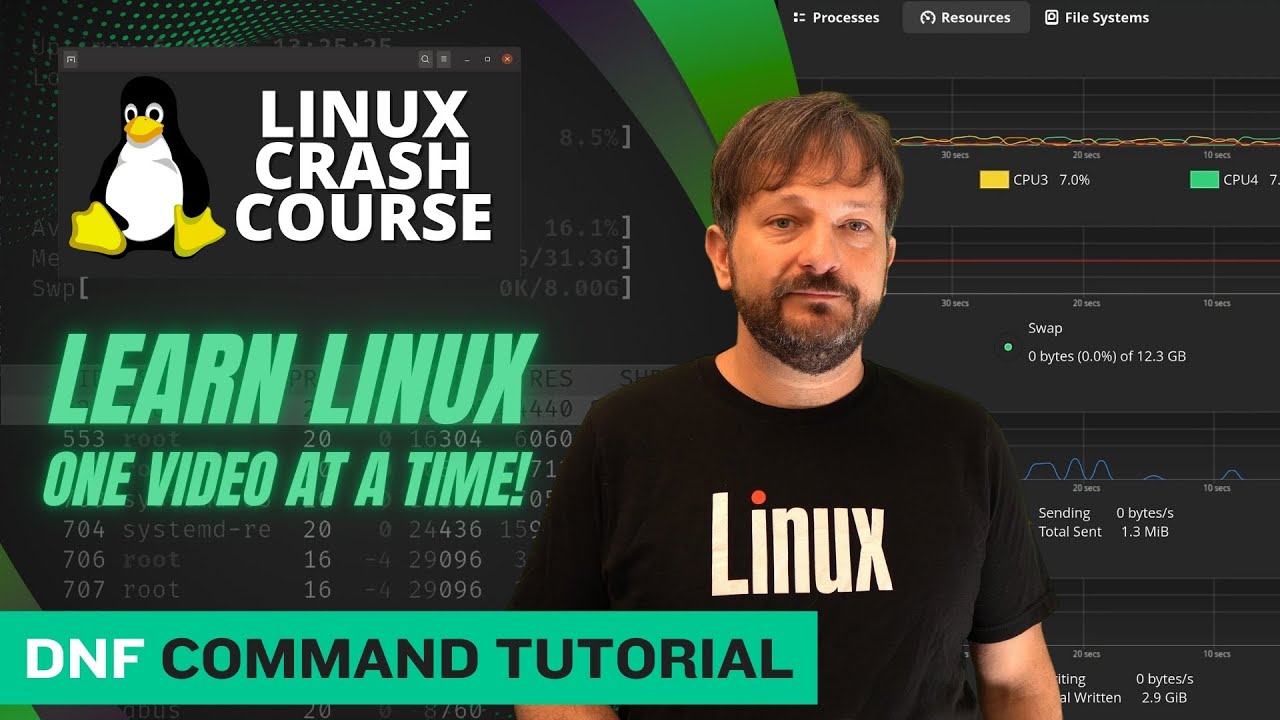
  • Linux Crash Course – The dnf Command

    There’s a handful of popular package managers that are used on various Linux distributions, and dnf is among the most popular. It’s the default package manager on distros such as Red Hat, CentOS, AlmaLinux, Rocky Linux, Fedora, among others. In this video, we’ll explore the dnf command and see examples of basic usage.

    YouTube player

    Thank you to Linode for sponsoring this episode of Linux Essentials. Check out Linode and get $100 in free starter credit toward your new account.

    ⇨

    Read more: Linux Crash Course – The dnf Command
  • Linux Crash Course – The sar Command

    Monitoring the resources of your Linux server and watching for negative trends is one way to stay ahead of potential performance issues, and the sar command will help you do exactly that. In this video, Jay goes over the basics of the sar command.

    YouTube player

    ⇨

    Read more: Linux Crash Course – The sar Command
Previous Page
1 2 3 4 … 6
Next Page
  • YouTube

YOUTUBE

  • Twitter

twitter

  • LinkedIn

LINKEDIN

Copyright 2024 Learn Linux TV, all rights reserved.

All content on this channel adheres to the company’s content ethics guidelines.