When you’re working with Linux servers, you may or may not always have access to a GUI, which is why it’s important to learn at least one command-line text editor. In this video, we’ll explore the core fundamentals of nano. nano is a text editor that’s among the easiest to learn.
-
Getting Started with tmux Part 3 – Creating and Managing Windows
Welcome to my brand-new refreshed tmux series! tmux enables to to greatly enhance your terminal workflow and efficiency. In video 3, we explore segregation of tasks into multiple windows.
-
Vim Text Editor for Beginners Part 5 – Visual Mode
In my newly refreshed Vim series, you’ll learn all the things you’ll need to know in order to use this text editor in your daily workflow. In the fifth video, we’ll explore Vim’s visual mode so we can copy and paste text.
-
Linux Commands for Beginners 22 – Remote Management with OpenSSH
The Linux Commands for Beginners series shows you all the commands you’ll need to know to boost your CLI skillset. In this particular video, I show off the benefits of remote management with OpenSSH, a very popular method of remote connection for issuing commands from a remote terninal.
-
Linux Commands for Beginners 15 – Bash History
everything you need to know in order to be productive on the Linux Command Line. You’ll learn basic commands, input/output redirection, package management, resource monitoring, troubleshooting, and more. In this video, we’ll learn how to view and utilize command history in bash.
-
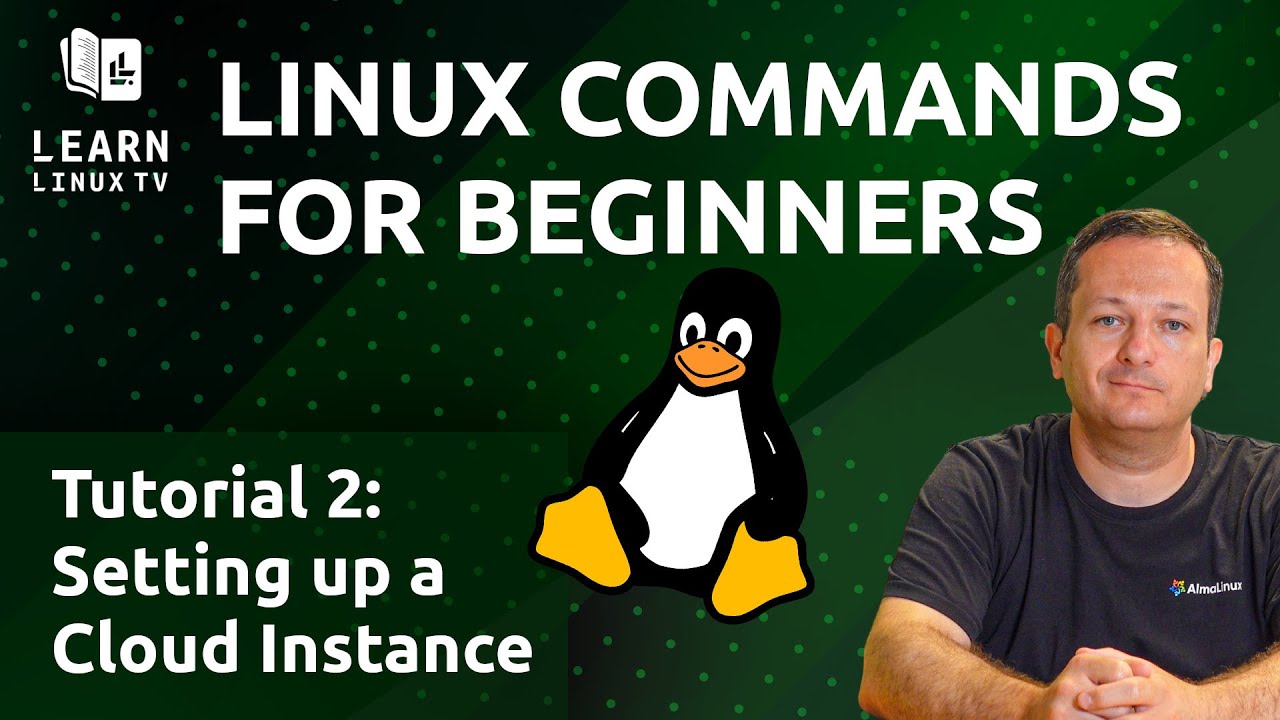
Linux Commands for Beginners 02 – Setting up a Cloud Instance
In my Linux Commands for Beginners series, we’ll explore everything you need to know in order to be productive on the Linux Command Line. You’ll learn basic commands, input/output redirection, package management, resource monitoring, troubleshooting, and more. In this video, you’ll be shown how to create a cloud instance to use for testing commands in future videos.