Your /home for Linux-related Fun and Learning!

  • DeskPi Pro v2 Review – Turn your Raspberry Pi into a Desktop!

    Raspberry Pi is an awesome platform, the only limit is your imagination. If you want to turn your Pi into a desktop, the DeskPi aims to help you do exactly that. In this video, I’ll review the DeskPi Pro v2 and give you my thoughts.

    YouTube player

    Thanks to Linode for sponsoring this video, check them out here and get your very own Linux server!

    Check out the DeskPi Pro v2 here.
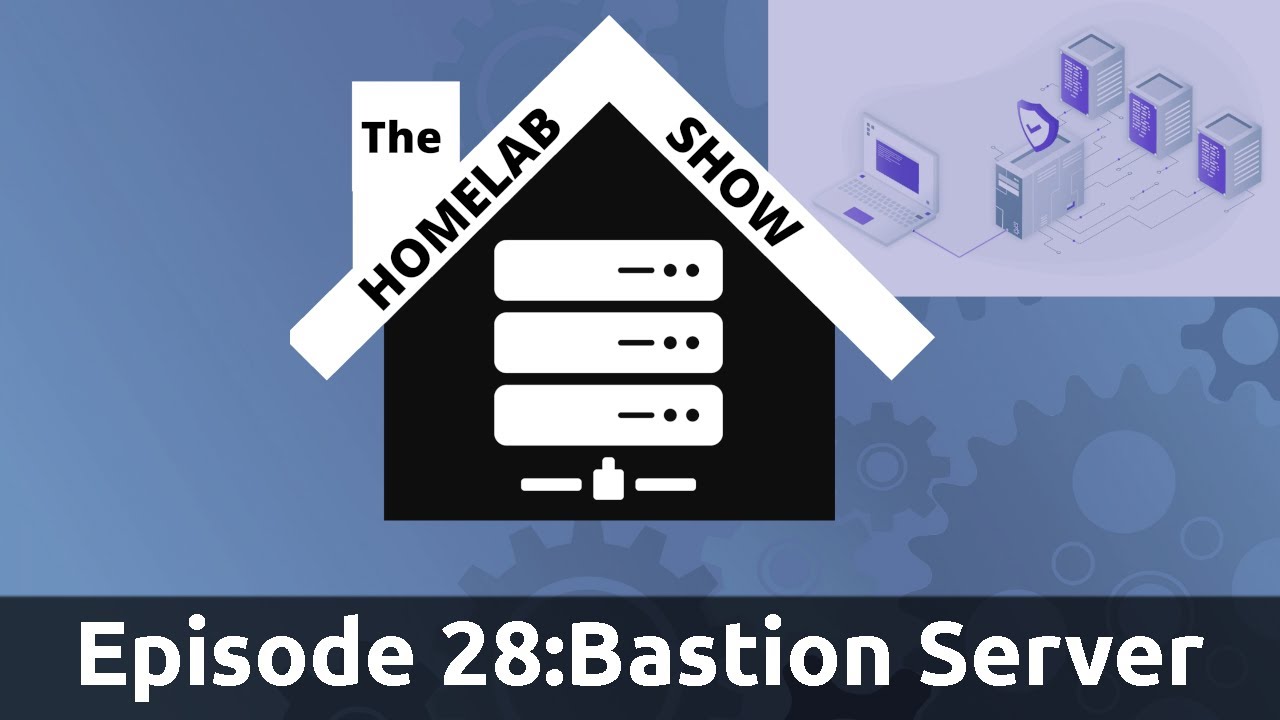
  • The Homelab Show Episode 29: Bastion Server

    Setting up a Bastion Server can be a useful method of gaining access to your Homelab from external networks. In addition, it’s also a popular attack target for intruders. In this episode, Tom and Jay discuss what a Bastion Server is, and some recommended adjustments to help make it more secure.

    YouTube player

    Thanks to Linode for sponsoring this episode.

  • Linux Crash Course: Background (bg) and Foreground (fg)

    In this episode of Linux Essentials, we’ll take a look at how to send tasks to the background, and then bring them to the foreground. This helps you get the current task out of the way so you can switch to something else, without having to use multiple terminal windows.

    YouTube player

    Thank you to Linode for sponsoring this video. Check them out and get your very own Linux server in minutes!

  • The Homelab Show Episode 28:Own Your Domain

    Be sure to check out The Homelab Show if you haven’t already. In this episode, Tom and Jay discuss adding a domain to your homelab.

    YouTube player
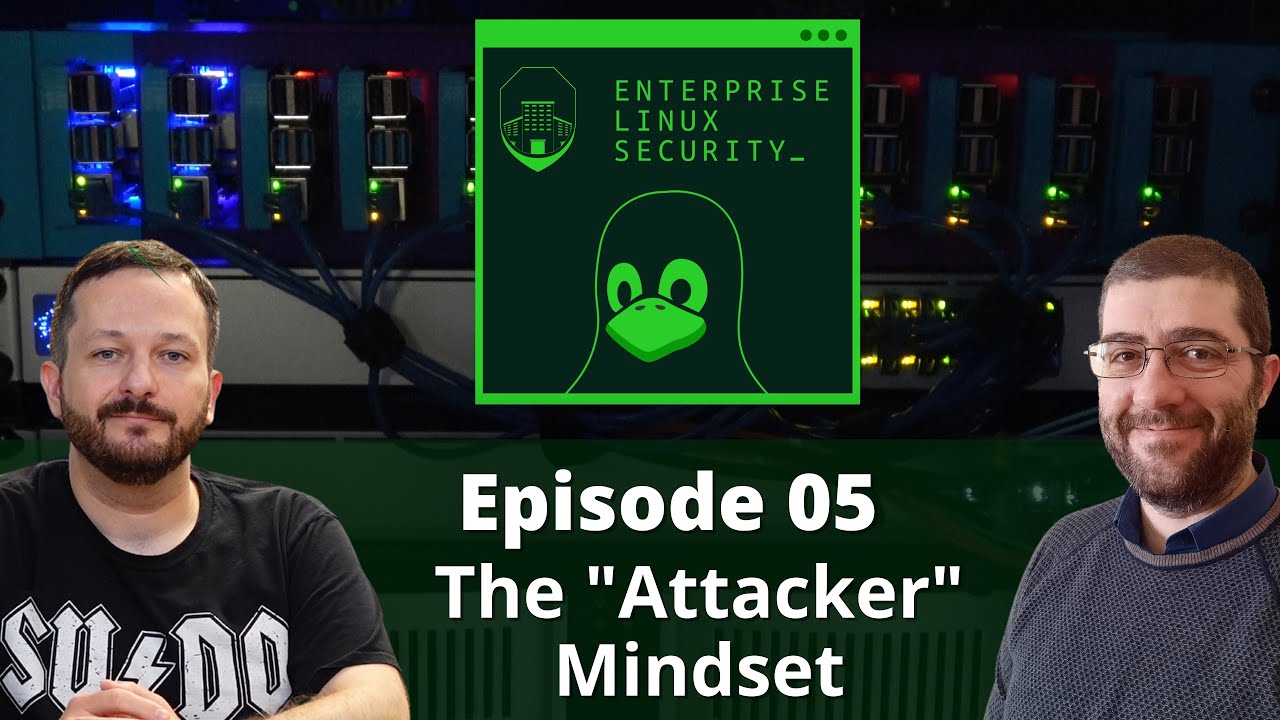
  • Enterprise Linux Security Episode 05 – The “Attacker” Mindset

    We’ve talked about Enterprise Linux Security from the worldview of the system administrator, but what’s it like on the other side? In this episode, Jay and Joao are joined by Atalay Kelestemur, an Ethical Hacker, as we discuss the mindset of the attacker.

    YouTube player
  • Linux Crash Course – Bash Aliases

    Aliases in Bash enable you to essentially create your own commands, or even just simplify existing ones. In this video, I’ll explain what aliases are, and I’ll show you some of my personal favorites. At the end, I’ll show you how to make your aliases persist between sessions.

    YouTube player
    (more…)
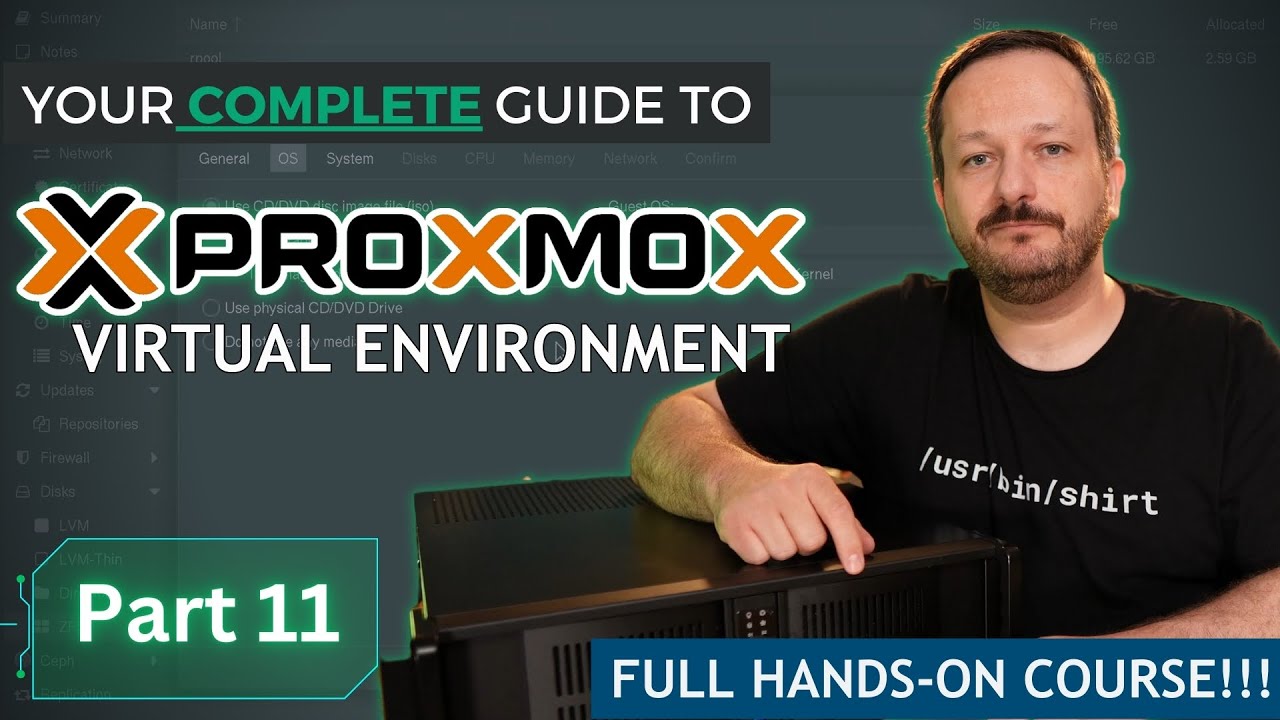
  • Proxmox VE Full Course: Class 11 – Integrated Firewall

    LearnLinuxTV’s Proxmox full course aims to get you up to speed with all the finer points of Proxmox Virtual Environment. That effort continues in the eleventh episode, which goes over the integrated firewall within Proxmox. By the end of this video, you’ll be able to deploy firewall rules within your own Proxmox cluster.

    YouTube player

    This episode was sponsored by CrowdSec. Check it out here.

  • I Quit My Job!

    I’m so happy to let you guys know about a very special development with LearnLinuxTV, that it’s going to be my only job going forward. It’s been a lot of hard work to get to this point, but it’s here and I’m very excited! Check out the video for more details on my decision.

    YouTube player
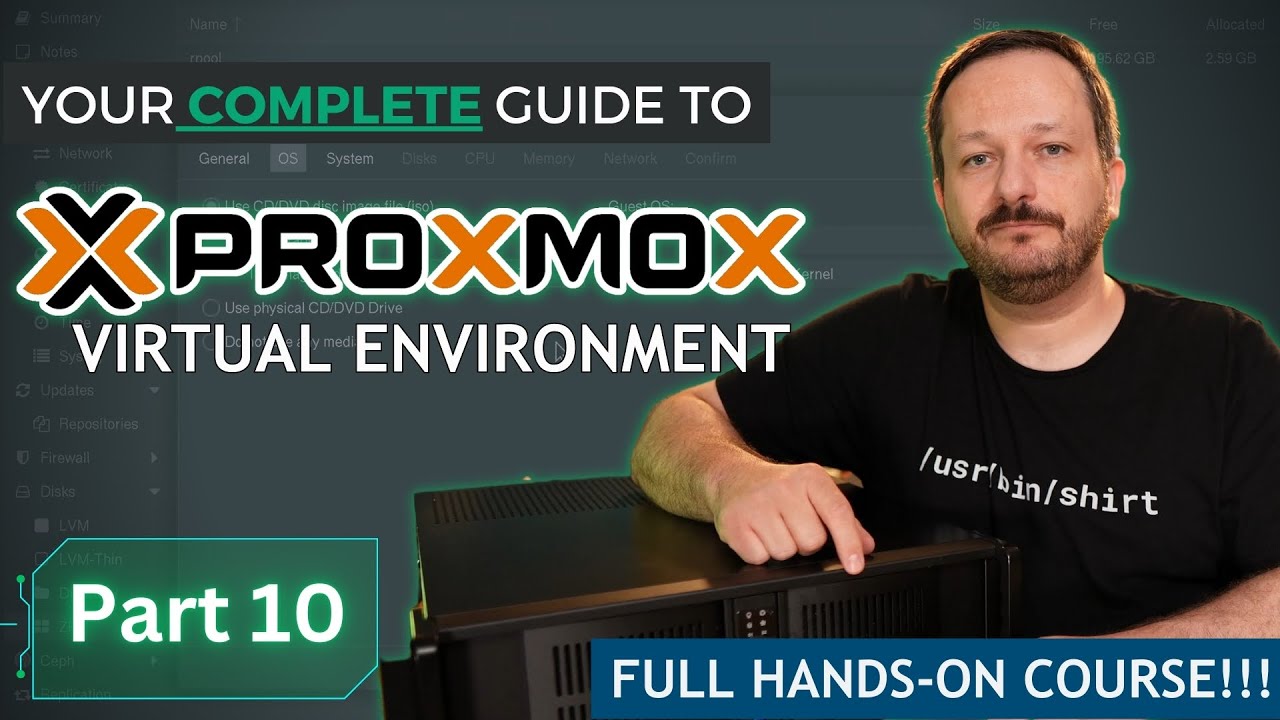
  • Proxmox VE Full Course: Class 10 – Backups and Snapshots

    Backing up your virtual machines and data is extremely important, yet something that quite a few administrators don’t spend enough time on. In this video, I’ll walk you through the backup and snapshot options that are available within Proxmox.

    YouTube player
  • Flatpak Tutorial – Setting up Flatpak and installing Packages

    Flatpaks are a universal package type that gives you cross-distribution access to popular Linux apps. In this video, I’ll show you how to configure Ubuntu for Flatpak support, and we’ll install a few apps. In addition, I’ll show you command-line methods as well.

    YouTube player
    (more…)
  • Ad-free Content
  • Early access to select videos
  • Discord access

And more!