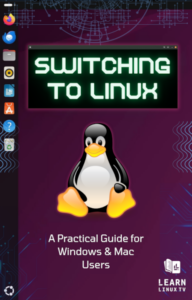
Now Available!

Grab your copy and switch to Linux with confidence!

  • Quickly Find Any File in Linux with the locate Command

    As you become more experienced with Linux, finding important files when you need them can be a real nuisance. Thankfully, we have a handful of tools available to help us find things. In this episode of the Linux Crash Course series, we’ll explore one of those tools: The locate command.

    YouTube player

    Also, be sure to check out Jay’s brand-new Ansible course, which has just launched!

  • Easy Portainer Setup: Run Your First Docker Container!

    Running and managing containers on Linux may sound like a daunting task, and to be fair, it can be. For those of you that want to run containers and do so on a platform that’s easy to get started with, then look no further than Portainer! In this video Jay goes over the process of setting it up on Ubuntu 24.04 and running your first container.

    YouTube player
    (more…)
  • Complete Walkthrough for Installing Nextcloud on Ubuntu 24.04

    It’s time to install Nextcloud! Nextcloud is the best platform for building your very own self-hosted collaboration platform, complete with features such as online document editing, file synchronization, calendar, contacts, and countless plugins. In this video, you’ll be walked through the entire process, and by the end you’ll have your very own Nextcloud server that’s completely set up and ready for action by the end.

    YouTube player

    Note: This is the same process as the previous video, but updated for Ubuntu 24.04.

    (more…)
  • How to use the hostname command (Linux Crash Course Series)

    The Linux Crash Course series on Learn Linux TV will teach you a valuable Linux skill in each episode, and each of them can be watched in any order. Just simply watch the episodes that cover something you want to learn! In this episode, Jay covers the hostname command.

    YouTube player
  • How to Deploy Ubuntu Server 24.04 LTS: Step-by-Step Installation Overview

    With Ubuntu Server 24.04 LTS, Canonical brings the latest generation of Ubuntu to the masses, with a brand-new Linux kernel and an updated software stack. In this video, Jay will give you an overview of the installation process.

    YouTube player
  • How to Create a Debian 12 VM in VirtualBox on Windows 11

    It’s time to Learn Linux! If you’re looking for a test installation for your learning/evaluation needs, setting up Debian inside VirtualBox is a great way to get started. In this video, Jay will walk you through the process of installing Debian 12 as a virtual machine within VirtualBox on Windows 11.

    This video is part of Learn Linux TV’s new Linux Essentials course on Udemy – available now!

    YouTube player
  • Ubuntu 24.04 Review: Why It’s Time to Change Ubuntu’s Release Cycle

    Ubuntu 24.04 was released recently, and with it comes a brand new LTS release powered by the GNOME 46 desktop. In this video, Jay will give you his thoughts on this release – which leads to an important question: Is Ubuntu’s release cycle showing some signs of pressure? Check out this full review for all the details!

    YouTube player
  • How to Install Fedora 40 Using the Fedora Media Writer

    In this video, Jay will show you how to install the recently-released Fedora 40. This time, you’ll see the process using Fedora’s Media Writer, which simplifies the process of converting your flash drive into Fedora installation media. Check out this full guide for all the steps!

    YouTube player
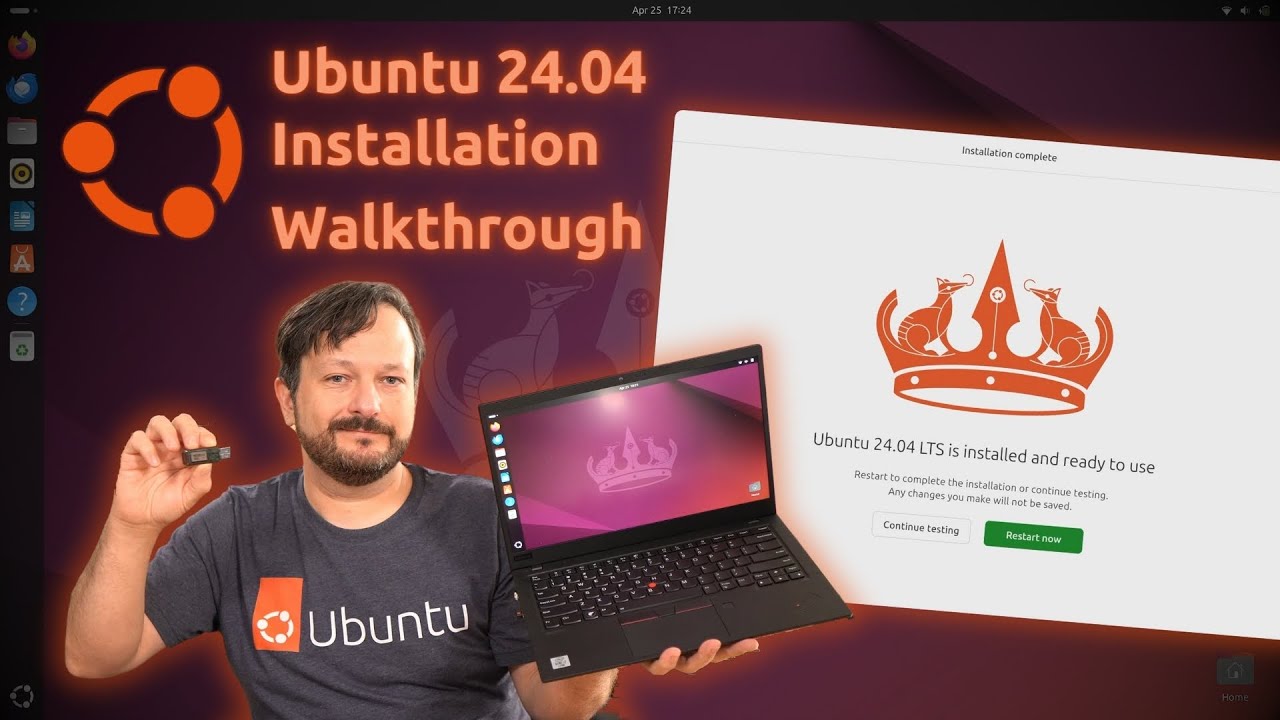
  • How to Install Ubuntu 24.04 Desktop: Complete Beginner’s Guide

    Ubuntu 24.04 brings GNOME 46 to the popular distro, and it’s a long-term support release as well – so it’s definitely an important release! In this video, Jay will walk you through the installation process.

    YouTube player
  • Fedora’s 40th Release: A Quick Look and Overview

    It’s hard to believe, but Fedora has just published the project’s 40th release, which comes with GNOME 46 and Linux kernel 6.8. In this video, Jay gives you his thoughts on the latest version of the popular Linux desktop.

    YouTube player