Skip to content

🎓 Save 30% (or more) on Linux Foundation Certs & Courses!

  • YouTube
  • Reddit
  • GitHub
  • X
Latest Videos
Books
Courses
Linux Swag
Community
About
Request Assistance
Live Training

All Content

⇨

see all

  • How to Manage OpenStack Private Clouds Episode 2 – Launching Compute Instances

    OpenStack is an open-source cloud computing platform that enables you to build your very own private cloud that is completely under your control. You can use it to spin up compute instances, set up block and object storage, load balancers, software-defined networking, and more. In this six-part guide, Jay will guide you through the finer points of OpenStack with hands-on examples. In the second episode, we’ll explore the process of creating compute instances.

    YouTube player

    Thanks to OpenMetal for sponsoring this series! Check out their OpenStack platform here.
    ⇨

    Read more: How to Manage OpenStack Private Clouds Episode 2 – Launching Compute Instances
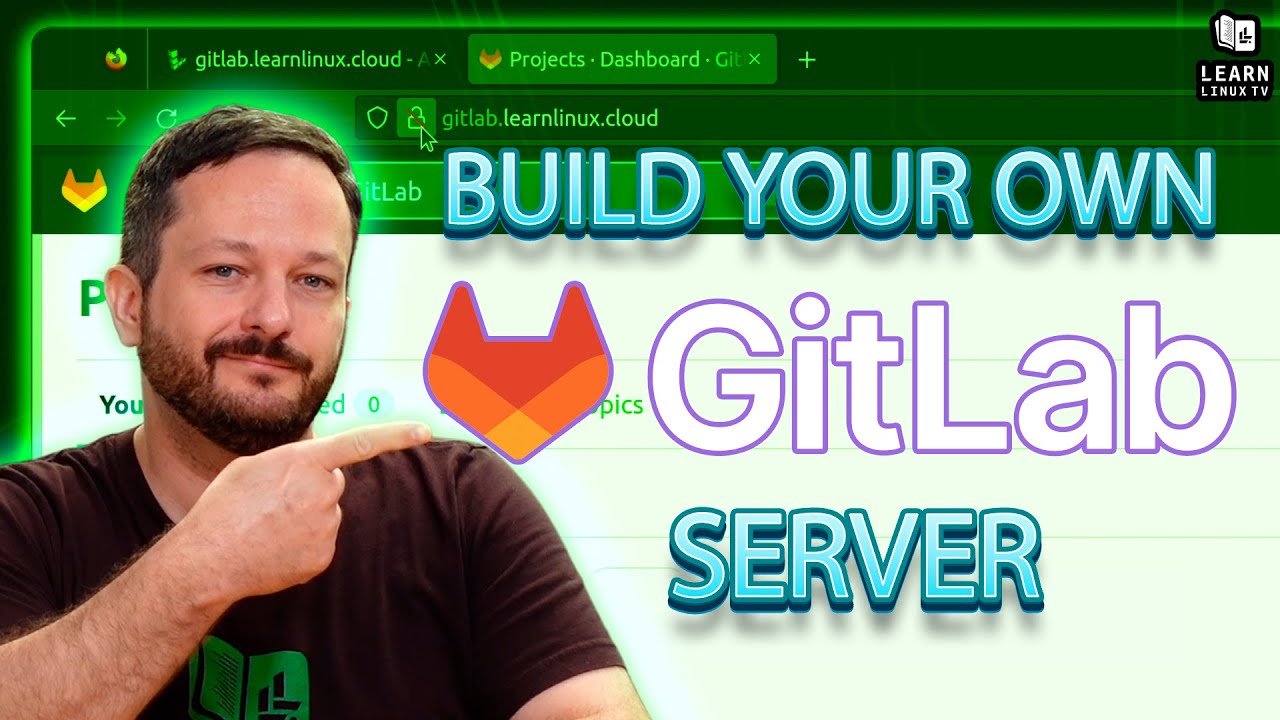
  • How to Deploy Your Own Gitlab Community Edition Instance with Ubuntu on Linode

    If you’re looking for a web app or service to assist with keeping track of all your source code, then Gitlab is definitely something you should consider. Gitlab is more than just a front-end to Git, it actually contains quite a few features to empower software development. In this video, Jay will walk you through setting up your very own Gitlab server with Ubuntu on Linode.

    YouTube player

    Thanks to Linode for sponsoring today’s video. Check them out and get set up with $100 in credit toward your new account!

    (more…)

    ⇨

    Read more: How to Deploy Your Own Gitlab Community Edition Instance with Ubuntu on Linode
  • Essential First Steps for Every New Linux Server Build

    In this video for new Linux users, Jay covers the essential first tweaks that should made to every new Linux server build. Although these first tweaks may seem a bit “basic”, don’t underestimate their importance! A little preparation goes a long way.

    YouTube player

    ⇨

    Read more: Essential First Steps for Every New Linux Server Build
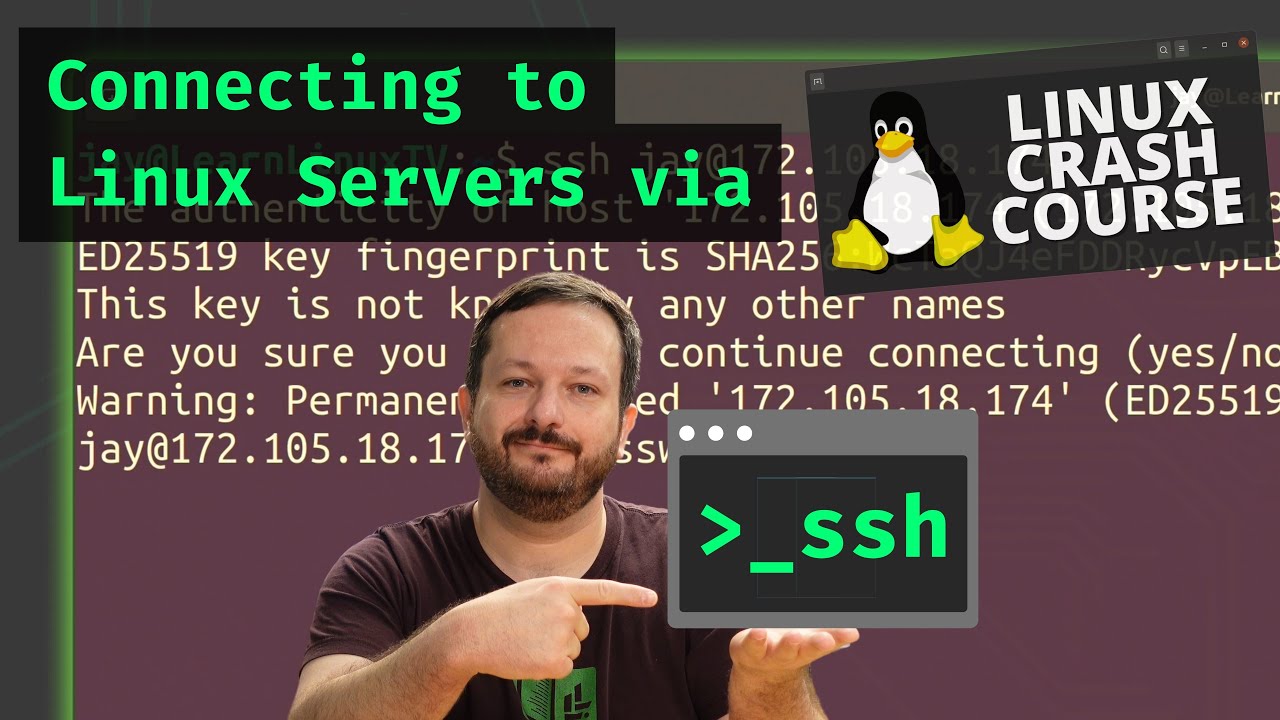
  • Linux Crash Course – Connecting to Linux Servers via SSH

    With the Linux Crash Course series, we’ll go over one important Linux-related topic – one video at a time. This time around, here’s a video for those of you that are brand-new to Linux that will cover how to connect to a Linux server via the OpenSSH client.

    YouTube player

    ⇨

    Read more: Linux Crash Course – Connecting to Linux Servers via SSH
  • Linux Crash Course – Desktop Environments

    In the Linux Crash Course series, you’ll learn all about a Linux-related topic – one video at a time. In this episode, we explore desktop environments. What are they? How do they differ from Window Managers? Why are there so many of these? Answers to those questions (and more) in this episode of the Linux Crash Course!

    YouTube player

    ⇨

    Read more: Linux Crash Course – Desktop Environments
  • How to Manage OpenStack Private Clouds Episode 1 – Introduction and Administration

    OpenStack is an open-source cloud computing platform that enables you to build your very own private cloud that is completely under your control. You can use it to spin up compute instances, set up block and object storage, load balancers, software-defined networking, and more. In this six-part guide, Jay will guide you through the finer points of OpenStack with hands-on examples. In the first episode of the series, we’ll go over a series introduction and outline. In addition, an overview Horizon (the OpenStack dashboard) is covered.

    YouTube player

    Thanks to OpenMetal for sponsoring this series and making it possible. Check out OpenMetal for your very own on-demand OpenStack cloud!

    ⇨

    Read more: How to Manage OpenStack Private Clouds Episode 1 – Introduction and Administration
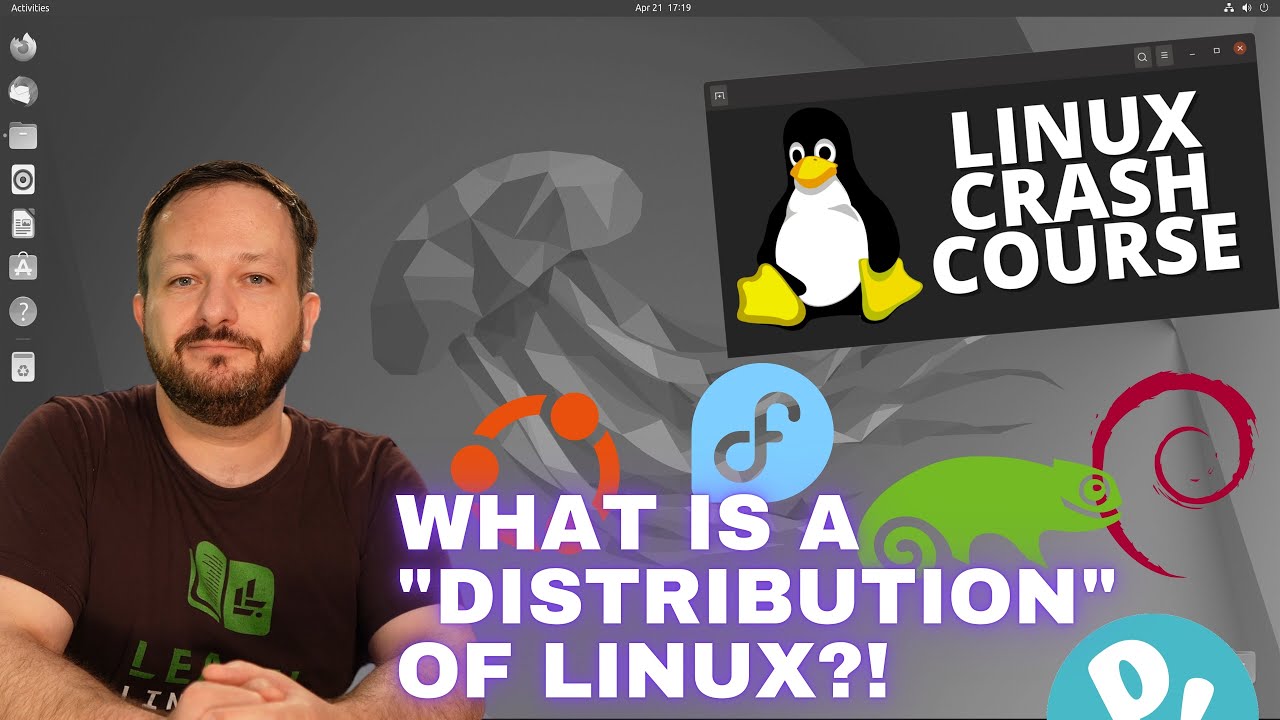
  • Linux Crash Course – What is a “Distribution” of Linux?

    What exactly is a “distribution” of Linux and why are there so many? In this video, new Linux users will discover what exactly makes up a distro. In addition, a few example Linux distributions are shown, such as Fedora, Ubuntu, and a few more.

    YouTube player

    ⇨

    Read more: Linux Crash Course – What is a “Distribution” of Linux?
  • Awesome Linux Tools: The bat Command

    The bat command is a clone of the cat command, but with wings! This tool can be used similarly as the cat command, but it includes additional features such as syntax highlighting, line numbers, and more! In this video, you’ll see the bat command in action.

    YouTube player

    ⇨

    Read more: Awesome Linux Tools: The bat Command
  • Demystifying Hostnames and Domain Names in Linux, and How Server Naming Benefits You

    Were you every confused regarding the differences and use-cases between a hostname and domain name for a device within your network? How does naming your servers benefit you? In this latest episode of the Linux Crash Course series, we’ll explore some foundational concepts around both.

    YouTube player

    ⇨

    Read more: Demystifying Hostnames and Domain Names in Linux, and How Server Naming Benefits You
  • The Launch Heavy Configurable Keyboard from System76 – Hands-on Review!

    System76, a company that focuses on Linux-first computers, designs keyboards now. The Launch Keyboard “launched” some time ago, and for some of you the lack of a numpad was a concern. Now, the “Heavy” variation of the Launch mechanical keyboard is available – and yes, it’s a full keyboard complete with a numpad. In this video, Jay will give you his thoughts on the latest input device from System76.

    YouTube player

    Check out the Launch Keyboard lineup here (no commission earned).

    ⇨

    Read more: The Launch Heavy Configurable Keyboard from System76 – Hands-on Review!
Previous Page
1 … 22 23 24 25 26 … 44
Next Page
  • YouTube

YOUTUBE

  • Twitter

twitter

  • LinkedIn

LINKEDIN

Copyright 2026 Learn Linux TV, all rights reserved.

All content on this channel adheres to the company’s content ethics guidelines.