
Skip to content

🎓 Save 30% (or more) on Linux Foundation Certs & Courses!

  • YouTube
  • Reddit
  • GitHub
  • X
Latest Videos
Books
Courses
Linux Swag
Community
About
Request Assistance
Live Training

All Content

⇨

see all

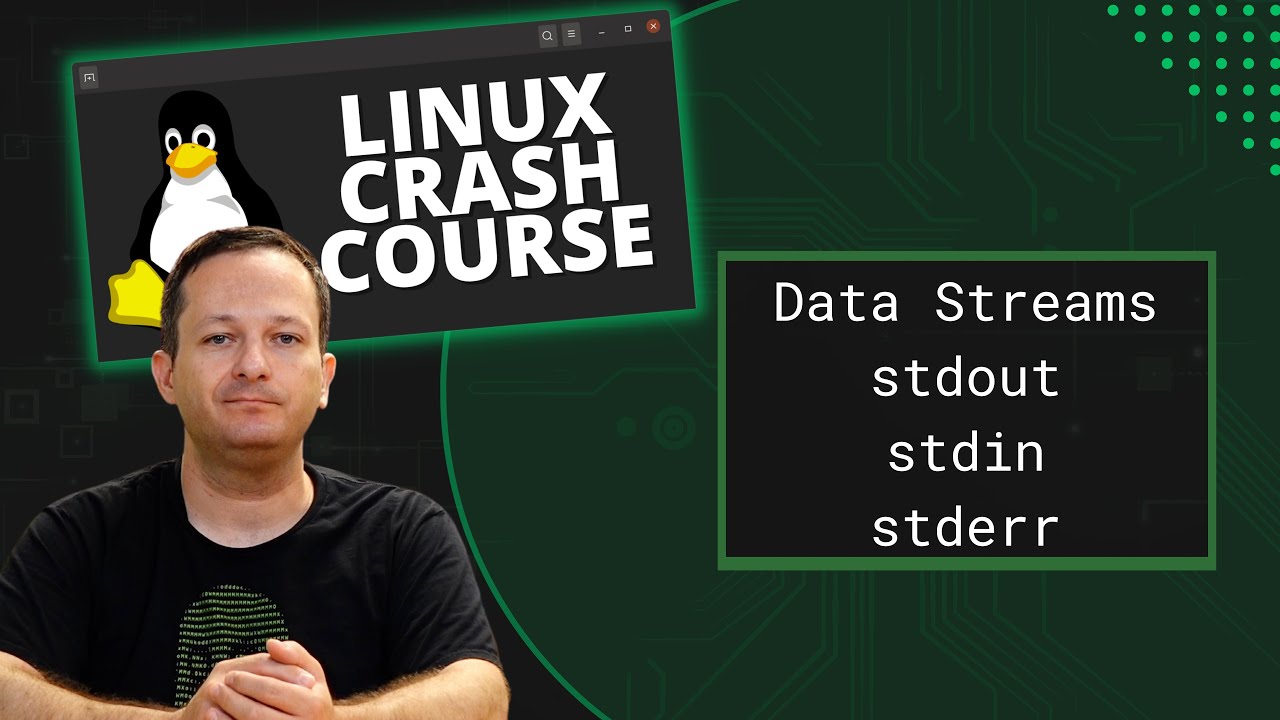
  • Linux Crash Course – Data Streams (stdin, stdout & stderr)

    In this episode of Linux Essentials, we’ll go over data streams. Specifically, Standard Output (stdout), Standard Input (stdin), and Standard Error (stderr). We’ll also take a look at how to redirect specific data streams, so you can easily separate errors from output.
    YouTube player

    ⇨

    Read more: Linux Crash Course – Data Streams (stdin, stdout & stderr)
  • Linux Crash Course – nano (command-line text editor)

    When you’re working with Linux servers, you may or may not always have access to a GUI, which is why it’s important to learn at least one command-line text editor. In this video, we’ll explore the core fundamentals of nano. nano is a text editor that’s among the easiest to learn.

    YouTube player

    ⇨

    Read more: Linux Crash Course – nano (command-line text editor)
  • Linux Crash Course – User Account & Password Expiration

    Keeping track of user accounts is very important, especially as a Linux server administrator. In this episode of Linux Essentials, we’ll explore user and password expiration. This will include examples regarding locking passwords, the chage command, and more!

    YouTube player

    Thank you to Linode for sponsoring this video. Check them out here and get your very own Linux server set up in minutes!

    (more…)

    ⇨

    Read more: Linux Crash Course – User Account & Password Expiration
Previous Page
1 … 5 6 7
  • YouTube

YOUTUBE

  • Twitter

twitter

  • LinkedIn

LINKEDIN

Copyright 2026 Learn Linux TV, all rights reserved.

All content on this channel adheres to the company’s content ethics guidelines.