
• Ansible for Complete Beginners: Creating Your First Playbook

    Ansible lets you configure a server once, write it down, and never do it by hand again. In this tutorial we’ll build your first playbook from scratch – then run it with ansible-pull, which I think is the better way to use Ansible for most setups.

    We’ll create a git repository to hold the playbook, write it step by step, break the settings out into a variables file, then SSH into a Linode server, install Ansible, and let the machine pull its own configuration and apply it. No control node, no inventory file to babysit.

    By the end you’ll have a working, version-controlled setup that any new server can configure itself from in one command.

    Note: You’ll find the code I used in this video here.
    YouTube player

    For even more Ansible learning, check out my hands-on Ansible course to take your skills even further!

    (more…)
  • Complete Ansible Semaphore Tutorial: From Installation to Automation

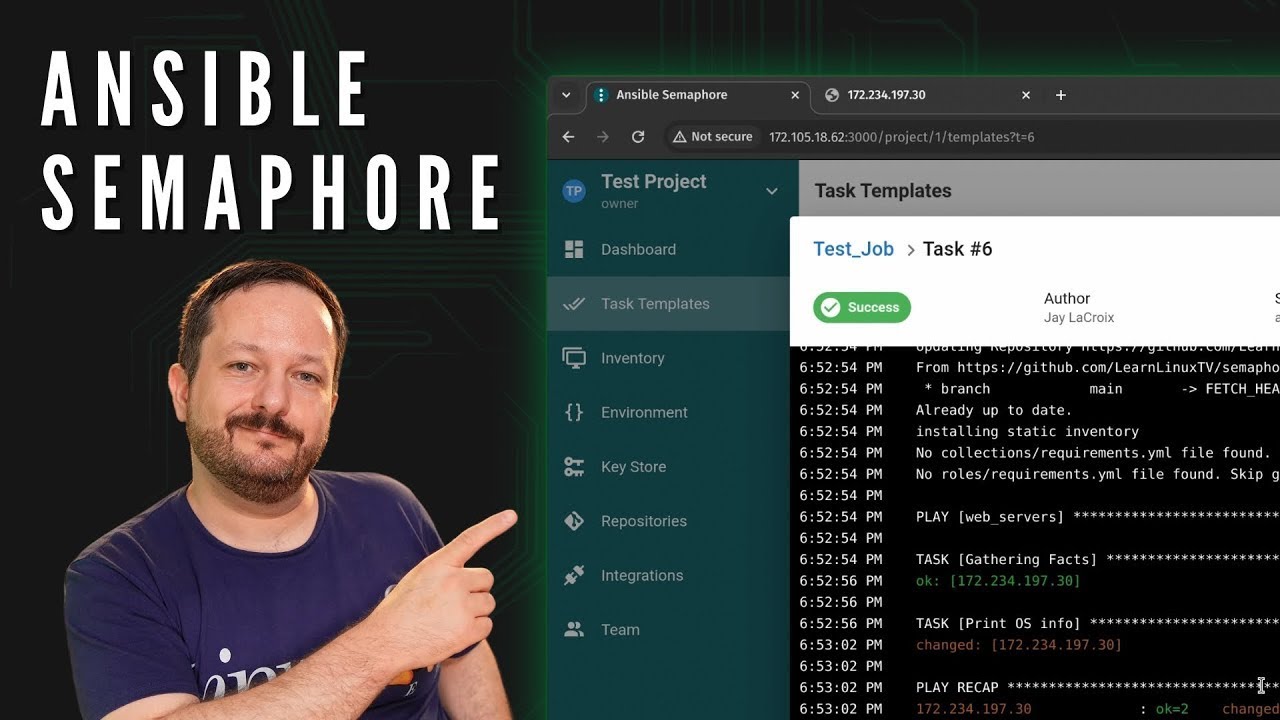
    Semaphore is very easy to set up and use, and can be a great asset to those of you that are currently using Ansible. And even if you’re not an Ansible user, you might become one if you spend time with Semaphore. Ansible is the leading configuration management solution, and Semaphore makes Ansible easier than it already was.

    Also, Semaphore is free, so you can set it up right now if you want to, with no sales reps or company’s to deal with. It’s an open source application written in Go, so you can skip all the red tape and get it deployed.

    So in this video, what I’ll do is show you the process of installing Semaphore, and then I’ll show you around the UI. After that, I’ll give you an example playbook you can run.

    YouTube player

    If you want to follow along with me, then I recommend two VMs. The first will be used for Semaphore itself, and will act as our Semaphore server. The second VM will be used as an example server we want to configure with Semaphore.

    Now, let’s get started and dive in to Semaphore!

    (more…)