Skip to content

πŸŽ“ Save 30% (or more) on Linux Foundation Certs & Courses!

  • YouTube
  • Reddit
  • GitHub
  • X
Latest Videos
Books
Courses
Linux Swag
Community
About
Request Assistance
Live Training

All Content

⇨

see all

  • The 2022 System76 Kudu – Full Review!

    System76 has released a brand-new Linux laptop, which it claims to be a “multitasking concerto”. The brand-new 2022 Kudu features an AMD Ryzen CPU, Nvidia graphics, and even a removable battery! In this video, Jay reviews the new System76 Kudu and gives you his thoughts.

    YouTube player

    ⇨

    Read more: The 2022 System76 Kudu – Full Review!
  • Nextcloud: Full Setup & Implementation Guide

    The popular LearnLinuxTV guide to setting up your own cloud with Nextcloud has been freshly updated for 2022! In this video, Jay will walk you through setting up an Ubuntu server for use with Nextcloud. In this tutorial, you’ll be walked through the process of installing Nextcloud, setting up a TLS cert, implementing online document editing, and more!

    YouTube player
    (more…)

    ⇨

    Read more: Nextcloud: Full Setup & Implementation Guide
  • Linux Servers: Which Distro should you use?!

    In the Linux community, there’s constant debate about which distribution is best for your desktop. However, there’s not as much discussion regarding Linux distros for your server. There are many good options for your Linux server project, and in this video Jay discusses his top 6 choices.

    YouTube player

    ⇨

    Read more: Linux Servers: Which Distro should you use?!
  • Awesome Linux Tools – Cockpit

    Having a dashboard installed on your Linux server can be a great way of enhancing remote management capabilities, as well as getting an overview of its resource usage. In this video, I’ll show you Cockpit which is an awesome management system you can install very easily.

    YouTube player

    ⇨

    Read more: Awesome Linux Tools – Cockpit
  • A Linux PC in the palm of your hand! The Pantera Pico PC from XDO

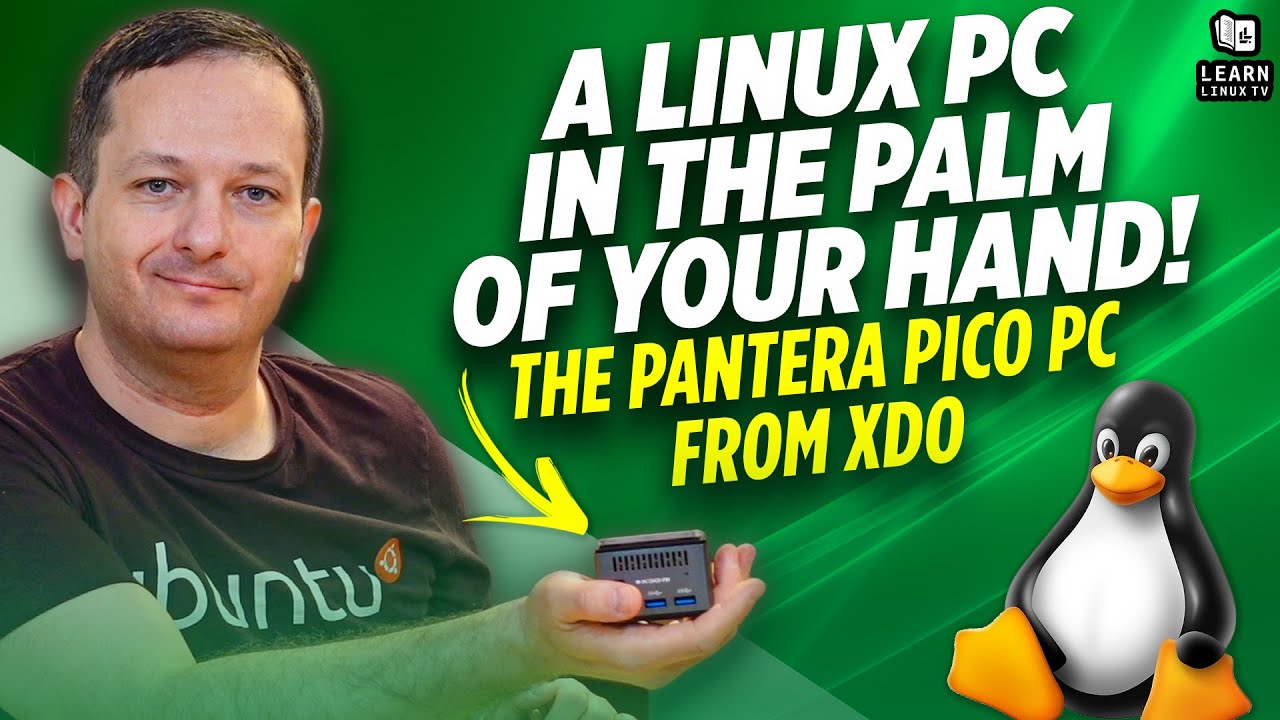
    In this video, Jay provides a quick review of the Pico PC from XDO, which is the smallest Linux PC that’s ever been reviewed on the channel. The Pico PC claims to be ultra quiet and fully compatible with Linux. Check out this review and find out if the Pico PC lives up to its claims.

    YouTube player

    ⇨

    Read more: A Linux PC in the palm of your hand! The Pantera Pico PC from XDO
  • Linux Crash Course – sudo

    When you need to run Linux commands with elevated privileges, sudo is the tried and true method to run commands as another user (such as root). In this introductory tutorial, we’ll take a look at some of the inner-workings of sudo.

    YouTube player

    ⇨

    Read more: Linux Crash Course – sudo
  • Linux Crash Course – htop

    There’s no shortage of monitoring tools available for Linux servers and workstations, but htop is a a classic. By installing htop, you can see an overview of your resource usage, including meters for CPU, RAM, Swap, and more. In this video, I’ll give you an overview of htop.

    YouTube player

    ⇨

    Read more: Linux Crash Course – htop
  • Hands-on with the Turing Pi 2!

    The Turing Pi 2 is quite an exciting project that might even be a game-changer when it comes to homelab. With it, you can set up Raspberry Pi Compute Modules as individual servers, and even cluster them! The Turing Pi 2 gives you access to many additional features that Compute Modules wouldn’t normally have access to, such as mPCIe, SATA, and more. This gives you access to build a data-center in a box, and Jay gives it a first-look on the channel in this video.

    YouTube player

    Relevant links

    Check out the Turing Pi 2

    (more…)

    ⇨

    Read more: Hands-on with the Turing Pi 2!
  • Getting Started with OpenSSH Key Management

    In various tutorials throughout the history of LearnLinuxTV, we’ve gone over the importance of using public keys with OpenSSH. But what do you do when you have multiple clients you work with, how do you manage keys between them? In this video, we’ll go through an example scenario where we have three clients, and we need to maintain multiple SSH keys for each.

    YouTube player

    ⇨

    Read more: Getting Started with OpenSSH Key Management
  • Resetting OpenSSH Host Keys (the easy method)

    When creating a deployment image or template for distributing Linux to devices or servers, it’s a good idea to make sure that you reset the host keys for SSH. In this video, I’ll show you an easy method I found for automating this.

    YouTube player

    You can find the systemd unit file I used in the video here.

    (more…)

    ⇨

    Read more: Resetting OpenSSH Host Keys (the easy method)
Previous Page
1 … 36 37 38 39 40 … 49
Next Page
  • YouTube

YOUTUBE

  • Twitter

twitter

  • LinkedIn

LINKEDIN

Copyright 2026 Learn Linux TV, all rights reserved.

All content on this channel adheres to the company’s content ethics guidelines.