
The Linux Crash Course is a tutorial series that goes over all of the core concepts regarding Linux that you’ll need to know, one video at a time. In this episode, the wget command is covered.

⇨
see all
The Linux Crash Course is a tutorial series that goes over all of the core concepts regarding Linux that you’ll need to know, one video at a time. In this episode, the wget command is covered.
The Linux Crash Course is a tutorial series that goes over all of the core concepts regarding Linux that you’ll need to know, one video at a time. In this episode, the ping command is covered.
The Linux Crash Course series goes over all the key concepts you’ll need to know in order to master Linux, one video at a time. In this episode, we’ll take a look at understanding memory and swap usage.

There’s a handful of popular package managers that are used on various Linux distributions, and dnf is among the most popular. It’s the default package manager on distros such as Red Hat, CentOS, AlmaLinux, Rocky Linux, Fedora, among others. In this video, we’ll explore the dnf command and see examples of basic usage.
Thank you to Linode for sponsoring this episode of Linux Essentials. Check out Linode and get $100 in free starter credit toward your new account.
DBcare is a new offering from TuxCare, which aims to help administrators avoid rebooting database servers by live-patching them. DBcare is currently in beta, and you can test it out right now. Last year, I had a chance to chat with Jim Jackson about DBcare, and we had a really good conversation about the project that’s still timely today, especially considering the beta test has recently opened up.

Gitea is a self-hosted git server you can run on your Linux rig, enabling you to be in full control of hosting your own repositories. In this video, the process of setting up Gitea is shown on an AlmaLinux server. You’ll see the process of setting up the server, installing Gitea, and even making your first commit to a repository that’s being hosted on your new server.

Continue reading for an overview of the commands that were used in this video.
(more…)When it comes to sending files from one device to another, rsync is legendary. Using rsync, you can back up critical data and send it to a backup device, network share, an offsite server and more. In this video, you’ll see an example of backing up critical data on a server with rsync.
I run Fedora! With the gaining popularity of this awesome Linux distro, version 36 is the next stop in its plan for world domination! Okay, maybe that’s a bit too dramatic – Fedora may not be taking over the world, but it is taking the Linux world by storm lately! The May 2022 release of Fedora features GNOME 42, version 5.17 of the Linux kernel, and a tightly integrated GNOME experience. Check out the LearnLinuxTV review of Fedora 36 to see what’s new this time around!

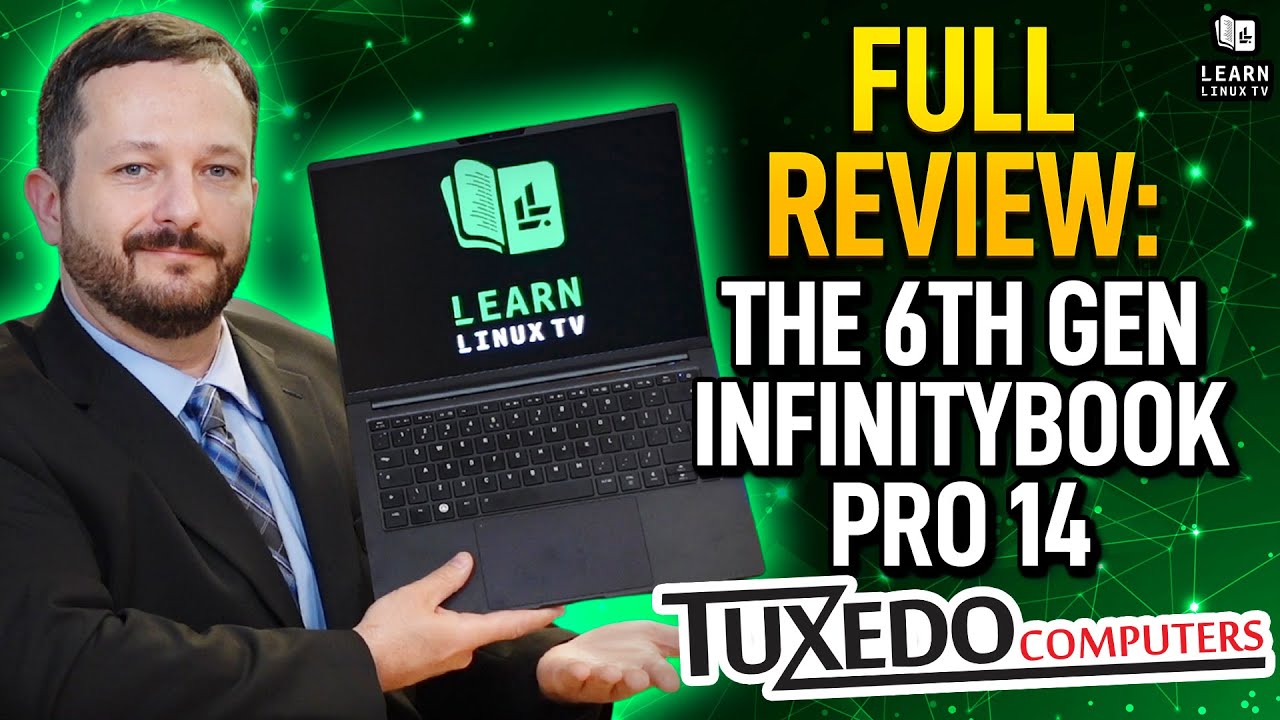
Recently, the new InfinityBook Pro 14 has found its way to the LearnLinuxTV studio. In this video, Jay gives the new 6th generation model a full review. This review will cover the build quality, performance, pricing, and more!
The latest LTS release of one of the most popular desktop distributions is finally here – say hello to Pop!_OS 22.04! In this video, Jay will give you all the details about the release, including (but not limited to), new features, how it differs from Ubuntu, and more!
