
Released on December 14th, Pop!_OS 21.10 is built on the latest Ubuntu base, and features a new application library feature. In this review, I’ll show off the new release, and give you my thoughts.

Released on December 14th, Pop!_OS 21.10 is built on the latest Ubuntu base, and features a new application library feature. In this review, I’ll show off the new release, and give you my thoughts.
Proxmox Backup Server is a custom Linux distro that you can run on your server to have it serve as a backup endpoint. It integrates quickly and easily with Proxmox Virtual Environment, making it a great solution to back up your virtual machines and containers. In addition to that, it can also be used to store non-VM backups too, so running Proxmox Virtual Environment is NOT a requirement. In this video, I’ll teach you everything you need in order to get started with Proxmox Backup Server.
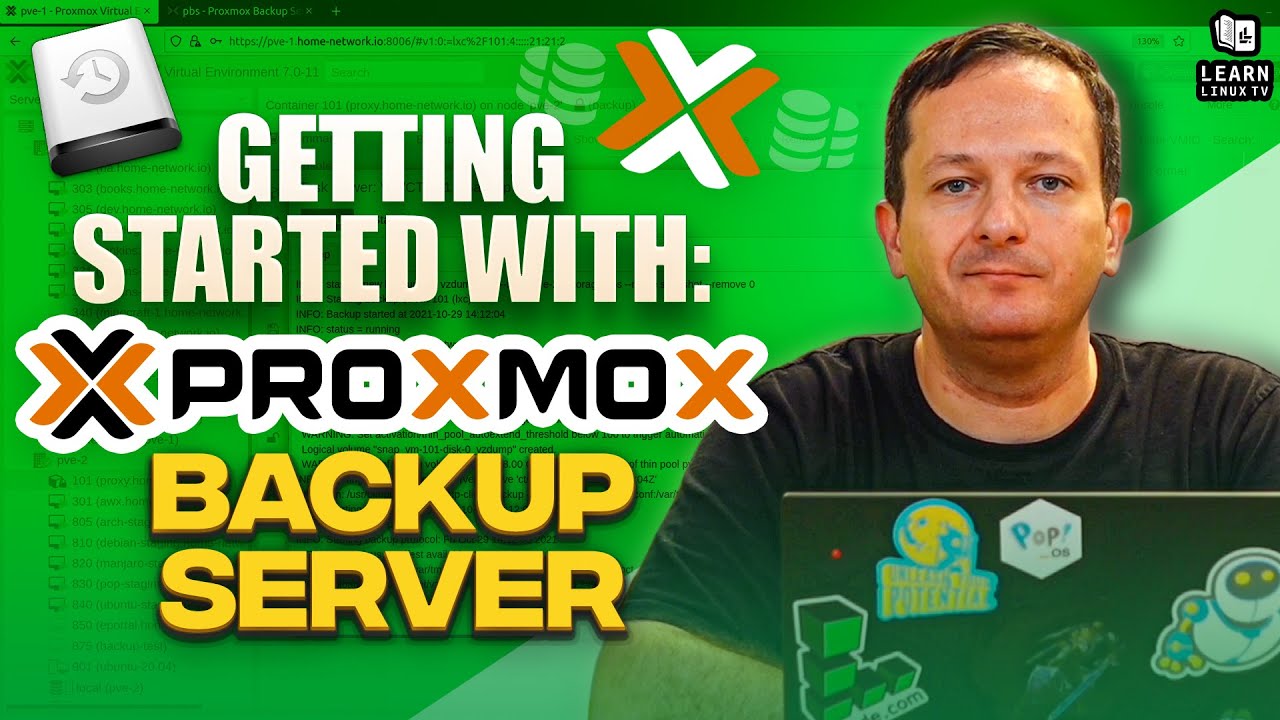
You can download the Proxmox Backup Server ISO image from here. Also, feel free to check out the official documentation pages to learn even more.
Be sure to check out the Proxmox Full Course for Virtual Environment here if you haven’t already.
The ps command is useful for taking a look at the processes that are running on your Linux system. In this video, I’ll show you the basics of the ps command, and some variations you can use to show the output in different ways.

In this episode of Awesome Linux Tools, the spotlight is on Lynis – a really awesome utility you can use to get a better understanding of the overall security hygiene of your server. In this video, Jay will show you how to install it, and also how to run an audit.

Linus from Linus Tech Tips recently released a couple of videos where he attempts to use Linux as his daily driver, and makes some interesting decisions. In this video, Tom and Jay, two full-time Linux users, share their thoughts on how Linus could’ve done better.

CrowdSec is a cutting-edge security solution for your Linux servers. As an intrusion prevention system, its goal is to stop unauthorized access and prevent attacks. But unlike other IPS solutions, it does it a different way – by using knowledge as power. CrowdSec was covered on this channel before, but in this video, you’ll see an updated look complete with an overview of how to set up protection for WordPress as well.

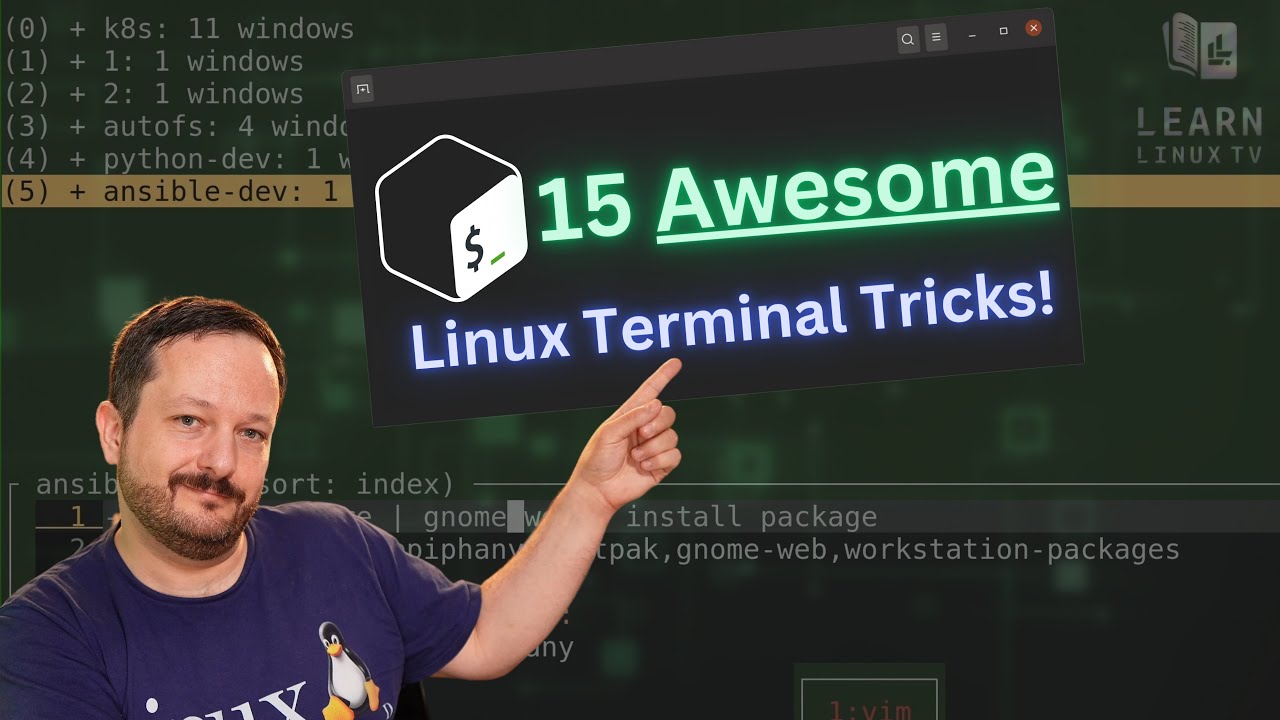
The number of command combinations you can come up with on the Linux command-line is seemingly endless, and there are some real gems out there that you might not know about. In this video, Jay goes over some of his favorite command combos, time-saving tricks, and other various tips he wish he learned sooner. In this video, you’ll find all kinds of things to add to your command-line toolbox.
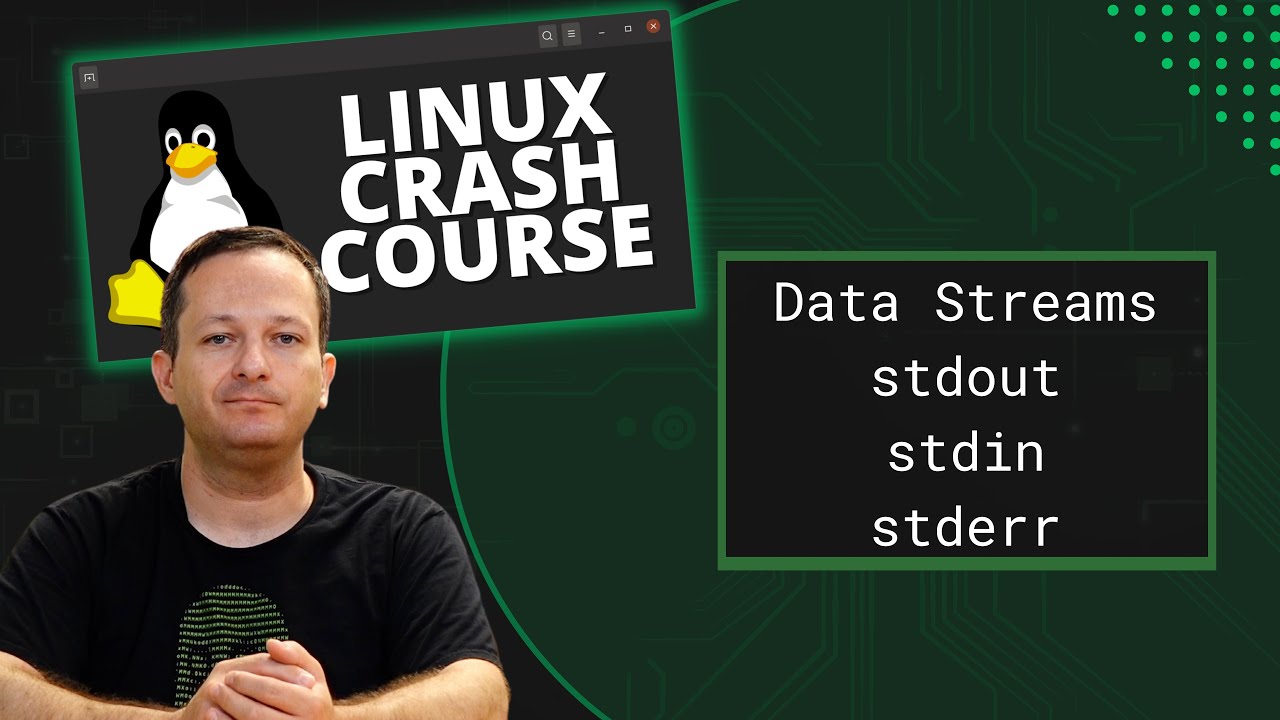
In this episode of Linux Essentials, we’ll go over data streams. Specifically, Standard Output (stdout), Standard Input (stdin), and Standard Error (stderr). We’ll also take a look at how to redirect specific data streams, so you can easily separate errors from output.
The OpenSSH client config file is a very powerful feature, that too many people ignore. You can use the client config file to simplify your SSH connections, by including preset options per host. In this video, I’ll go over the basics of this config file.
Tuxedo Computers sent over both the 15″ and 17″ versions of their new 3rd-gen Polaris notebook, and in this video I’ll review both! I’ll compare the two models side-by-side, and I’ll give you my thoughts.

The final version of the JingPad A1 has arrived at the LearnLinuxTV studio, and I’ll give you my thoughts on the finished product. The JingPad A1 claims to be the first consumer-ready Linux tablet, and I put it to the test in this video.

When you’re working with Linux servers, you may or may not always have access to a GUI, which is why it’s important to learn at least one command-line text editor. In this video, we’ll explore the core fundamentals of nano. nano is a text editor that’s among the easiest to learn.
