Skip to content

🎓 Save 30% (or more) on Linux Foundation Certs & Courses!

  • YouTube
  • Reddit
  • GitHub
  • X
Latest Videos
Books
Courses
Linux Swag
Community
About
Request Assistance
Live Training

All Content

⇨

see all

  • Getting Started with cloud-init

    cloud-init is an awesome technology that can be used to customize Linux images for deployment, that lets you do all kinds of neat things such as automatically creating users, installing packages, resetting SSH keys, and more. However, it’s often shrouded in mystery. In this video, I’ll walk you through using it to create a user, set the hostname, and install some packages.

    YouTube player
    (more…)

    ⇨

    Read more: Getting Started with cloud-init
  • Getting started with LXD Containerization

    LXD is a next generation container manager that provides additional features that are similar to virtual machines, such as snapshots, storage pools, and more. Using Linux containers (LXC) as the container type, LXD gives you the best of two worlds. In this video, I’ll go over the basics of LXD. You’ll learn how to set it up and launch containers. For this particular video, we’ll focus on LXC commands – but a follow-up that dives more into LXD’s more advanced features is a possibility if there’s enough interest.

    (more…)

    ⇨

    Read more: Getting started with LXD Containerization
  • Installing and Setting up Landscape

    Landscape is a tool made by Canonical that you can use to manage your Ubuntu Servers. In this tutorial, I’ll walk you through getting it set up on your own server, as well as adding a client for it to manage. It’s an awesome utility, and easy to install.

    YouTube player
    (more…)

    ⇨

    Read more: Installing and Setting up Landscape
  • Setting up the YubiKey on Ubuntu

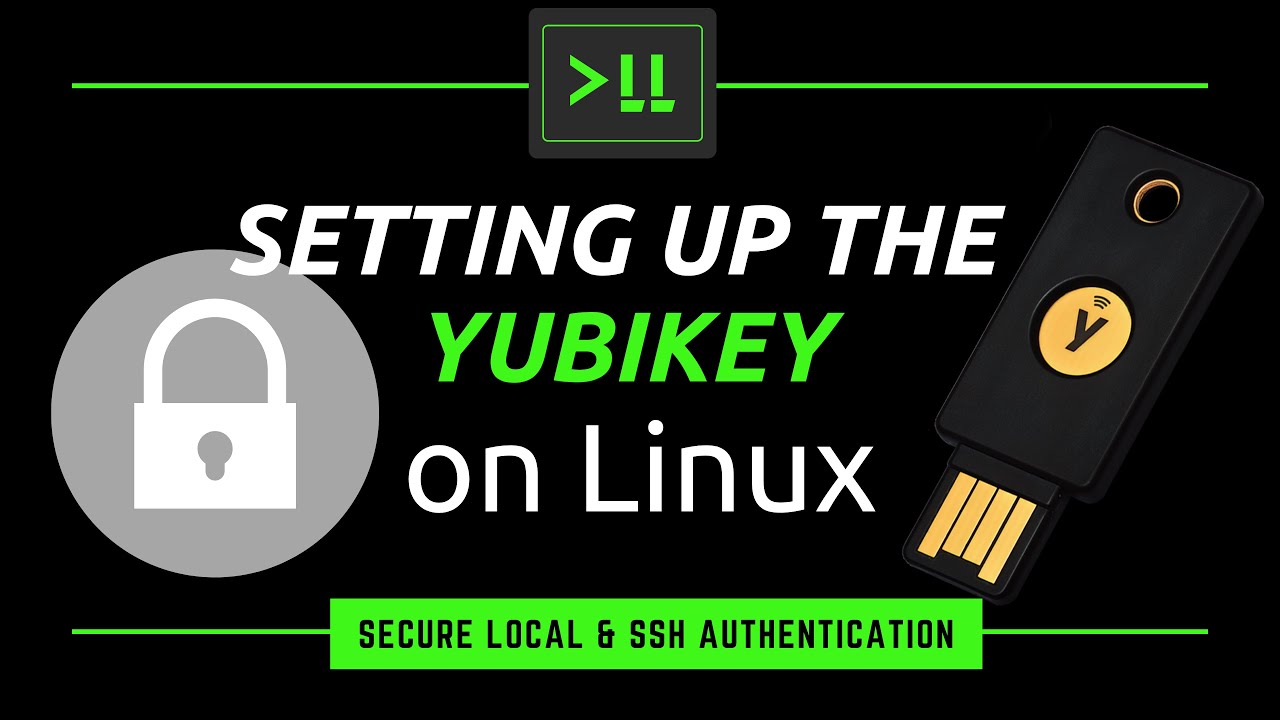
    I’ve recently had a chance to check out some newer YubiKeys, and decided to make a video on it. In this video, I’ll show you how to set up the YubiKey on Linux, with examples that include setting it up on your local laptop/desktop as well as using it to secure OpenSSH to a remote server.

    YouTube player
    (more…)

    ⇨

    Read more: Setting up the YubiKey on Ubuntu
  • Setting up a Raspberry Pi Kubernetes Cluster with Ubuntu 20.04

    Kubernetes is a very powerful platform to scale your applications, and the Raspberry Pi is a low-cost computer with excellent power efficiency you can use to run tasks without breaking the bank. Canonical recently released Ubuntu 20.04, with full support for the Raspberry Pi. In this video, we take a look at how to create a Pi-powered Kubernetes cluster based on Ubuntu.

    YouTube player
    (more…)

    ⇨

    Read more: Setting up a Raspberry Pi Kubernetes Cluster with Ubuntu 20.04
Previous Page
1 … 3 4 5
  • YouTube

YOUTUBE

  • Twitter

twitter

  • LinkedIn

LINKEDIN

Copyright 2026 Learn Linux TV, all rights reserved.

All content on this channel adheres to the company’s content ethics guidelines.