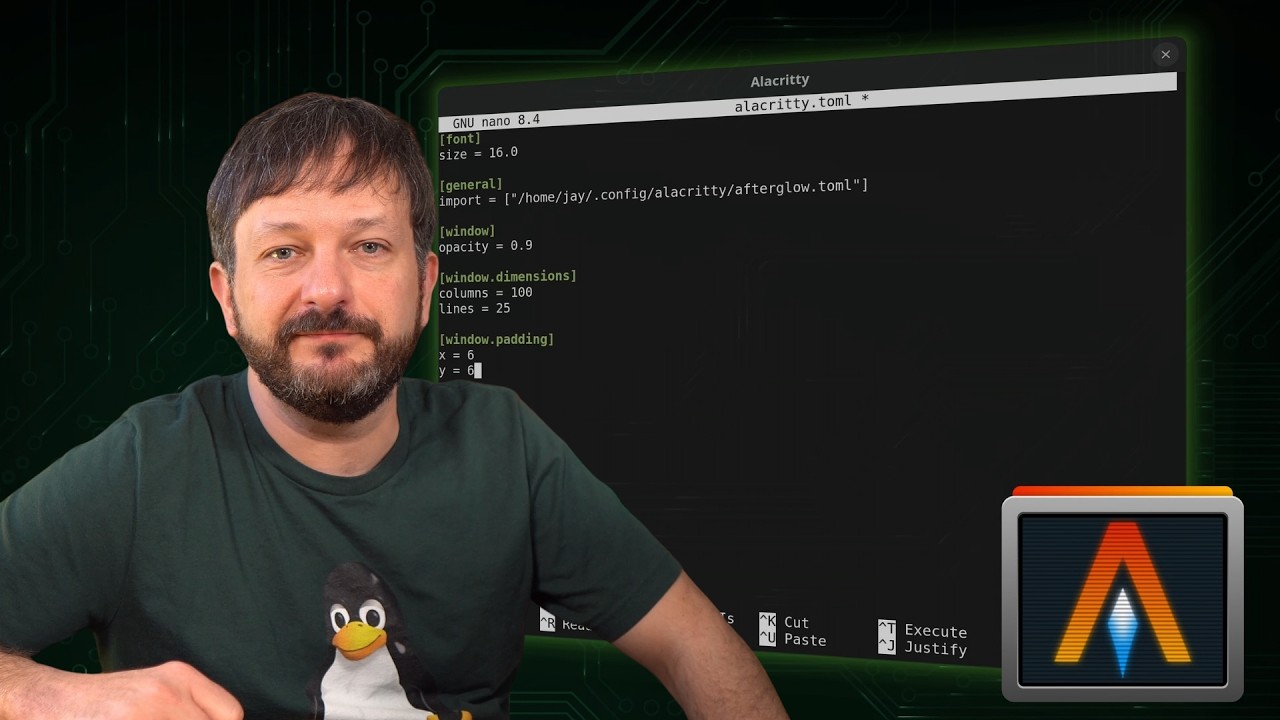
Alacritty is a blazing fast, GPU-accelerated terminal emulator for Linux — and in this guide, I’ll show you how to install and configure Alacritty step-by-step.
If you’re looking to upgrade your Linux terminal setup, this tutorial walks through everything you need to know: what makes Alacritty different, how its configuration works, and how to customize it.
Did you know you can make Bash automatically run ls every time you use cd? In this video, I show a simple but powerful Bash trick that improves your Linux command-line workflow by automatically listing files whenever you change directories.
We start by creating a custom cd function in Bash, then I walk through exactly how it works so you understand what’s happening behind the scenes. This approach helps you learn more about Bash functions, shell behavior, and how to customize your terminal in a practical, real-world way. Once you’ve set this up, navigating directories becomes faster and more informative, especially when working in complex file structures.
As a bonus, I also demonstrate how to create a reusable extract function that can automatically unpack many common archive formats from the command line, saving you even more time.
If you’re looking for useful Bash tips, want to customize your Linux terminal, or enjoy learning small tricks that improve productivity, this video is for you.
Learn how to use the Linux file command in this beginner-friendly tutorial! The file command is a powerful tool that helps you quickly identify file types on the Linux command line — whether it’s text, binary, image, or something else.
In this video, I’ll cover the basic usage of the file command, show you several practical examples, and explain how you can use it to understand what kind of files you’re working with in Linux. If you’re learning Linux or want to sharpen your command line skills, this tutorial will help you understand one of the most useful Linux commands.
Are you a Linux user and/or administrator? These 10 terminal tricks will show you some new and exciting ways you can enhance your workflow, shorten longer tasks, and even have a little fun along the way.
There are many terminal apps available that you can use while working with the command-line, but which one should you consider using? In this video, Jay shows you his top 5 favorite terminal emulators.
Welcome to my brand-new refreshed tmux series! tmux enables to to greatly enhance your terminal workflow and efficiency. In the second video, I show off the process of splitting your terminal window into multiple panes (splits) so you can multitask and have multiple things running concurrently in the same window.
Welcome to my brand-new refreshed tmux series! tmux enables to to greatly enhance your terminal workflow and efficiency. In this video, I show off some of the various features.
Welcome to my brand-new refreshed tmux series! tmux enables to to greatly enhance your terminal workflow and efficiency. In video 3, we explore segregation of tasks into multiple windows.