
The ps command is useful for taking a look at the processes that are running on your Linux system. In this video, I’ll show you the basics of the ps command, and some variations you can use to show the output in different ways.

⇨
see all
The ps command is useful for taking a look at the processes that are running on your Linux system. In this video, I’ll show you the basics of the ps command, and some variations you can use to show the output in different ways.
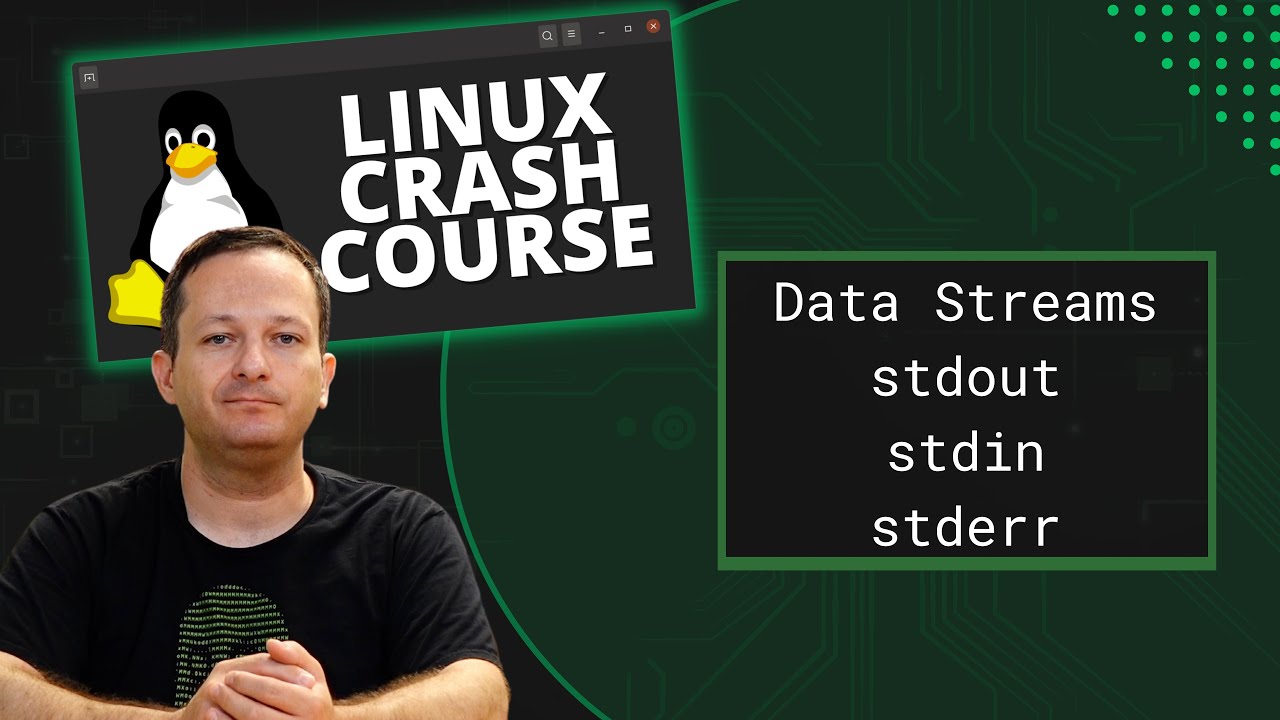
In this episode of Linux Essentials, we’ll go over data streams. Specifically, Standard Output (stdout), Standard Input (stdin), and Standard Error (stderr). We’ll also take a look at how to redirect specific data streams, so you can easily separate errors from output.
Keeping track of user accounts is very important, especially as a Linux server administrator. In this episode of Linux Essentials, we’ll explore user and password expiration. This will include examples regarding locking passwords, the chage command, and more!

Thank you to Linode for sponsoring this video. Check them out here and get your very own Linux server set up in minutes!
(more…)In this episode of Linux Essentials, we’ll take a look at how to send tasks to the background, and then bring them to the foreground. This helps you get the current task out of the way so you can switch to something else, without having to use multiple terminal windows.

Thank you to Linode for sponsoring this video. Check them out and get your very own Linux server in minutes!
Public Key Authentication with OpenSSH is preferred, as it’s a much stronger method of authenticating to your servers when compared to using password authentication. In fact, password authentication in OpenSSH should always be disabled. But before you can password authentication, you’ll need to set up public key authentication, and that’s exactly what we’ll do in today’s video.

Storage volumes are essential to our Linux servers and workstations, but how do we format and mount additional storage volumes? In this episode of Linux Essentials, I’ll walk you through the process of formatting additional storage volumes and mounting them in your Linux instance.
