• /home
  • Books
  • Courses
    • Free Courses
    • Paid Courses
  • Shop
  • Forums
  • Consulting
  • About
    • About LearnLinuxTV
    • Content Ethics
  • YouTube
  • LinkedIn
  • GitHub
  • Patreon

All Content

⇨

see all

  • Linux Crash Course – The echo Command

    In the Linux Essentials series, we’ll go over the basics of a Linux command or feature in every episode. This time around, it’s all about the echo command. The echo command allows you to print text, but it also allows you to do other things as well, such as printing the contents of variables.

    YouTube player

    ⇨

    Read more: Linux Crash Course – The echo Command
  • Linux Crash Course – Bash History

    Bash is the default shell in the majority of Linux distributions, and it has countless features and tricks to make you more efficient. Bash keeps a history of the commands you’ve typed at the prompt, but most people aren’t aware of additional functionality that the history provides you. In this episode of Linux Essentials, Jay describes not only how to use the history command, but also some techniques to make better use of it.

    YouTube player

    ⇨

    Read more: Linux Crash Course – Bash History
  • Linux Crash Course: Background (bg) and Foreground (fg)

    In this episode of Linux Essentials, we’ll take a look at how to send tasks to the background, and then bring them to the foreground. This helps you get the current task out of the way so you can switch to something else, without having to use multiple terminal windows.

    YouTube player

    Thank you to Linode for sponsoring this video. Check them out and get your very own Linux server in minutes!

    ⇨

    Read more: Linux Crash Course: Background (bg) and Foreground (fg)
  • Linux Crash Course – Bash Aliases

    Aliases in Bash enable you to essentially create your own commands, or even just simplify existing ones. In this video, I’ll explain what aliases are, and I’ll show you some of my personal favorites. At the end, I’ll show you how to make your aliases persist between sessions.

    YouTube player
    (more…)

    ⇨

    Read more: Linux Crash Course – Bash Aliases
  • Linux Commands for Beginners 07 – The Bash Configuration File

    In my Linux Commands for Beginners series, we’ll explore everything you need to know in order to be productive on the Linux Command Line. You’ll learn basic commands, input/output redirection, package management, resource monitoring, troubleshooting, and more. In this video we’ll take a look at the bash configuration file (.bashrc).

    YouTube player

    ⇨

    Read more: Linux Commands for Beginners 07 – The Bash Configuration File
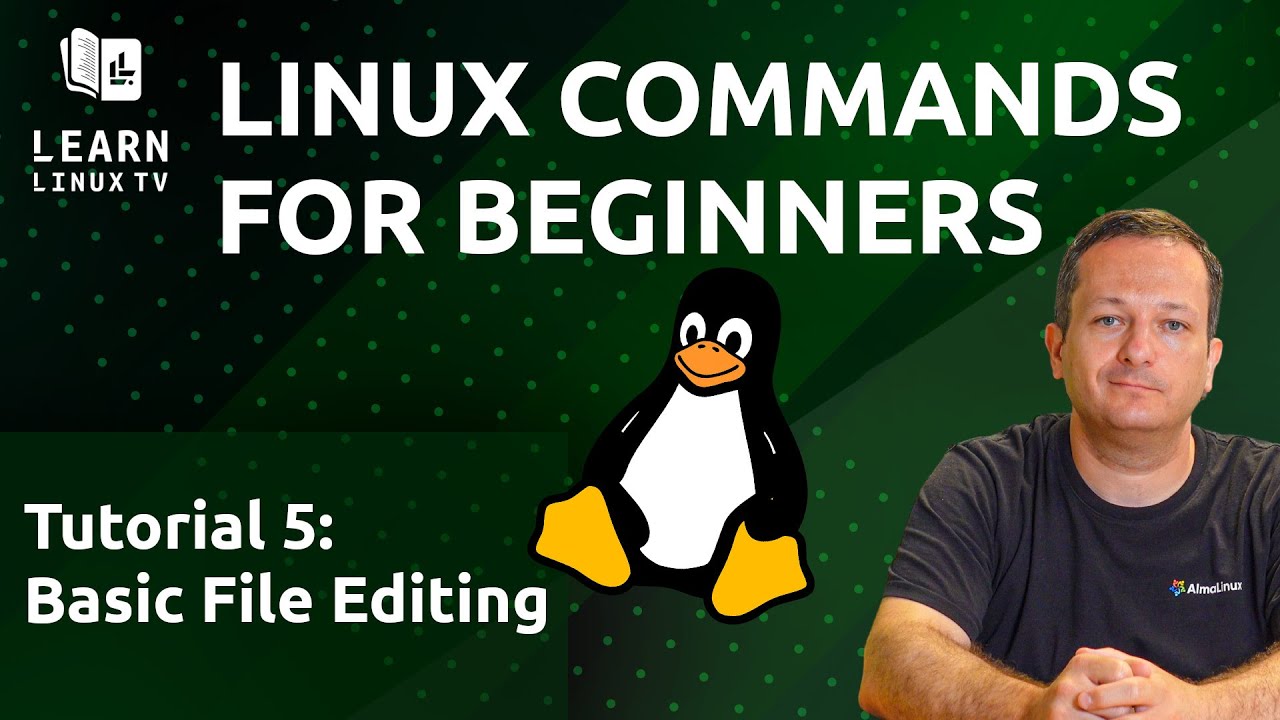
  • Linux Commands for Beginners 05 – Basic File Editing

    In my Linux Commands for Beginners series, we’ll explore everything you need to know in order to be productive on the Linux Command Line. You’ll learn basic commands, input/output redirection, package management, resource monitoring, troubleshooting, and more. In this video, we’ll explore basic file editing.

    YouTube player

    ⇨

    Read more: Linux Commands for Beginners 05 – Basic File Editing
Previous Page
1 2 3
  • YouTube

YOUTUBE

  • Twitter

twitter

  • LinkedIn

LINKEDIN

Copyright 2024 Learn Linux TV, all rights reserved.

All content on this channel adheres to the company’s content ethics guidelines.