• Books
  • Courses
  • Shop
  • Forums
  • Consulting
  • About
    • About LearnLinuxTV
    • Content Ethics
  • YouTube
  • LinkedIn
  • GitHub
  • Patreon

Your /home for Linux-related Fun and Learning!

  • Full-Time Linux Users React to the Linus Daily Driver Challenge Video

    Linus from Linus Tech Tips recently released a couple of videos where he attempts to use Linux as his daily driver, and makes some interesting decisions. In this video, Tom and Jay, two full-time Linux users, share their thoughts on how Linus could’ve done better.

    YouTube player

    Episode-specific Links:

    • Linus Tech Tips daily driver video
    • Tom’s channel
  • Boosting your Linux Server Security with CrowdSec

    CrowdSec is a cutting-edge security solution for your Linux servers. As an intrusion prevention system, its goal is to stop unauthorized access and prevent attacks. But unlike other IPS solutions, it does it a different way – by using knowledge as power. CrowdSec was covered on this channel before, but in this video, you’ll see an updated look complete with an overview of how to set up protection for WordPress as well.

    YouTube player
  • Linux Command-Line Tips & Tricks: Over 15 Examples!

    The number of command combinations you can come up with on the Linux command-line is seemingly endless, and there are some real gems out there that you might not know about. In this video, Jay goes over some of his favorite command combos, time-saving tricks, and other various tips he wish he learned sooner. In this video, you’ll find all kinds of things to add to your command-line toolbox.

    YouTube player
  • The Homelab Show Episode 35 – OpenSSH

    In episode 35 of The Homelab Show, Jay and Tom discuss the essentials of OpenSSH. OpenSSH itself is the standard for remote management in Linux, and it’s the most convenient way of managing servers without having to stand in front of the rack. Of course, with great power comes great responsibility, so core security topics surrounding OpenSSH are covered as well.

    YouTube player

    Relevant videos:

    • OpenSSH deep dive tutorial
    • OpenSSH config file tutorial
  • Linux Crash Course – Data Streams (stdin, stdout & stderr)

    In this episode of Linux Essentials, we’ll go over data streams. Specifically, Standard Output (stdout), Standard Input (stdin), and Standard Error (stderr). We’ll also take a look at how to redirect specific data streams, so you can easily separate errors from output.

    YouTube player
  • Enterprise Linux Security Episode 9 – DevOps

    DevOps has changed the way many technology organizations work, by making the administrator the center of the development cycle (rather than an outside resource). In this episode, Jay and Joao discuss DevOps and how it’s changed the landscape.

    YouTube player
    • OGG version
    • MP3 version
    • MP3 version (low)
  • The Homelab Show Episode 34 – UniFi and Ubiquiti

    What network hardware should you go with for your homelab? UniFi is one possible option, and in this episode, Tom and Jay discuss the pros and cons of this particular platform.

    YouTube player
  • The Homelab Show Episode 33 – App Management

    In the 33rd episode of The Homelab Show, Tom and Jay discuss the various types of software packages available, and some of the associated technologies.

    YouTube player
  • The OpenSSH Client Config File: Simplify your SSH Connections

    The OpenSSH client config file is a very powerful feature, that too many people ignore. You can use the client config file to simplify your SSH connections, by including preset options per host. In this video, I’ll go over the basics of this config file.

    YouTube player

  • The Polaris 15 and 17 from Tuxedo Computers: Full Review

    Tuxedo Computers sent over both the 15″ and 17″ versions of their new 3rd-gen Polaris notebook, and in this video I’ll review both! I’ll compare the two models side-by-side, and I’ll give you my thoughts.

    YouTube player
    • Check out the Polaris 15
    • Check out the Polaris 17
Previous Page
1 … 52 53 54 55 56 … 83
Next Page
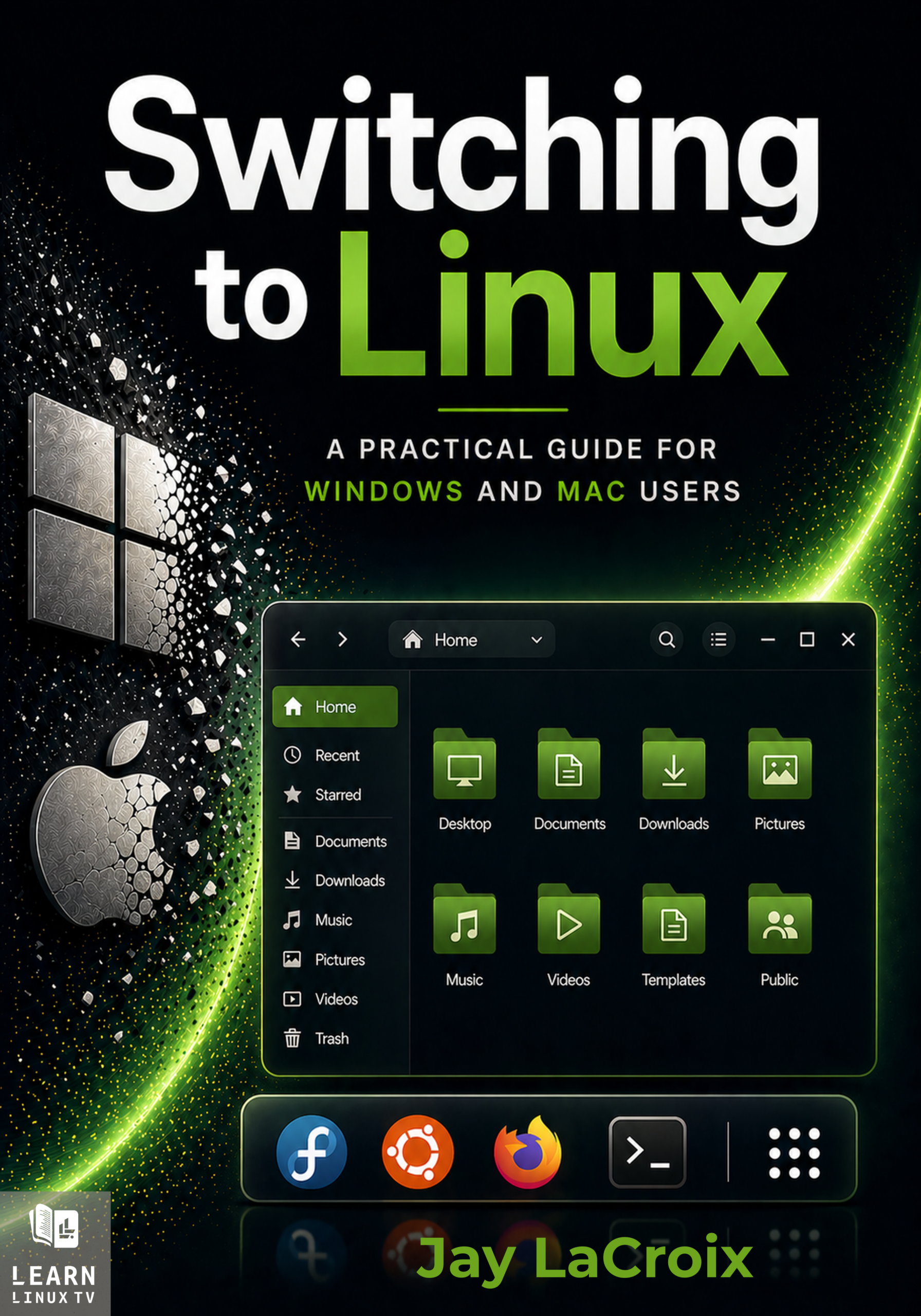
New Book Coming Soon!

Linux is one of the best decisions you can make for your computer — but knowing where to start is the hard part. This guide walks you through everything: choosing a distribution, installing it, and using it confidently every day. It’ll be released very soon!

Join the Announcement List
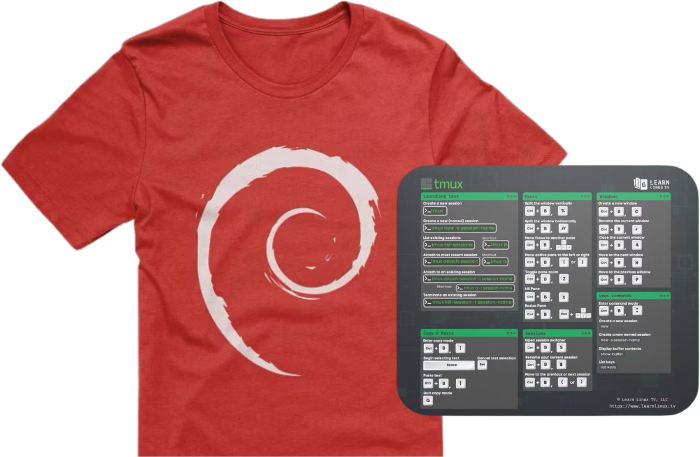
Check out the Shop!

Support Learn Linux TV and get yourself a nice gift!

Check out the Shop
Members-only Perks

Becoming a member gives you access to exclusive perks:

  • Ad-free Content
  • Early access to select videos
  • Discord access

And more!

Join on YouTube
Become a Patron
Join on Fourthwall
  • YouTube

YOUTUBE

  • Twitter

twitter

  • LinkedIn

LINKEDIN

Copyright 2024 Learn Linux TV, all rights reserved.

All content on this channel adheres to the company’s content ethics guidelines.