In this video, Jay provides a quick review of the Pico PC from XDO, which is the smallest Linux PC that’s ever been reviewed on the channel. The Pico PC claims to be ultra quiet and fully compatible with Linux. Check out this review and find out if the Pico PC lives up to its claims.
When you need to run Linux commands with elevated privileges, sudo is the tried and true method to run commands as another user (such as root). In this introductory tutorial, we’ll take a look at some of the inner-workings of sudo.
There’s no shortage of monitoring tools available for Linux servers and workstations, but htop is a a classic. By installing htop, you can see an overview of your resource usage, including meters for CPU, RAM, Swap, and more. In this video, I’ll give you an overview of htop.
The Turing Pi 2 is quite an exciting project that might even be a game-changer when it comes to homelab. With it, you can set up Raspberry Pi Compute Modules as individual servers, and even cluster them! The Turing Pi 2 gives you access to many additional features that Compute Modules wouldn’t normally have access to, such as mPCIe, SATA, and more. This gives you access to build a data-center in a box, and Jay gives it a first-look on the channel in this video.
In various tutorials throughout the history of LearnLinuxTV, we’ve gone over the importance of using public keys with OpenSSH. But what do you do when you have multiple clients you work with, how do you manage keys between them? In this video, we’ll go through an example scenario where we have three clients, and we need to maintain multiple SSH keys for each.
When creating a deployment image or template for distributing Linux to devices or servers, it’s a good idea to make sure that you reset the host keys for SSH. In this video, I’ll show you an easy method I found for automating this.
You can find the systemd unit file I used in the video here.
With the recent release of Pop!_OS 21.10, a version for the Raspberry Pi was also released. In this video, I’ll check out the new Pi spin and give you my thoughts.
TheLog4Shell vulnerability is taking the Internet by storm, and it’s already being used for real-world attacks. In this video, Jay discusses the details around Log4Shell vulnerability in Log4j, and also CrowdSec’s community-based response to the situation.
Released on December 14th, Pop!_OS 21.10 is built on the latest Ubuntu base, and features a new application library feature. In this review, I’ll show off the new release, and give you my thoughts.
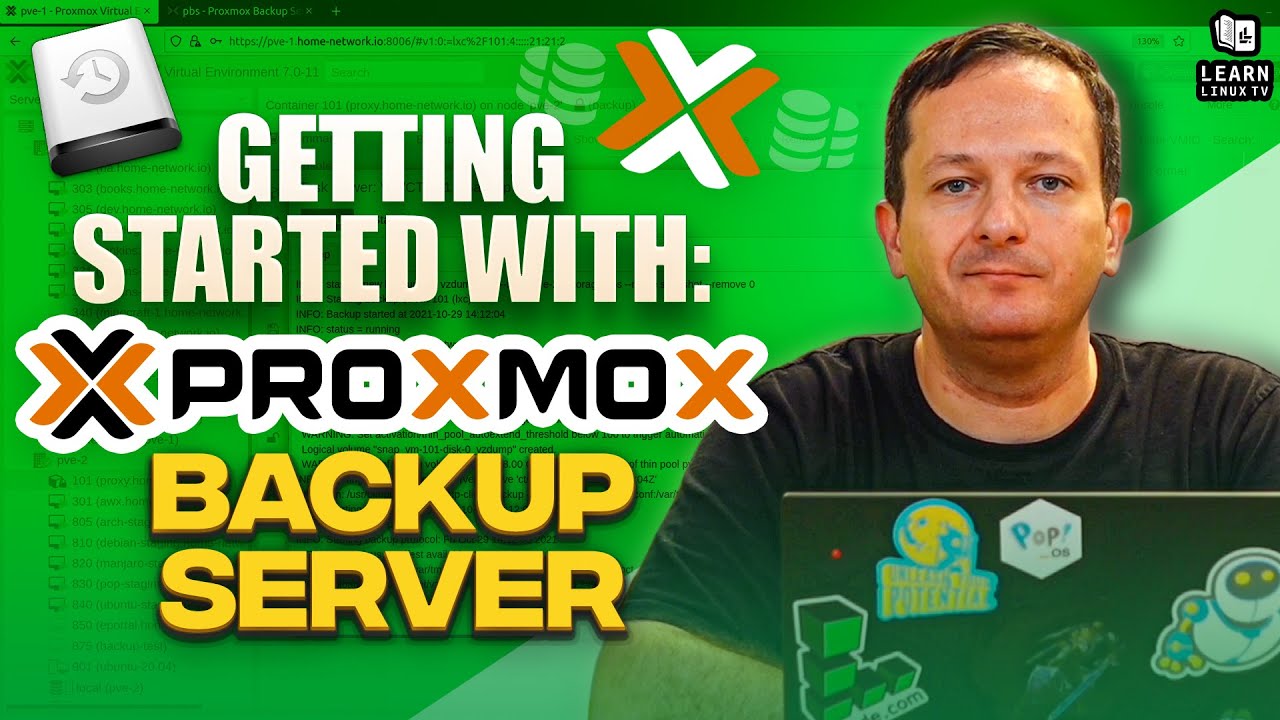
Proxmox Backup Server is a custom Linux distro that you can run on your server to have it serve as a backup endpoint. It integrates quickly and easily with Proxmox Virtual Environment, making it a great solution to back up your virtual machines and containers. In addition to that, it can also be used to store non-VM backups too, so running Proxmox Virtual Environment is NOT a requirement. In this video, I’ll teach you everything you need in order to get started with Proxmox Backup Server.
You can download the Proxmox Backup Server ISO image from here. Also, feel free to check out the official documentation pages to learn even more.
Be sure to check out the Proxmox Full Course for Virtual Environment here if you haven’t already.