Skip to content

πŸŽ“ Save 30% (or more) on Linux Foundation Certs & Courses!

  • YouTube
  • Reddit
  • GitHub
  • X
Latest Videos
Books
Courses
Linux Swag
Community
About
Request Assistance
Live Training

All Content

⇨

see all

  • Learn tmux (Part 3) – A Simple and Straight-Forward Look at Managing Windows

    If you want to increase your productivity with the Linux command line, tmux is definitely a great way to do just that! With tmux, you can manage your workflow with sessions, multitask with panes, and it also allows you to easily regain access to existing sessions when your SSH connection drops. In this five part series, you’ll learn everything you need to know in order to use tmux daily! In this episode, we’ll look into managing windows within tmux.

    YouTube player

    ⇨

    Read more: Learn tmux (Part 3) – A Simple and Straight-Forward Look at Managing Windows
  • Learn tmux (Part 4) – Discover how to manage Sessions within tmux

    If you want to increase your productivity with the Linux command line, tmux is definitely a great way to do just that! With tmux, you can manage your workflow with sessions, multitask with panes, and it also allows you to easily regain access to existing sessions when your SSH connection drops. In this five part series, you’ll learn everything you need to know in order to use tmux daily! In this episode, we’ll further explore session management.

    YouTube player

    ⇨

    Read more: Learn tmux (Part 4) – Discover how to manage Sessions within tmux
  • Learn tmux (Part 5) – How to Customize tmux and Make It Your Own!

    If you want to increase your productivity with the Linux command line, tmux is definitely a great way to do just that! With tmux, you can manage your workflow with sessions, multitask with panes, and it also allows you to easily regain access to existing sessions when your SSH connection drops. In this five part series, you’ll learn everything you need to know in order to use tmux daily! In this episode, we’ll customize tmux and make it our own!

    YouTube player
    (more…)

    ⇨

    Read more: Learn tmux (Part 5) – How to Customize tmux and Make It Your Own!
  • The “Nebula” PC Case from System76 is Here…But is it Worth It?

    System76, a company known for making computers that are “born to run Linux” have released a new product, named “Nebula”, that allows you to build your own desktop computer that’s very similar to theirs! In this video, Jay has ordered TWO of these and has some thoughts to share with you.

    YouTube player

    Video-Specific Links

    Note: Learn Linux TV earns ZERO commission on all the links in this section.

    • Nebula19 Case
    • Nebula36 Case
    • Nebula49 Case
    • Nebula Accents
    • Nebula “Maker” Accents
    • SATA Backplane

    ⇨

    Read more: The “Nebula” PC Case from System76 is Here…But is it Worth It?
  • Unsung Heroes – SysAdmins are Recognized on System Administrator Appreciation Day

    System Administrators keep your computers computing, your printers printing, your servers serving – all while keeping critical systems online. You may not always see them in action, but behind the scenes they route communications, deploy critical servers, and secure protected information. On System Administrator Appreciation Day, we recognize all of those brilliant individuals that manage the world’s infrastructure.

    YouTube player

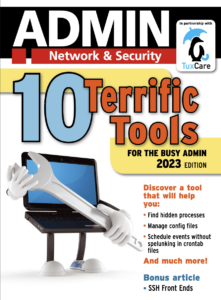
    Learn Linux TV would like to thank TuxCare for sponsoring this production! As part of this event, they are partnering with ADMIN Magazine to offer a free PDF filled with useful tips and tricks for the busy SysAdmin. Click the image to download – it’s only available for a limited time.

    Thanks to 2GuysTek, Jeff Geerling, and Techno Tim for joining the discussion!

    ⇨

    Read more: Unsung Heroes – SysAdmins are Recognized on System Administrator Appreciation Day
  • 2023 Homelab Tour – TrueNAS, Proxmox, and More!

    In this video, Jay shows off some of the services that run in his homelab! This time around, we’ll take a look at TrueNAS, Proxmox, and even get a sneak peak at the provisioning solution known internally as “NodeForge”. This is more of an introductory video, additional videos will be considered for diving into even more detail!

    Thanks to Akamai for sponsoring this video! Support Learn Linux TV and set up your own cloud server with Akamai’s Connected Cloud.

    ⇨

    Read more: 2023 Homelab Tour – TrueNAS, Proxmox, and More!
  • How to Use the rsync Command to Transfer Files (Linux Crash Course Series)

    The rsync command is kind of like a “swiss army knife” of file transfer utilities. With a wealth of options available, it’s easily one of the best methods of moving files around. In this video, Jay goes over the finer points of the rsync command, with an emphasis on the most important options you should know for day-to-day usage.

    YouTube player

    Thanks to Akamai for sponsoring today’s video! Check out their connected cloud platform for your own awesome Linux server!

    (more…)

    ⇨

    Read more: How to Use the rsync Command to Transfer Files (Linux Crash Course Series)
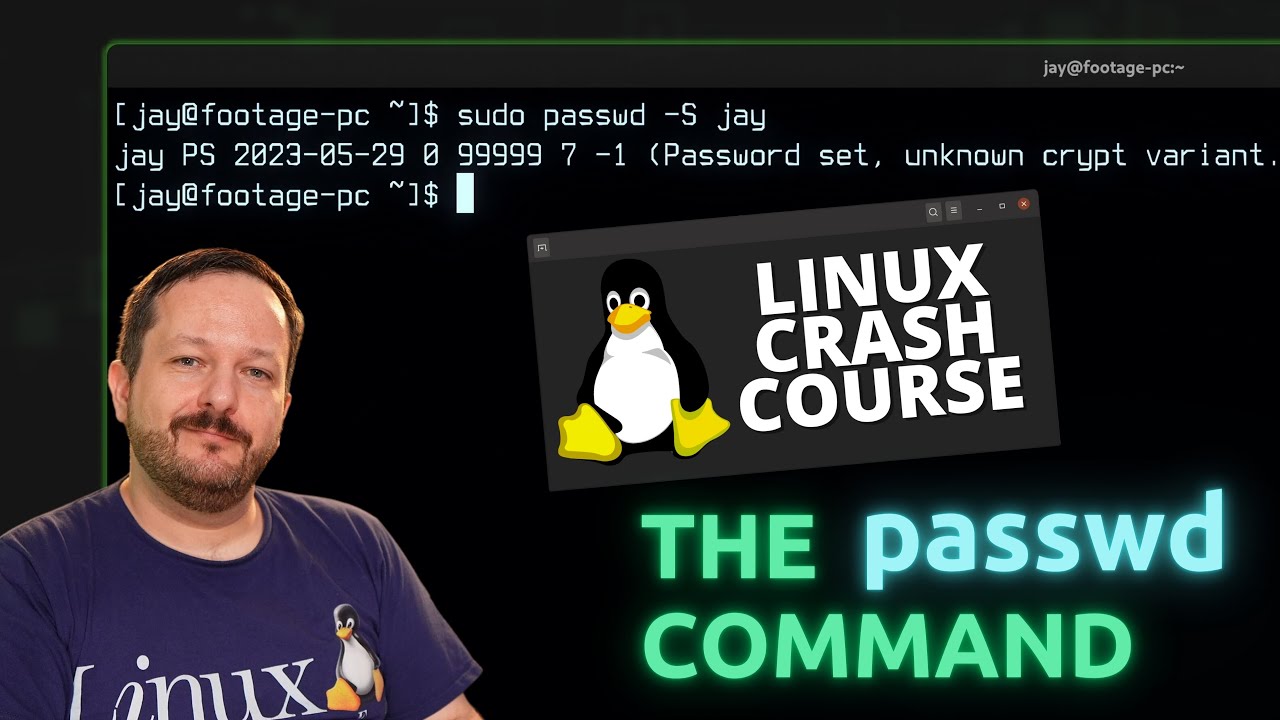
  • Linux Crash Course Series – Using the passwd Command

    The passwd command is what you use to change your password on your Linux system, but did you know you can also use it to change the password of other users, lock accounts, and view statistics? In this video, you’ll learn about the passwd command – and there may even be a new thing or two to learn even if you’re already familiar with the command.

    YouTube player

    (more…)

    ⇨

    Read more: Linux Crash Course Series – Using the passwd Command
  • Why Corporate Owned Linux Distributions are a Bad Idea

    When it comes to Linux Distros, each are either managed by their community or by a company. With recent news, it becomes clearer than ever that those managed by a company should be avoided. With a recent history of being untrustworthy, Red Hat is on the list to steer clear of – but they’re not the only example. With histories of misleading claims (with some being downright lies) it’s time to leave corporate-owned Linux distributions behind. Here’s why.

    YouTube player

    Relevant Articles

    • Red Hat and CentOS “Join Forces”
    • CentOS 8 Released
    • Transforming the development experience within CentOS
    • CentOS Project shifts focus to CentOS Stream
    • FAQ – CentOS Project shifts focus to CentOS Stream
    • Red Hat strikes a crushing blow against RHEL downstreams
    • Phoronix Article on Red Hat’s response to this
    • What decides success or failure
    • Gnome as Gnome intended
    • Ubuntu Flavors

    ⇨

    Read more: Why Corporate Owned Linux Distributions are a Bad Idea
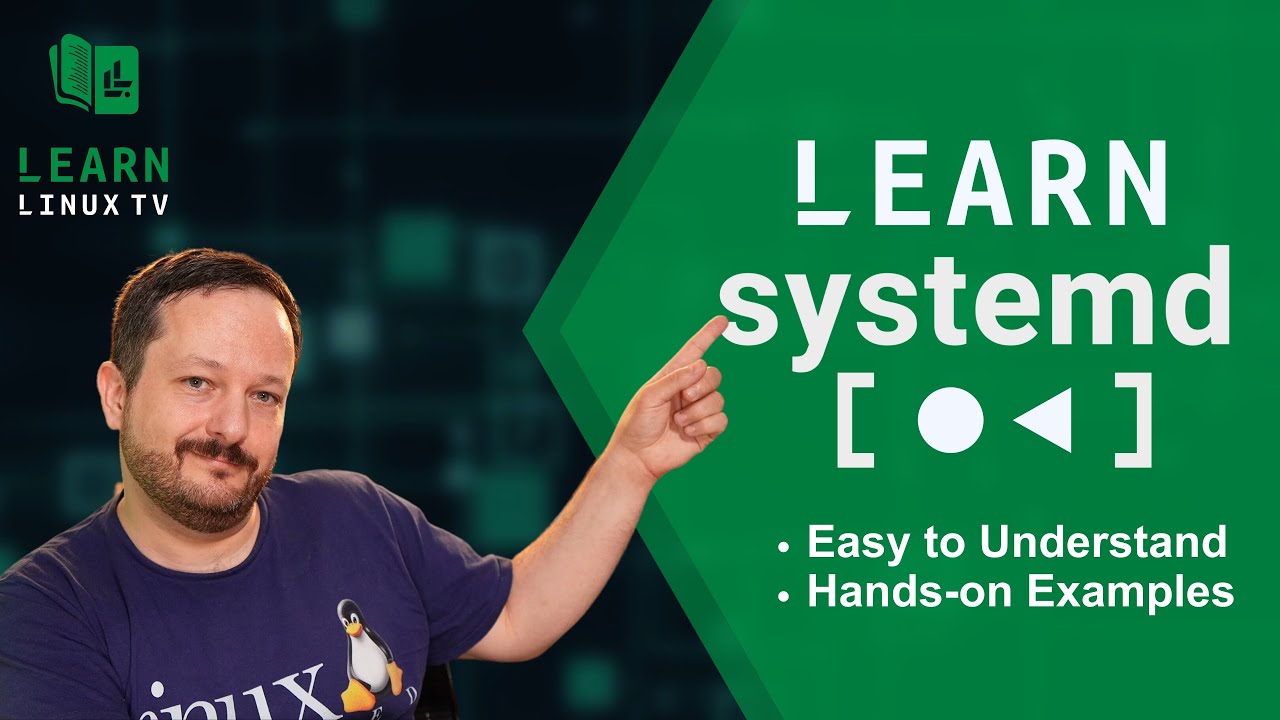
  • Systemd Deep-Dive: A Complete, Easy to Understand Guide for Everyone

    Systemd – it’s the most popular init system when it comes to Linux, and everyone loves it. Honest. But whether or not you love Systemd, you’re going to love this video because it will teach you all the core basics of Systemd. This coverage will include starting, stopping, restarting units, location priority in regard to unit file locations, editing service units and more!

    YouTube player

    ⇨

    Read more: Systemd Deep-Dive: A Complete, Easy to Understand Guide for Everyone
Previous Page
1 … 18 19 20 21 22 … 44
Next Page
  • YouTube

YOUTUBE

  • Twitter

twitter

  • LinkedIn

LINKEDIN

Copyright 2026 Learn Linux TV, all rights reserved.

All content on this channel adheres to the company’s content ethics guidelines.