Distro hopping gets a bad reputation in the Linux community — but what if it’s actually a good thing?
In this video, I explain why distro hopping can be beneficial, how it helps you learn Linux faster, and why switching between Linux distributions can actually make you a better system administrator and problem solver.
Are you a Distro Hopper? If so, consider supporting Learn Linux TV and grab this awesome Distro Hopper shirt!
Did you know you can make Bash automatically run ls every time you use cd? In this video, I show a simple but powerful Bash trick that improves your Linux command-line workflow by automatically listing files whenever you change directories.
We start by creating a custom cd function in Bash, then I walk through exactly how it works so you understand what’s happening behind the scenes. This approach helps you learn more about Bash functions, shell behavior, and how to customize your terminal in a practical, real-world way. Once you’ve set this up, navigating directories becomes faster and more informative, especially when working in complex file structures.
As a bonus, I also demonstrate how to create a reusable extract function that can automatically unpack many common archive formats from the command line, saving you even more time.
If you’re looking for useful Bash tips, want to customize your Linux terminal, or enjoy learning small tricks that improve productivity, this video is for you.
The TinyPilot Voyager 3 aims to deliver a modern take on KVM-over-IP, offering remote console access without relying on Java or legacy browser plugins. In this video, I take a hands-on look at the upcoming TinyPilot Voyager 3 to see how well it works, what features it includes, and whether it’s worth considering for homelabs, servers, and remote system management.
I start by explaining what TinyPilot is and how it compares to traditional solutions like IPMI, then walk through the setup process, web console, and included software. From there, we look closely at the hardware design, ports, and build quality, followed by a detailed demo of the HTML5 remote console and virtual media support for mounting ISOs and booting systems remotely.
If you’re searching for a clean, modern KVM-over-IP solution, curious whether TinyPilot can replace IPMI for your workflow, or want a Java-free way to manage headless systems, this review will help you understand what the Voyager 3 brings to the table and who it’s best suited for. I also cover pricing and overall value to help you decide if it makes sense for your setup.
Learn how to use the Linux stat command to view detailed file metadata, timestamps, permissions, and filesystem information. This comprehensive tutorial covers everything you need to know about the stat command and how it differs from the ls command.
The stat command is an essential Linux tool that displays comprehensive information about files and filesystems – far more detailed than what ls shows. In this tutorial, I’ll show you how to view file metadata, format stat output, filter by timestamps, and analyze filesystem details.
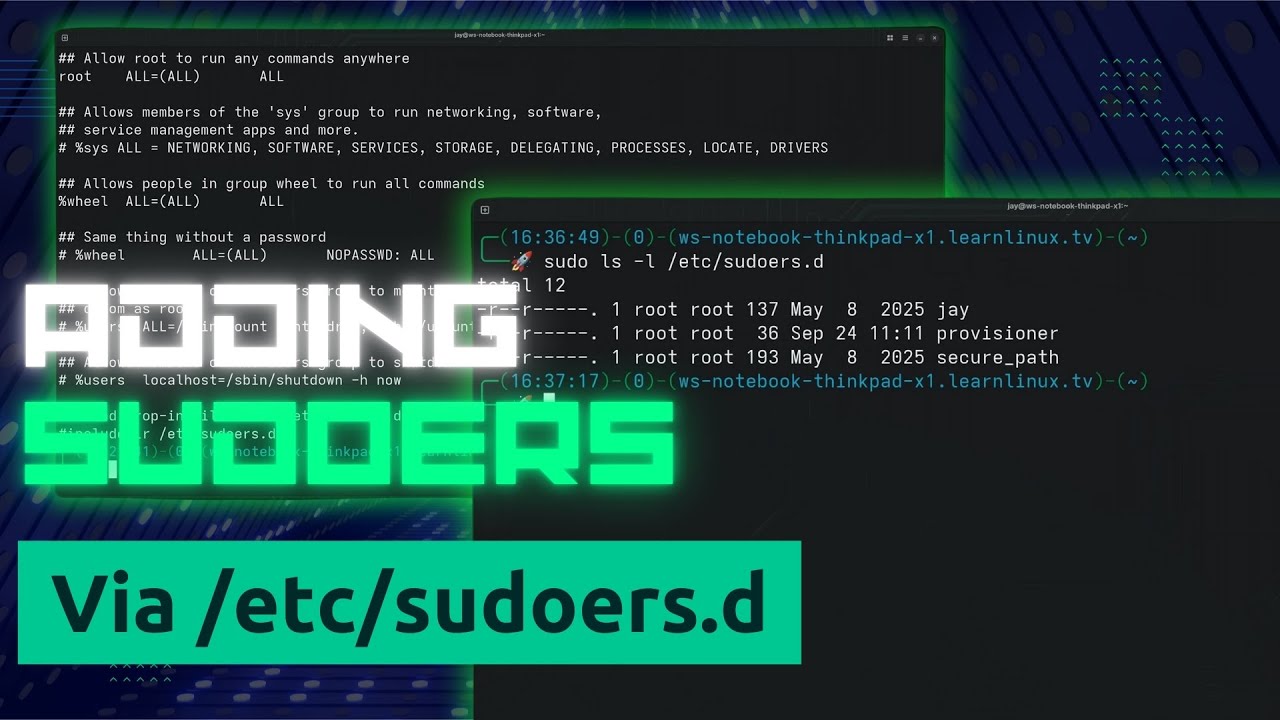
Learn how to properly add sudo users in Linux using the /etc/sudoers.d directory – the recommended best practice method for managing sudo access and user privileges.
In this Linux sudo tutorial, I’ll show you the safe and professional way to grant sudo permissions to users without directly editing the /etc/sudoers file. This method reduces the risk of configuration errors and makes sudo management cleaner and more organized.
Learn how to customize your Bash prompt (PS1 variable) in Linux and make your terminal look professional and functional. This complete tutorial shows you how your Bash PS1 prompt works, where to set your custom prompt, and will also point you to a couple of useful generator tools to help you create your own. In addition, you’ll see Jay’s custom bash prompt in action – and even a quick look at how to background processes. If you want to get started with customizing your Bash prompt, this is the video for you!
Thanks to Alice for sponsoring today’s video! Check out how Alice can help you eliminate manual errors & delays, reduce consulting costs, and unlock trapped data.
Learn how to install and configure TrueNAS Scale from scratch in this complete beginner’s guide. This step-by-step tutorial covers everything you need to know about setting up TrueNAS Scale, including hardware requirements, installation, storage pool creation, and configuring network shares for your homelab or business.
Whether you’re building your first home server or migrating from FreeNAS/TrueNAS Core, this tutorial will get you up and running with TrueNAS Scale quickly and confidently.
Thanks to Alice for sponsoring today’s video! Check out how Alice can help you eliminate manual errors & delays, reduce consulting costs, and unlock trapped data.
Also, consider supporting the channel by purchasing a TrueNAS Mini – it’s a great way to get started!
Learn how fast and simple it is to use RamNode in this beginner-friendly cloud hosting tutorial designed for anyone exploring new VPS hosting options or looking for an alternative to larger cloud providers like DigitalOcean, Vultr, or Linode or even as a lightweight alternative to AWS. This walkthrough shows how to create a RamNode account, deploy your first Ubuntu VPS, connect to your server, and navigate the RamNode Cloud Control Panel with ease. It also highlights essential features such as snapshots for quick backups, firewall rules for secure access control, cloud volumes for flexible storage, and core server management tools that help new VPS users get started confidently.
Whether you’re launching your first Linux server, comparing VPS providers, or searching for affordable, developer-friendly cloud hosting, this step-by-step guide offers a clear look at RamNode’s performance, simplicity, and streamlined workflow. Perfect for beginners, homelab fans, and anyone exploring VPS hosting.
This video was sponsored by RamNode. Check them out and develop, deploy, and grow your project or business on their OpenStack-based cloud platform. Check them out and use promo code “LEARNLINUXTV” to set up a free trial and get $5 in starter credit!
Artificial Intelligence is changing everything — from how we work to how we manage servers — but what does AI actually mean for Linux users, system administrators, and technical professionals? In this in-depth talk, I break down what AI really is, how it works, where it helps (and hurts), and how Linux fits into the rapidly evolving AI landscape.
Learn how to set up and configure a ThinLinc cluster on Linux in this complete step-by-step tutorial. This guide covers everything from downloading the ThinLinc server package to configuring master and agent nodes for a fully functional remote desktop cluster.
Thanks to Cendio/ThinLinc for sponsoring today’s video! Check out their awesome remote desktop solution here.