In this tutorial, you’ll learn how to use Warehouse — a powerful graphical tool for managing Flatpak applications on Linux. Warehouse gives you full control over your Flatpak apps, including the ability to manage user data, create snapshots, and restore previous states — all from a clean, easy-to-use interface.
Whether you’re new to Flatpak or a seasoned Linux user looking for a better way to manage your apps, this video covers everything you need to get started with Warehouse on any Linux distribution that supports Flatpak and Flathub.
New to Raspberry Pi? This beginner’s guide covers everything you need to know to get up and running — from choosing the right model to installing Raspberry Pi OS and taking your first look around the desktop.
Is AI actually useful in Linux — or is it just a gimmick?
Sloppix is a brand new Linux distro with AI features baked right in — terminal assistance, automated sysadmin tasks, and more. So I put it to the test.
But by the end, there’s a bigger question worth asking: AI is being bolted onto every tool, every distro, and every workflow in the Linux space right now — and a lot of it is AI slop dressed up as innovation. It’s worth stopping to think about what we’re actually gaining, and what we’re losing when we let AI do the thinking for us.
The 2026 System76 Thelio Mira is one of the most interesting Linux desktops on the market — but is it actually worth your money? In this review I cover everything from first boot on Pop!_OS to running Fedora and Debian, real-world benchmarks, gaming performance, and whether this machine deserves a place in your homelab or on your desk.
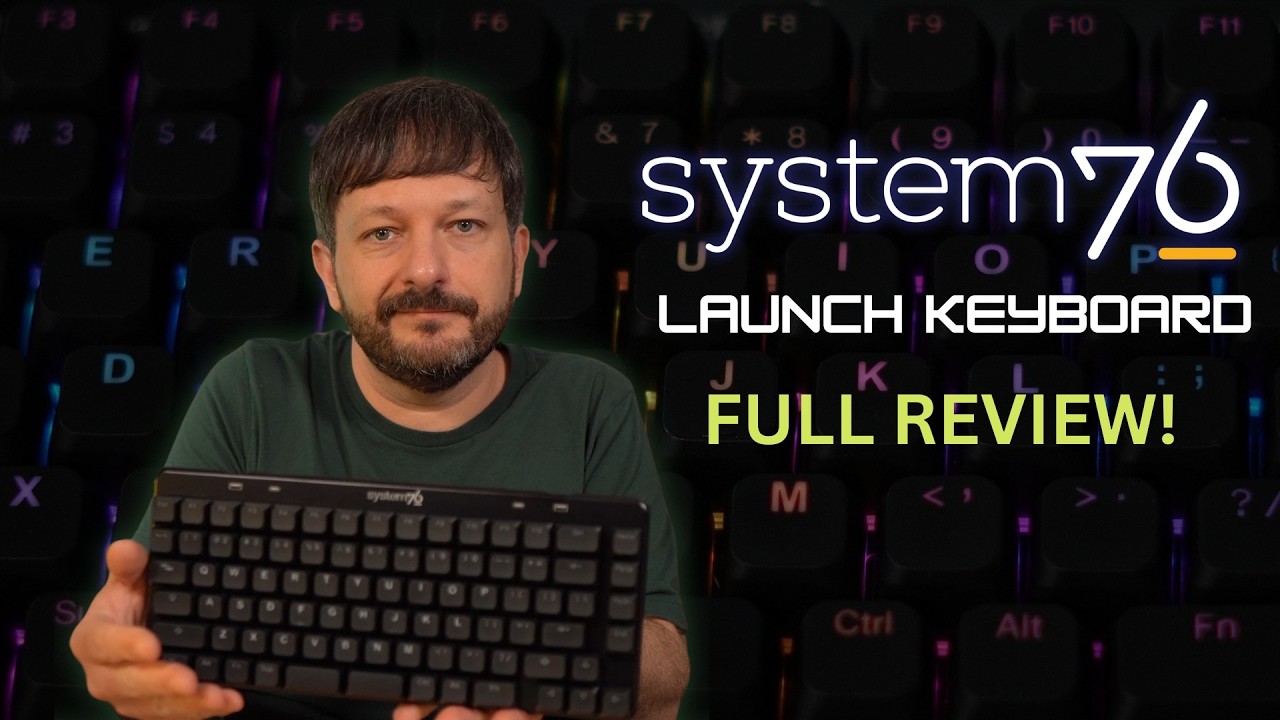
System76 just refreshed their legendary Launch Keyboard with a Prism Black finish and doubleshot PBT keycaps — but is it worth $285 in 2026?
In this review I cover everything sysadmins and Linux enthusiasts need to know about the System76 Launch Configurable Keyboard: the open source hardware design, the milled aluminum chassis made in Denver, the Keyboard Configurator app, the split spacebar, 4-layer customization, and more!
In this video, I explore how AI can be used for System Administration by integrating Claude Code. I walk through a real experiment where I tested AI against my infrastructure automation workflow to see how useful AI really is for sysadmins.
Is AI a blessing or a curse? Check out the video to learn more about this experiment as well as my findings.
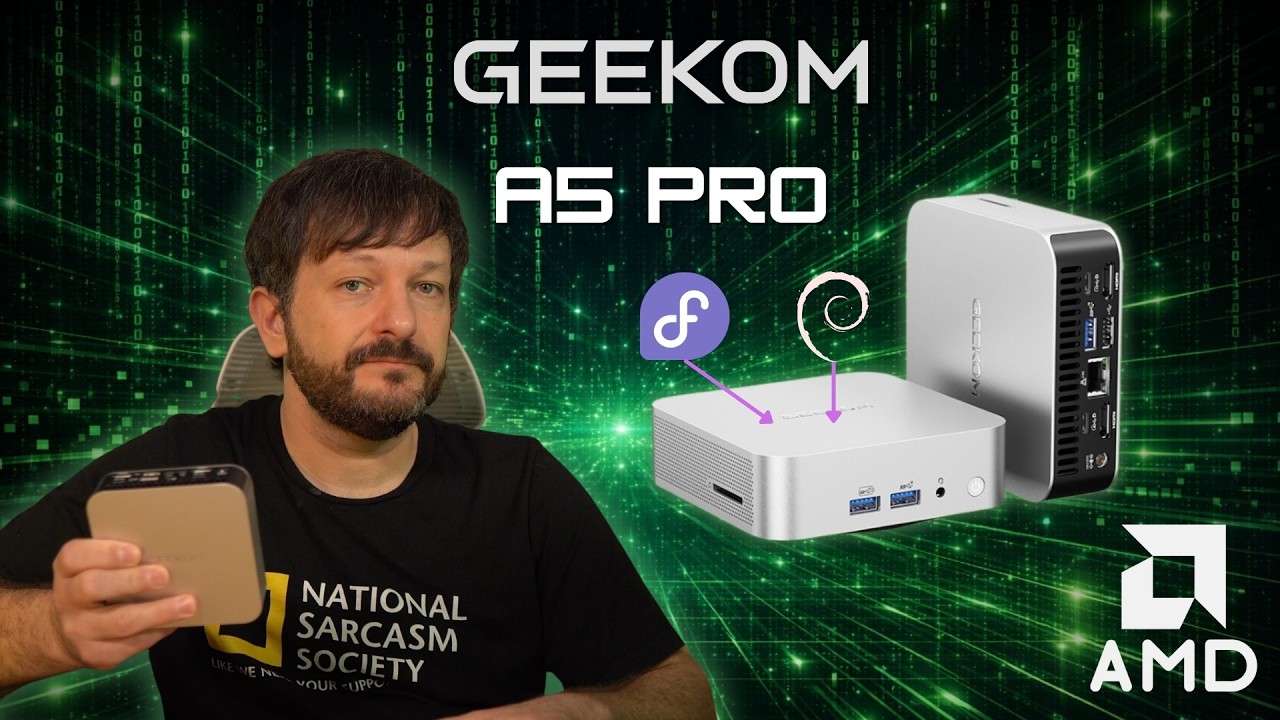
Geekom A5 Pro (2026) review: In this video, I take a close look at the latest mini PC from Geekom, including specs, performance, Linux compatibility, and whether it’s worth buying in 2026. We start with a quick overview of the Geekom A5 Pro, followed by a full unboxing and first impressions.
I also test the system with the preinstalled Windows 11 installation and answer a big question many viewers ask: Does the Geekom A5 Pro run Linux well?
If you’re looking for a compact mini PC for Linux, home lab setups, or general computing, this review covers everything you need to know before buying.
Is Linux uptime really something to brag about? Many system administrators proudly show off servers that haven’t been rebooted in months or even years—but that mindset can actually create serious problems!
In this video, I’ll break down why you might be revealing more than you intended to, and why rebooting your Linux server regularly can actually be a best practice. From applying security updates to maintaining system reliability, avoiding reboots can introduce risks that many sysadmins overlook.
In this tutorial we build an automated Linux backup using rsync and a systemd timer.
In this step-by-step tutorial, we’ll create a reliable rsync backup script, test it safely using dry-run mode, and automate it using a systemd service and timer so your backups run automatically. You’ll also learn how to prevent silent backup failures by adding a mount check, and how to integrate healthchecks.io so you get alerts if your backup script fails.
This tutorial is perfect for Linux users, sysadmins, and homelab enthusiasts who want a simple, reliable, and transparent backup solution without relying on heavy backup software.
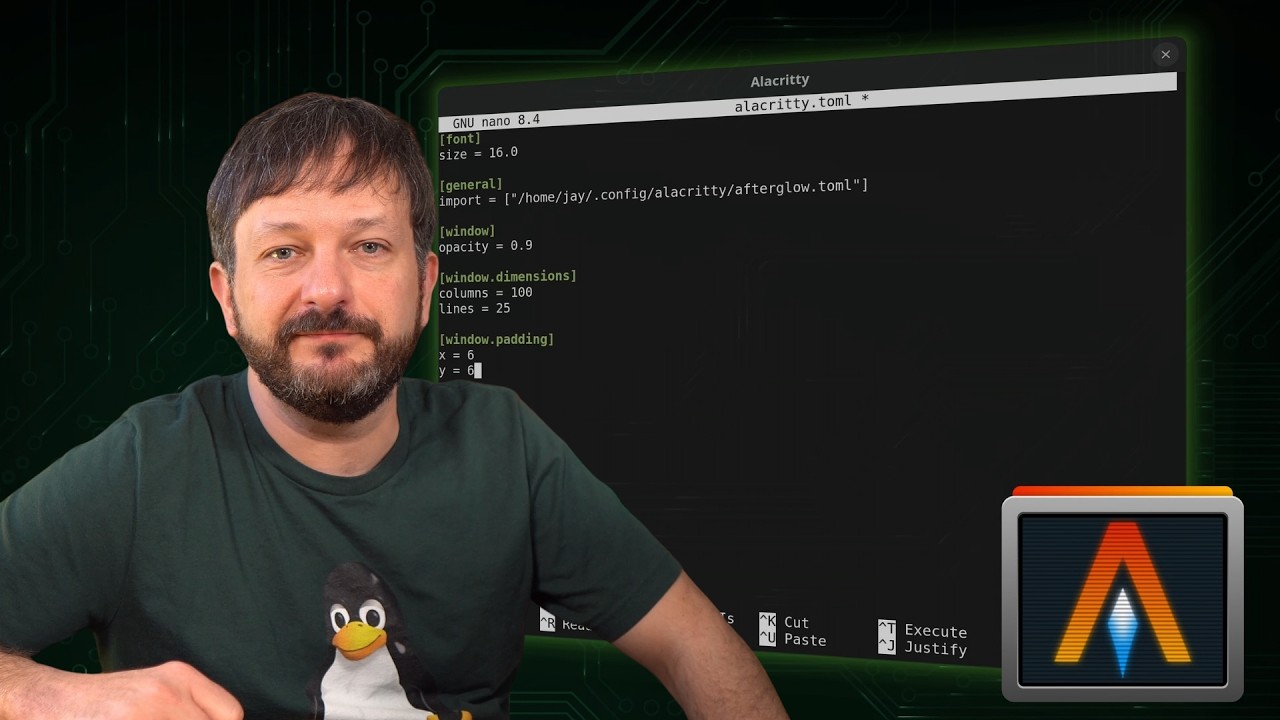
Alacritty is a blazing fast, GPU-accelerated terminal emulator for Linux — and in this guide, I’ll show you how to install and configure Alacritty step-by-step.
If you’re looking to upgrade your Linux terminal setup, this tutorial walks through everything you need to know: what makes Alacritty different, how its configuration works, and how to customize it.
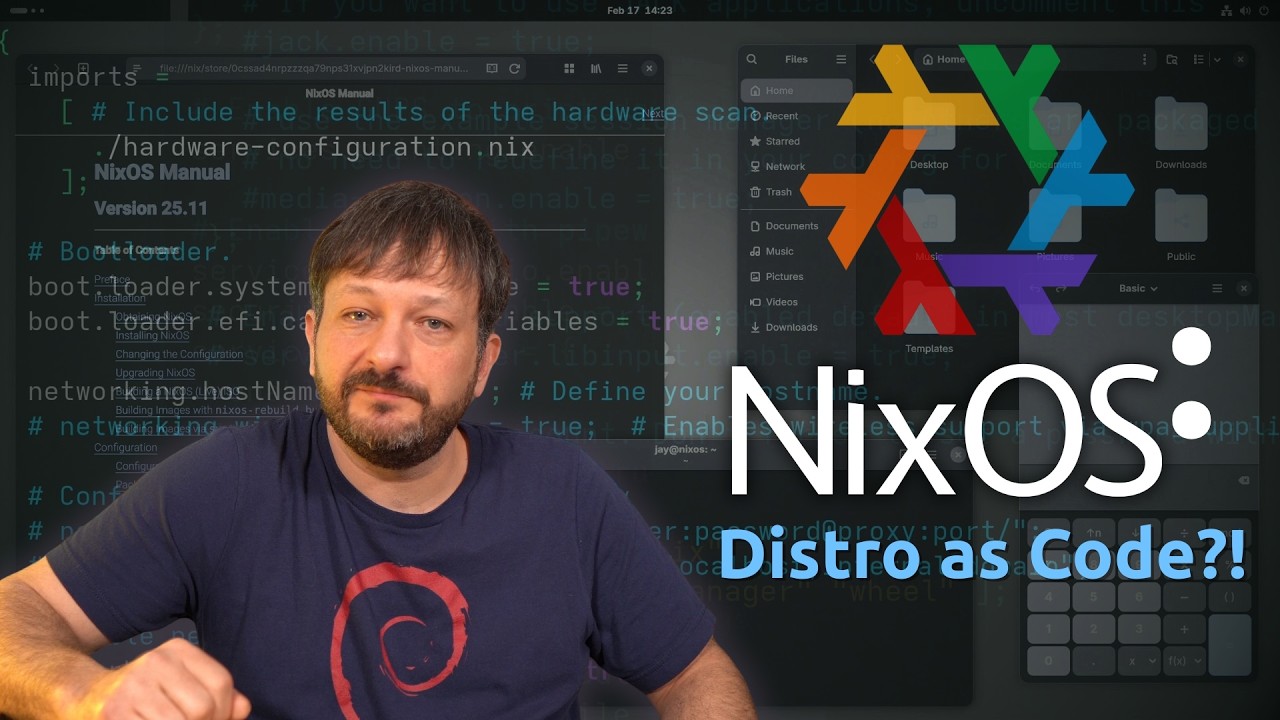
In this in-depth NixOS review, we’ll explore what makes NixOS fundamentally different from traditional Linux distributions. From declarative configuration to fully reproducible systems, NixOS challenges everything you think you know about managing Linux.
But is it practical? Is it beginner friendly? And does the “immutable” architecture actually make your system better? In this video, you’ll get answers to those questions and more!
Want to show system information at login in Linux—without relying on neofetch? In this hands-on Linux project, you’ll build a custom Message of the Day (MOTD) that displays live system info every time you log in.
This video is designed as a learn-by-doing Linux project. You’ll write a Bash script, create a systemd service, and set up a systemd timer to automatically regenerate your MOTD. By the end, you’ll have a clean, professional login message that works across reboots and logins—no manual commands required.