

GB vs GiB and TB vs TiB—what’s the difference? Learn why storage sizes often appear incorrect, how SI and IEC prefixes work, and which units accurately describe your SSD, hard drive, and computer storage.

GB vs GiB and TB vs TiB—what’s the difference? Learn why storage sizes often appear incorrect, how SI and IEC prefixes work, and which units accurately describe your SSD, hard drive, and computer storage.
Just installed Arch Linux? This Arch Linux post-install guide covers 10 essential steps for building a secure, optimized, and fully functional desktop – including Pacman, Flatpak, CPU microcode, firewall configuration, SSD TRIM, multimedia codecs, Bluetooth, printers,the AUR and more!
Learn how to create a Linux VPS on Linode from start to finish in this beginner-friendly tutorial. I’ll walk you through deploying a Linode instance, choosing the best data-center region, selecting a Linux distribution, comparing VPS plans and costs, and configuring your server.
You’ll also learn how to enable Linode’s optional backup service and securely access your new Linux server using both the browser-based Lish console and SSH. Whether you’re building a web server, development environment, home lab, or cloud-hosted Linux project, this guide will help you get started quickly.
If you haven’t created your Linode account yet, get starter credit (and support the channel) by using this link.
Secure your Linux servers with Teleport, a modern Zero Trust access platform that provides a more secure alternative to traditional SSH access. In this hands-on tutorial, you’ll learn how to install Teleport, configure a Teleport control plane, enroll Ubuntu servers, and securely connect to your infrastructure through both the web interface and the Teleport client.
Thanks to Teleport for sponsoring this tutorial! Check out Teleport and secure your Linux servers with a modern Zero Trust access platform that provides a more secure alternative to traditional SSH access.
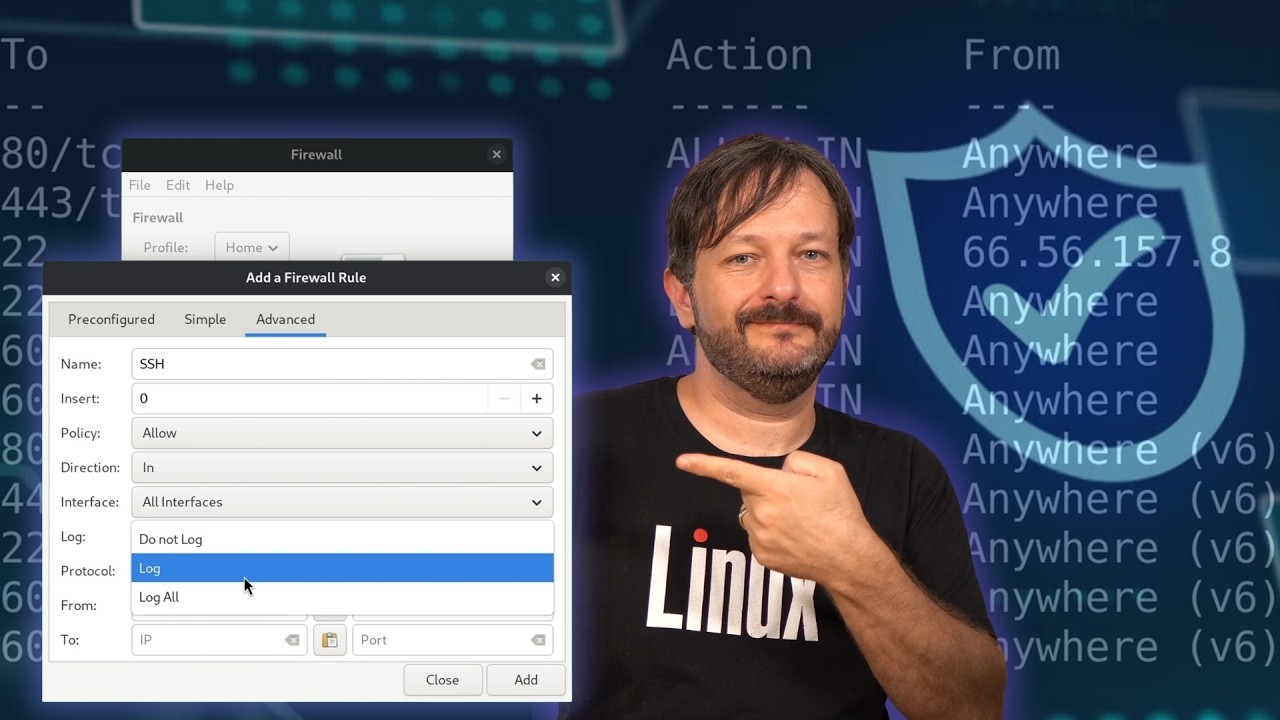
(more…)Learn how to secure an Ubuntu server with UFW (Uncomplicated Firewall) in this complete, hands-on Linux firewall tutorial. We’ll install UFW, configure secure default policies, create firewall rules, protect SSH, allow Apache traffic, limit connections, manage subnets and port ranges, enable logging, and explore the GUFW graphical interface.
Whether you’re a Linux beginner, system administrator, homelab enthusiast, or server administrator, this practical guide will help you understand how UFW works and how to use it safely. You’ll also learn the difference between deny and reject, how to check active rules, and how rate limiting can help protect SSH against brute-force attacks.
Learn how to install SteamOS on a desktop PC and transform your computer into a dedicated, console-style gaming rig. This step-by-step SteamOS installation guide covers compatible hardware, system requirements, creating a bootable USB installer, booting the installation media, and installing SteamOS from start to finish.
Whether you’re building a custom Steam Machine, repurposing an old gaming PC, or looking for a Linux gaming alternative to Windows, this tutorial will help you get started.
In this video, I take a full look at the Fedora 44 COSMIC spin — Fedora’s official release of the COSMIC Desktop Environment. I cover a first look at the interface, a bit of the history behind COSMIC, its standout auto-tiling feature, and why I made the switch to Fedora COSMIC as my daily driver. If you’re curious whether Fedora COSMIC is worth using in 2026, this review breaks it down for you.

Do you actually know how fast your network is? Not what your switch spec sheet says — what it’s really doing between two hosts. iPerf3 is the tool sysadmins and homelab enthusiasts reach for when they need real answers, and in this video I’ll show you how to use it from the ground up.
We cover everything from installation to practical usage, including how to test WiFi vs wired, push a 10 gigabit ethernet connection, bind to a specific interface, and dial in your test parameters for accurate results.

If you’ve ever rebooted a Linux server and had it fail to come back up, there’s a good chance the culprit is sitting right in your /etc/fstab file. Device names like /dev/sda1 can shift after a reboot, a drive swap, or even a kernel update — and when that happens, your mounts break and your server may not boot at all. In this video, I break down why UUIDs matter for Linux storage, and I show you a real production server that ran into exactly this problem.

Manually spinning up VMs in Proxmox gets old fast. In this video, I’m using Kestra (an open-source workflow automation platform) to automatically clone a VM template and start it, all without touching the Proxmox UI! You’ll see the process of buiding the workflow, setting up the Proxmox API – and more! In this step-by-step video, you’ll be able to build this for yourself.
Thanks to Kestra for supporting this tutorial! You can self-host it and use it to automate entire workflows , so check it out!

Thinking about gaming on Linux but not sure where to start? In this video, I walk through the entire Linux gaming landscape — from choosing the right GPU, to picking a gaming-friendly distro, to running your games through Steam, Proton, Lutris, GOG, and CrossOver. This isn’t a deep tutorial on any one tool — it’s a practical overview and set of tips to help you navigate Linux gaming with confidence, whether you’re switching over or just curious.
Your terminal setup says a lot about your workflow – in this video, I walk through how I configure my Linux terminal environment, covering tmux, Vim, my Bash configuration, and even a live Ansible provisioning run to deploy this setup across my LLTV servers.
If you’re looking to build a faster, more efficient terminal workflow on Linux, this video covers the core tools I rely on every day as a sysadmin.
Download my dotfiles here!
(more…)