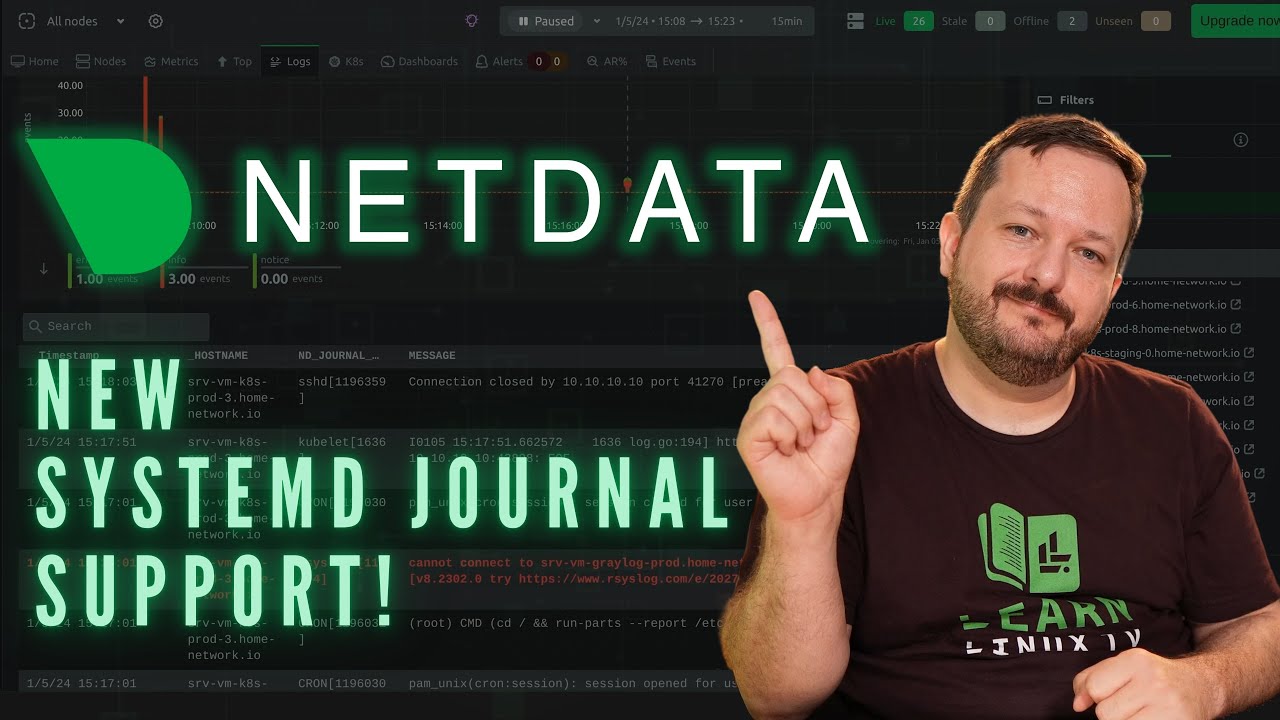
Netdata, a solution that was covered on the channel in the past, has a brand new ability – support for Systemd’s journal! This enables administrators to better keep track of their servers, making viewing, exploring and analyzing Systemd journal logs easier than before. In this video, Jay will give you an overview of Netdata’s latest innovation!
What if I told you that you can run AUR packages on Fedora? Or just about any other Linux app that wasn’t meant for your Distro of choice? In this video, we’ll take a look at DistroBox – a very interesting app that lets you easily cross boundaries between distributions. Perhaps most interesting, graphical apps are a breeze!
The Linux Crash Course series here on Learn Linux TV teaches you a valuable Linux-related skill in each and every video. You can watch most episodes in any order, and with over 60 entries in this series (and counting) there’s no shortage of Linux Learning! In this episode, Jay will teach you some of the basics of tuning Linux processes with the nice and renice commands.
Thanks to Akamai for sponsoring this video! Support Learn Linux TV by spinning up your very own Linux server on their awesome cloud platform!
The Linux Crash Course series here on Learn Linux TV teaches you a valuable Linux-related skill in each and every video. You can watch most episodes in any order, and with over 60 entries in this series (and counting) there’s no shortage of Linux Learning! In this episode, Jay will teach you all about shell variables.
Thanks to Akamai for sponsoring this video! Support Learn Linux TV by spinning up your very own Linux server on their awesome cloud platform!
Linux is a huge platform with a ton of things you can learn, but how exactly do you go about learning it in the first place? What are some common pitfalls you should avoid? How do you balance all the topics you’ll come across? In this video, Jay (a 20+ year Linux veteran and published author) will give you his tips.
Thanks to Akamai for sponsoring this video! Use this link to support Learn Linux TV and start a new account with free starter credit to spin up your very own Linux server!
Linux software packaging has seen some interesting changes lately, especially with the rise of the “universal package”. Flatpak, one of the leading forms of the prominent universal package types has seen some confusion (and sometimes controversy) but in this video, Jay will explain the concept and show you how to manage Flatpaks with the flatpak command.
Thanks to Akamai for sponsoring this video! Check out Akamai’s connected cloud to support Learn Linux TV and get yourself set up with some Linux servers!
Fedora celebrates 20 years in November of 2023, and just a day shy of that amazing milestone version 39 has been released. Fedora 39 features the GNOME 45 desktop, and not much else. In fact, it’s quite boring. But you know what? With this release, that’s a great thing! In this quick review, Jay will take a look at Fedora 39.
Congratulations to the entire team behind Fedora – 20 years of an awesome Linux distro is definitely something to be extremely proud of!
There’s no shortage of cool things you can do right from within your Linux terminal, but did you know you can browse web pages from the command line? While browsing web pages in your terminal won’t look exactly the same as it does in a proper browser, it can be very useful in a pinch. In this video, Jay will show you two ways of browsing the interwebs from your Linux terminal.
Thanks to Akamai for sponsoring this video! Check out Akamai’s connected cloud to support Learn Linux TV and get yourself set up with some Linux servers!
Kasm Workspaces, dubbed “the container streaming platform” enables you to run applications and even entire Linux distributions inside your web browser. This container-based solution can be self-hosted on your own hardware, and its feature set unlocks more potential for homelabs and enterprise alike. In this video, Jay will present an entire getting started guide for Kasm Workspaces, which will cover how to deploy it, manage individual workspaces, and more!
Please note: This video is sponsored by Kasm, but it is NOT a review. This video is a tutorial for those that have already decided to deploy Kasm Workspaces. If you’d like Jay’s opinion on Kasm Workspaces as a product, check out this review which is NOT sponsored by Kasm.
Recently, I mentioned that I was switching each of my Linux installs to Debian. But what does that mean for my laptops and desktops? In this video, I’ll show you the Sway window manager implementation I’ve been working on, and where it stands as of now. Plus, I’ll show you how you can set this up for yourself!
Thanks to Akamai for sponsoring this video! Check out Akamai’s cloud platform to spin up your very own Linux server!
Neovim is all the rage within the Linux community nowadays, but what is it? How does it differ from traditional Vim? In this video, Jay will give you a basic overview of Neovim and its benefits.
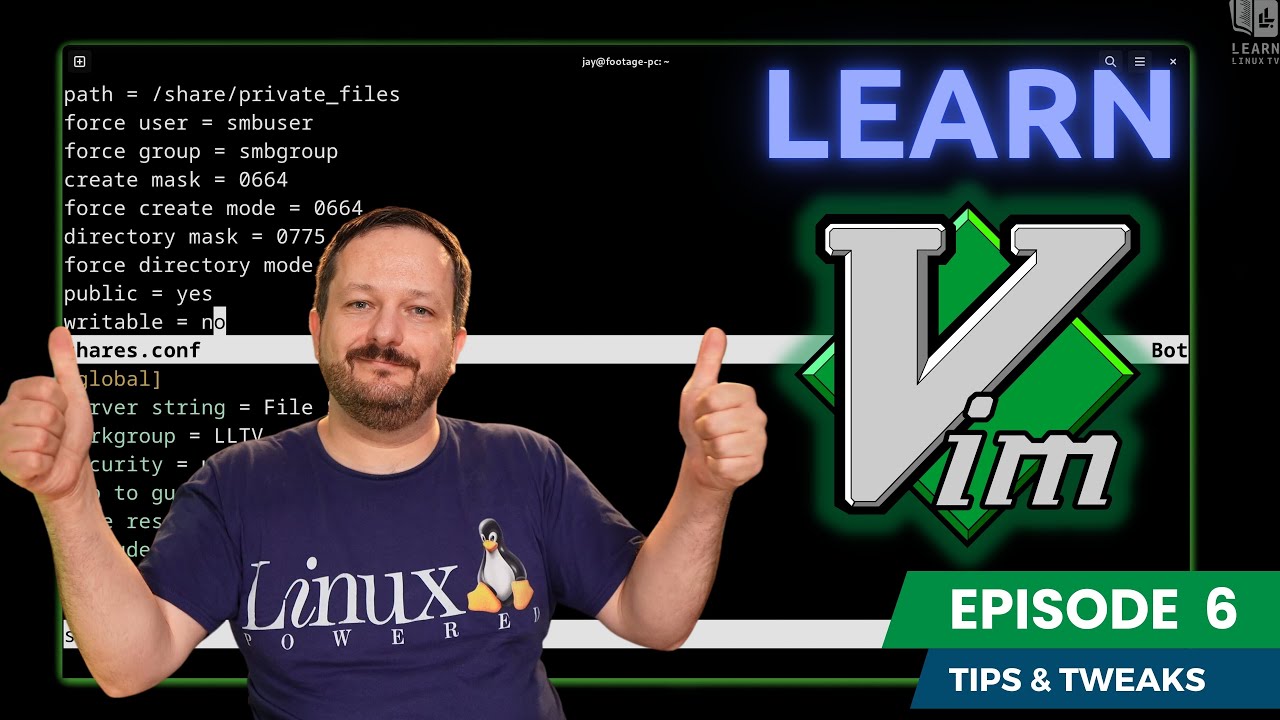
Welcome to the brand new Vim series! In this course, you’ll learn everything you’ll need to know in order to become productive with Vim, a popular UNIX/Linux text editor. You’ll learn how to install it, how to use it, and some quality of life tips to increase your skills. In this episode, you’ll learn some additional tricks to help you level up your Vim skillset.