
Alacritty is a blazing fast, GPU-accelerated terminal emulator for Linux — and in this guide, I’ll show you how to install and configure Alacritty step-by-step.
If you’re looking to upgrade your Linux terminal setup, this tutorial walks through everything you need to know: what makes Alacritty different, how its configuration works, and how to customize it.
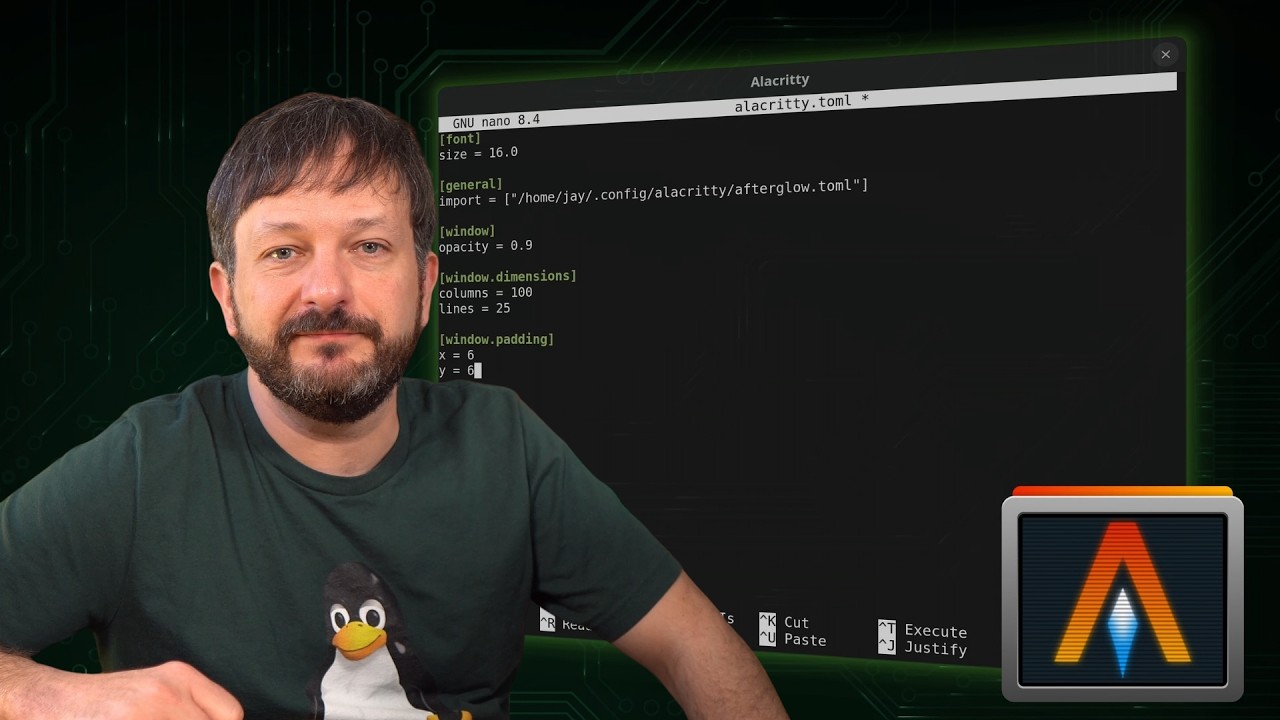
Alacritty Config File
Save this file under $HOME/.config/alacritty/alacritty.toml:
[font]
size = 16.0

[general]
import = ["/home/jay/.config/alacritty/afterglow.toml"]

[window]
opacity = 0.9

[window.dimensions]
columns = 100
lines = 25

[window.padding]
x = 6
y = 6
Color Scheme
Save this file under $HOME/.config/alacritty/afterglow.toml:
[colors.bright]
black = "#636363"
blue = "#7eaac7"
cyan = "#86d3ce"
green = "#909d63"
magenta = "#aa6292"
red = "#bc5653"
white = "#f7f7f7"
yellow = "#ebc17a"

[colors.cursor]
cursor = "#d9d9d9"
text = "#2c2c2c"

[colors.dim]
black = "#232323"
blue = "#556b79"
cyan = "#5c8482"
green = "#5e6547"
magenta = "#6e4962"
red = "#74423f"
white = "#828282"
yellow = "#8b7653"

[colors.normal]
black = "#1c1c1c"
blue = "#7eaac7"
cyan = "#86d3ce"
green = "#909d63"
magenta = "#aa6292"
red = "#bc5653"
white = "#cacaca"
yellow = "#ebc17a"

[colors.primary]
background = "#2c2c2c"
bright_foreground = "#d9d9d9"
dim_foreground = "#dbdbdb"
foreground = "#d6d6d6"