
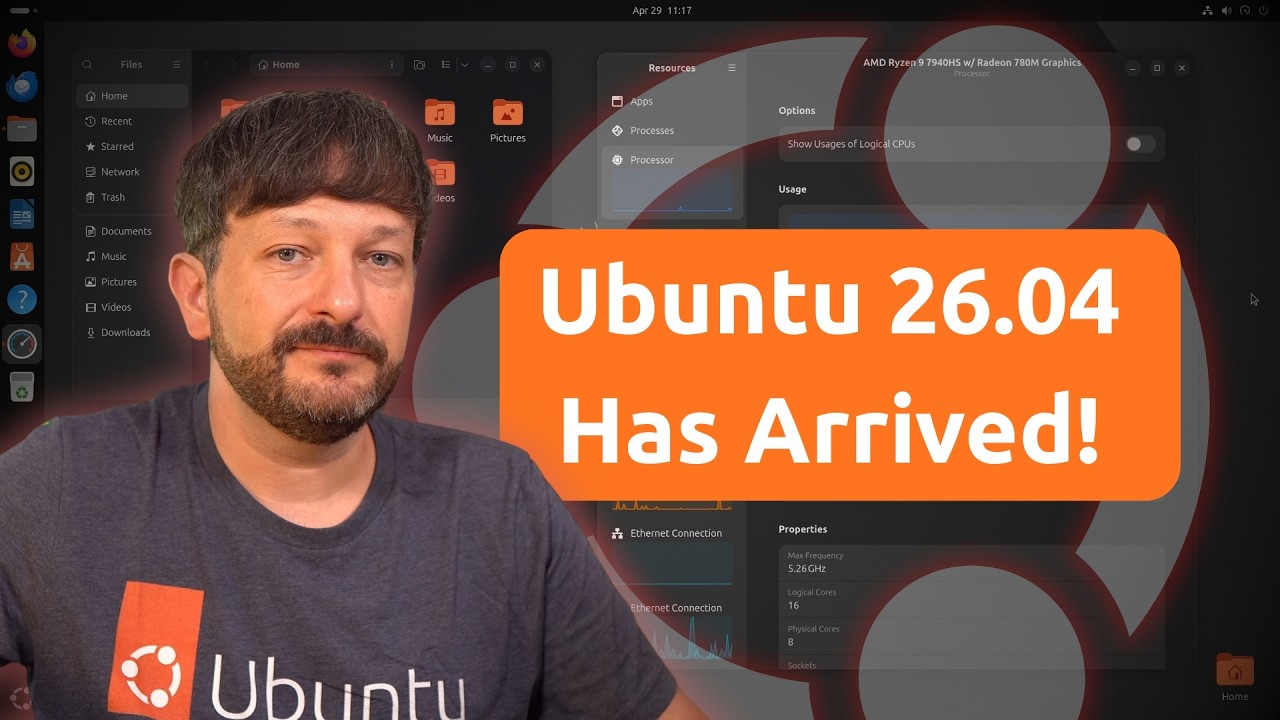
Ubuntu 26.04 LTS is here — and this release brings some significant changes. In this review, I cover what’s new in Ubuntu 26.04 LTS, how it compares to other distributions, the NVIDIA improvements and full transition to Wayland, installer upgrades, and the RAM requirement controversy that has the Linux community talking.
Is Ubuntu 26.04 LTS worth upgrading to? I’ll give you my honest verdict.
GNOME 50
In terms of new features, the latest Ubuntu release contains a fair number of improvements – more than most releases lately. The new additions won’t redefine how you use your computer or anything, but there’s a fair number of new features that are worth mentioning. And we’ll start with GNOME 50.
Like previous releases, Ubuntu 26.04 gives us a customized GNOME desktop, with quality of life improvements that aren’t normally found in GNOME without adding some extensions. For example, we have a panel, and a custom theme – which makes the overall GNOME experience in Ubuntu unique.
One downside of this is that Ubuntu’s implementation of GNOME is quite unlike other distros that feature GNOME, so for newcomers it might be a bit confusing to switch to or away from Ubuntu and have a different experience, but the quality of life improvements are probably a good thing for most people.
Anyway, GNOME 50 brings some new enhancements, such as smoother animations, improved network share browsing, and faster loading of large directories. These enhancements improve performance and will also help you manage your files faster. All in all, GNOME 50 doesn’t offer any major shifts in terms of features, but instead there’s quite a few incremental improvements that refine the experience further.
Outside of the enhancements in GNOME itself, Ubuntu 26.04 further refines it. The Yaru theme has been improved, but then again that’s almost always the case – Canonical puts a lot of work into the GNOME theme for Ubuntu, and it gets better in each release.
But in addition to smaller tweaks, several default apps have been replaced. For example, GNOME’s system monitor has been replaced by an app simply named Resources, which does the same thing as the System Monitor – but it looks a lot more modern in my opinion. Also, for document viewing an app named Papers replaces Evince, and Showtime becomes the default video player.
All in all, the GNOME experience in Ubuntu 26.04 is solid and well curated.
GPU Improvements
Continuing, there’s a number of improvements regarding GPU’s that make Ubuntu 26.04 even more solid for desktop users – and some of these come from GNOME, while other refinements are specific to Ubuntu.
On the GNOME side of GPU tweaks, High Dynamic Range has seen some really good improvements. GNOME 50 now supports version 2 of the Wayland color management protocol, which gives content creators access to higher color accuracy. Also, HDR Screen Sharing is supported in the latest GNOME desktop as well, which allows screen recording software to benefit from the same color accuracy within screen recordings. And of all of the GPU-related benefits in Ubuntu 26.04, this is probably what benefits me the most.
In addition, the latest Ubuntu release benefits from hardware-accelerated video encoding and decoding being enabled by default on AMD and Intel, which is another feature that benefits just about anyone that records content.
Also, AMD’s compute stack is now available in 26.04 in standard packages, which is supposed to eliminate needing to add third-party repositories to take full advantage of your AMD GPU’s capabilities. And this is great, because AMD ROCM can be quite a pain to set up so it’s nice to have this available. However, in a recent article on the Phoronix website, it was mentioned that these packages aren’t exactly up to date so whether or not this will benefit you depends on your GPU model.
On the Nvidia side, Dynamic Boost is enabled by default – which can actually improve battery life on some systems. Basically what this does is enable Ubuntu to switch between CPU and GPU rendering more accurately.
Also, Ubuntu 26.04 finalizes the transition from Xorg to Wayland, with Wayland now being the only supported compositor. XWayland is used to provide backwards compatibility for legacy apps that aren’t set up for Wayland yet, helping to make sure that each app is able to run within the latest Ubuntu release – even if the developer hasn’t gotten around to enabling Wayland yet.
Overall, Ubuntu 26.04 contains quite a few GPU tweaks, and having enhanced HDR, better rendering, and improved battery efficiency are all very welcome improvements for desktop users. But it’s not just about GPU improvements this time around – enhancements in the scheduler, as well as improved CPU support means that depending on your hardware, you might actually see some pretty big performance boosts.
Installation Process
When it comes to the installation process, the installer is pretty much the same experience as before – there aren’t as many improvements here, but then again I’m not sure that there was really a need to change anything since the installer works pretty well.
Just like before, once you boot from your Ubuntu 26.04 installation media, you’ll have a chance to test the new release in Live mode, and then once you’re ready all you have to do is launch the installer and answer a handful of questions. The entire process took less than five minutes for me.
But even though there’s not much in the way of noticeable changes in the installer, there are some improvements worth talking about. Ubuntu 26.04 now supports TPM-based full disk encryption by default, and also includes post-quantum cryptographic algorithms enabled by default as well that will further enhance security. So even though you may not notice anything new in the installer, there are some noteworthy changes.
All in all, when it comes to the installer in the latest Ubuntu release, it’s the same workflow as before and it’ll get you up and running in no time.
However, there’s been a bit of controversy when it comes to installing Ubuntu 26.04. This time around, Canonical has listed 6GB as being the minimum recommended amount of RAM, which is quite a bit higher than previous releases. Understandably, this has raised red flags within the Linux community – after all, if the primary difference in Ubuntu 26.04 is an updated software stack, then why is the recommendation for memory much higher?
Well actually, there’s not much difference here. The 6GB requirement that’s listed is more of a recommendation, not a rule. Considering browsers nowadays eat RAM for breakfast, it’s more about being realistic. If your system runs a previous Ubuntu release well, then 26.04 will continue to work well for you. The actual issue is Canonical shooting themselves in the foot due to poor communication, which is actually somewhat common. On the documentation page, it’s mentioned that you can use a different flavor if you have less than 6GB of RAM, which really does give people the impression that the new RAM recommendation is a requirement. If Canonical simply rephrased this to where it didn’t make it seem like a hard requirement, no one would care. You’d think they’d be aware of how literal the Linux community takes things like this by now, but I digress. And it doesn’t really matter in practice anyway, since it’s a good idea to test every Linux release in live mode before installing, so if the memory requirement was an actual issue you’d notice it while testing the release. And that’s my recommendation – before installing Ubuntu 26.04, test it in live mode first and see how it runs. That’s the real qualifier here, not poorly-communicated documentation.
Performance and Reliability
When it comes to performance, Ubuntu 26.04 feels fast and considering there’s improvements across the board, there’s a very real chance you’ll notice some real gains in terms of responsiveness. I noticed my system running faster, but it wasn’t the big of a difference for me – my system was already fast enough. But the performance benefits will vary from system to system, but Ubuntu 26.04 has some real advantages.
As I used my desktop, I was very satisfied with the performance – at no point did I feel my desktop was lagging or struggling in any way. Applications launch quickly, and the system kept up with me just fine. And I haven’t experienced any crashes or anything either, the entire release has been very stable. Anyway, I’d be curious if you guys post some comments regarding how well Ubuntu 26.04 performs for you, so let me know if you notice anything different – good or bad.
As for me, I’m quite satisfied by Ubuntu 26.04 – and I don’t really have any complaints at all.
Should you upgrade?
At this point, we arrive at a very logical question – should you upgrade to the new release? And if you aren’t already running Ubuntu, should you consider checking it out?
In my opinion, although Ubuntu 26.04 is very solid – it doesn’t completely redefine anything. So it won’t change your overall opinion of Ubuntu, whether it’s good or bad. But it’s definitely worth checking out, especially since it features live mode which gives you an opportunity to test it out before wiping out your current distro.
As for those of you that are running an older Ubuntu release, should you upgrade? I say go for it – there’s nothing to lose in 26.04 and the performance and UI improvements are definitely something you’ll want to benefit from. However, I’d say it’s better to wait for the first point release. In fact, for those of you running Ubuntu 24.04 currently, the new release won’t even be offered to you until the first point release anyway. Of course, you can force an upgrade right now without waiting, but if your current system works fine then it might make sense to wait a bit since 26.04 is brand-new, but as far as whether or not I recommend the upgrade in general – definitely.
And one of the biggest reasons to upgrade is that Ubuntu 26.04 is an LTS release. It’ll be supported for at least five years – or even longer if you subscribe to Ubuntu’s pro service. It’s hard not to recommend LTS releases, since interim releases are only supported for nine months anyway. And this is the main reason why LTS releases are used prominently within enterprise deployments, having a long-term supported distribution just makes more sense – you can use your system longer before needing to install a new version. And with Ubuntu 26.04 already being very solid, upgrading is a no-brainer.