Skip to content

🎓 The Linux Foundation Prime Day Sale is here! (Save up to 75%)

Latest Videos
Books
Courses
Linux Shop
Community
About
Request Assistance

All Content

⇨

see all

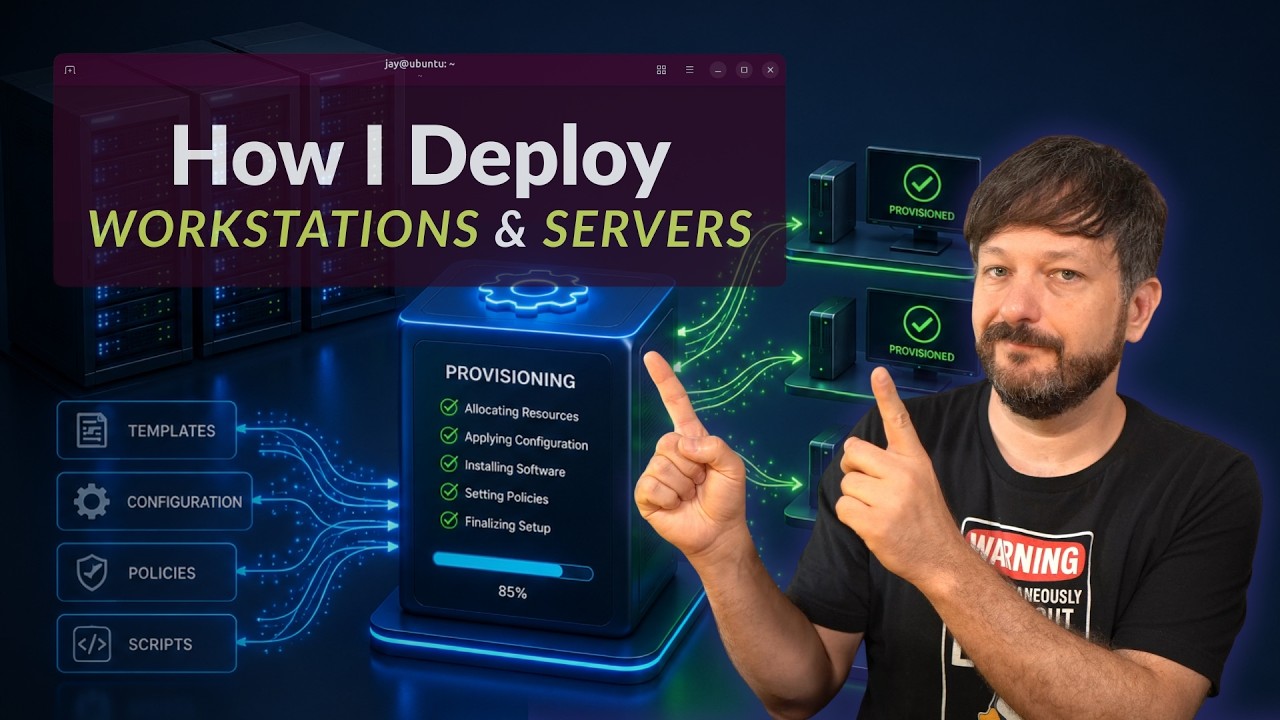
  • My Real-World Workflow for Deploying Servers & Workstations

    Ever wonder what actually happens behind the scenes when I spin up a new server or workstation? In this video, I’m giving you a behind-the-scenes look at my full deployment workflow — covering how I provision cloud VPS servers, configure them with Ansible, deploy workstations, and manage it all through a consistent configuration management approach.

    Ansible is a key piece of this puzzle, but this video is really about the bigger picture: how all the pieces fit together to make server and workstation deployment fast, repeatable, and low-maintenance.
    YouTube player

    ⇨

    Read more: My Real-World Workflow for Deploying Servers & Workstations
  • Deploying Ubuntu Instances with MAAS

    MAAS (Metal as a Service) gives you the ability to provision physical and virtual servers via an easy to use web console. You can use MAAS to deploy Ubuntu with ease, and it even supports PXE boot in order to provide you with a full deployment solution. In this video, you’ll get an overview of MAAS and how to set it up.

    YouTube player

    Thanks to Linode for sponsoring this tutorial. Check them out and claim $100 in free credit toward your new account.

    (more…)

    ⇨

    Read more: Deploying Ubuntu Instances with MAAS
  • Enterprise Linux Security Episode 6 – Image Defaults

    Although there’s no such thing as a “perfect” deployment image, including some sane defaults into your images and templates can save you a lot of work down the road, and also give you the opportunity to include more secure defaults. In this episode, we’ll discuss deployment image defaults as well as some recent news.

    YouTube player
    • OGG version
    • MP3 version
    • MP3 version (low)

    ⇨

    Read more: Enterprise Linux Security Episode 6 – Image Defaults
  • Getting Started with cloud-init

    cloud-init is an awesome technology that can be used to customize Linux images for deployment, that lets you do all kinds of neat things such as automatically creating users, installing packages, resetting SSH keys, and more. However, it’s often shrouded in mystery. In this video, I’ll walk you through using it to create a user, set the hostname, and install some packages.

    YouTube player
    (more…)

    ⇨

    Read more: Getting Started with cloud-init
  • Getting Started with Ansible 09 – Targeting Specific Nodes

    Ansible is an incredible configuration management and provisioning utility that enables you to automate all the things. In this series, you’ll learn everything you need to know in order to use Ansible for your day-to-day administration duties. In video #9, we split our inventory file into groups, and look at how to run tasks on nodes based on their group.

    YouTube player
    (more…)

    ⇨

    Read more: Getting Started with Ansible 09 – Targeting Specific Nodes
  • Automating Linux Server Deployments with Terraform and Linode

    YouTube player
    (more…)

    ⇨

    Read more: Automating Linux Server Deployments with Terraform and Linode
  • Building Cloud images for Linode with Packer

    YouTube player
    (more…)

    ⇨

    Read more: Building Cloud images for Linode with Packer
  • YouTube

YOUTUBE

  • Twitter

twitter

  • LinkedIn

LINKEDIN

Copyright 2024 Learn Linux TV, all rights reserved.

All content on this channel adheres to the company’s content ethics guidelines.