• /home
  • Books
  • Courses
    • Free Courses
    • Paid Courses
  • Shop
  • Forums
  • Consulting
  • About
    • About LearnLinuxTV
    • Content Ethics
  • YouTube
  • LinkedIn
  • GitHub
  • Patreon

All Content

⇨

see all

  • How to Dual Boot Windows 11 & Linux Mint: Step by Step Guide

    Ever wanted to enjoy the best of both worlds by dual booting Windows 11 and Linux Mint on your computer? Whether you’re a developer, a gamer, or just someone who loves experimenting with different operating systems, this tutorial is for you!

    In this video, we dive into how to set up a dual-boot system with Windows 11 and Linux Mint.

    YouTube player

    Thanks to ThinLinc for sponsoring this video!

    Check out their awesome Linux remote desktop solution free for up to 10 concurrent users.

    ⇨

    Read more: How to Dual Boot Windows 11 & Linux Mint: Step by Step Guide
  • How to Install Arch Linux: A Comprehensive Step-by-Step Guide

    Arch Linux is one of the best rolling-release distributions around, but sometimes it can be a challenge to install. In this video, Jay will walk you through not one but TWO methods of installing Arch Linux. The first method will feature arch-install, which is geared more toward beginners. During the second half of the video, Jay will walk you through the manual method – which is perfect for control freaks (you know who you are).

    YouTube player

    If you’re now running Arch, consider buying an “I run Arch” shirt to help support Learn Linux TV!

    (more…)

    ⇨

    Read more: How to Install Arch Linux: A Comprehensive Step-by-Step Guide
  • New to DistroBox? Start Here: Full Beginner’s Tutorial!

    What if I told you that you can run AUR packages on Fedora? Or just about any other Linux app that wasn’t meant for your Distro of choice? In this video, we’ll take a look at DistroBox – a very interesting app that lets you easily cross boundaries between distributions. Perhaps most interesting, graphical apps are a breeze!

    YouTube player

    Video-Specific Links

    • DistroBox PPA for older Ubuntu versions

    ⇨

    Read more: New to DistroBox? Start Here: Full Beginner’s Tutorial!
  • External GPU’s – A Good Solution for Linux Gaming? Everything You’ll Need to Know

    Imagine a future where your ultraportable notebook can morph into a gaming machine while docked at your desk. You don’t have to imagine it – it’s possible right now by utilizing an External GPU (eGPU). But unfortunately, Thunderbolt is a confusing pain. And many noteboook vendors are jerks. In the LearnLinuxTV guide to eGPU’s, this concept will be demystified, and you’ll learn everything you’ll need to know in order to use an External GPU.

    YouTube player

    Relevant Links

    • egpu.io
    • Arch Linux article regarding external GPU’s
    • Razer Core X Chroma (affiliate link, generates revenue for LearnLinuxTV)
    (more…)

    ⇨

    Read more: External GPU’s – A Good Solution for Linux Gaming? Everything You’ll Need to Know
  • Setting up a Windows to Linux Game Streaming Server

    There are many tweaks, hacks, and work-arounds for forcing Windows games to run on Linux. In this video, I’ll add another potential option to the list – a game streaming server! Streaming games isn’t necessarily a new idea, but in this video, I’ll show off a server build that I set up recently that allows me to stream Windows games to my Linux PCs. And who knows, another YouTuber might also make an appearance!

    YouTube player

    ⇨

    Read more: Setting up a Windows to Linux Game Streaming Server
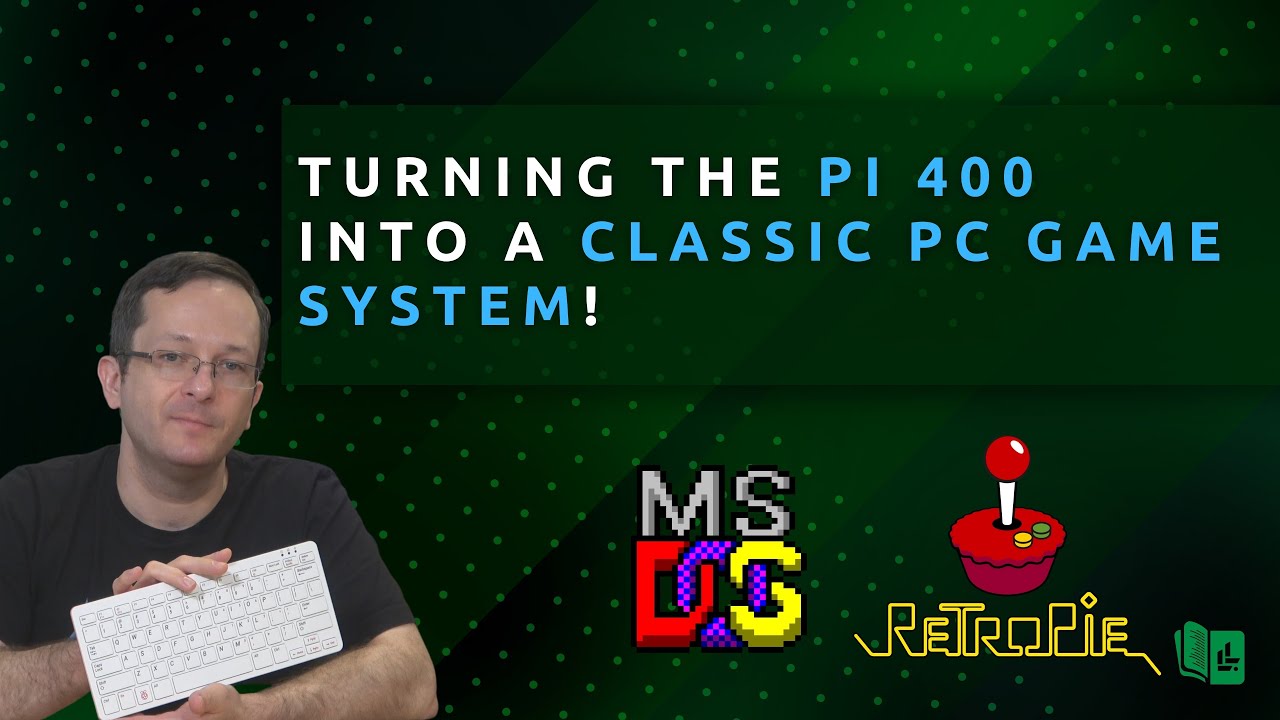
  • Running Classic MS-DOS games on the Pi 400

    The Raspberry Pi 400 is a complete computer with a built-in keyboard, so why not turn it into a classic PC game system? In this video, I talk about a recent project I worked on for fun where I configured RetroPie to run various MS-DOS games via DOSBox.

    YouTube player
    (more…)

    ⇨

    Read more: Running Classic MS-DOS games on the Pi 400
  • Building a Low Energy Storage Server for your Office/Homelab

    Saving power in your homelab can be a very important factor in your build. In this video, you’ll see the process of building a lower energy storage server, that uses only around 55 watts! FreeNAS is shown as an example, but other NAS platforms can be used as well.

    YouTube player
    (more…)

    ⇨

    Read more: Building a Low Energy Storage Server for your Office/Homelab
Previous Page
1 2
  • YouTube

YOUTUBE

  • Twitter

twitter

  • LinkedIn

LINKEDIN

Copyright 2024 Learn Linux TV, all rights reserved.

All content on this channel adheres to the company’s content ethics guidelines.