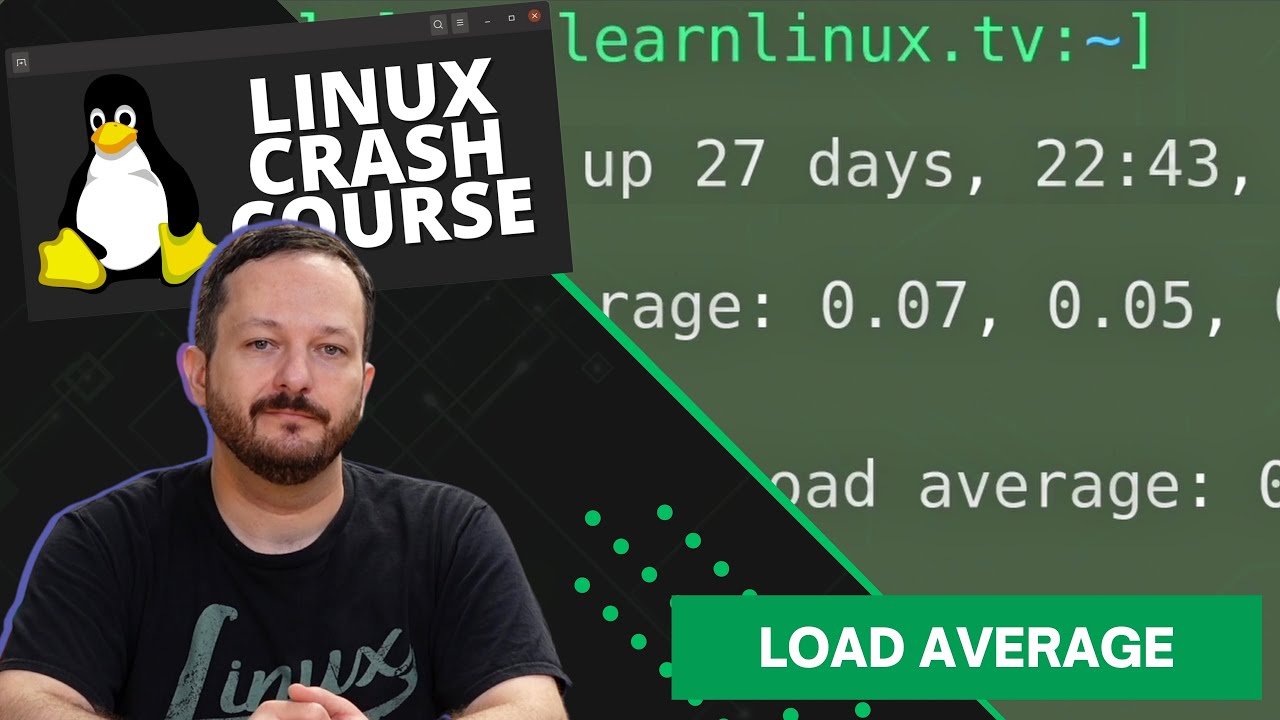
In the Linux Crash Course series, we’ll go over one important foundational Linux topic each episode. This series includes tutorials, demonstrations, and more! In this episode, the head and tail commands are both covered. These commands enable you to view the first and last ten lines of a file. But there’s also some additional functionality that we’ll explore in this video as well.
Thanks to Linode for sponsoring the Linux Crash Course series! Check out their Linux-focused cloud platform and spin up your own Linux server.
Mycroft AI, the makers of the “world’s first open-source voice assistant”, are today making the latest version of their text to speech engine, Mimic 3, available to everyone. Mimic itself is a text to speech engine that’s on our side, and best of all, it’s open-source! The latest version, Mimic 3, is being released today and is now able to synthesize speech without the cloud!
LearnLinuxTV, a training company that focuses on Linux, has prepared a new video to coincide with Mycroft’s AI release of Mimic 3, that will cover its features and show it in action. Mimic 3 gives us back control, and also powers the upcoming reference device, the Mycroft Mark II. In this video, you might even see a prototype of the Mark II as well!
This project was chosen for being highlighted in a video due to how critical this project is. By using IOT products such as a voice assistant, we lose control of our privacy at the same time. With Mimic 3, you can benefit from having a voice assistant without helping fund big tech. Best of all, you can install Mimic 3 on a Raspberry Pi, Linux workstation or notebook, launch it via a Docker container, or include it as part of a larger project.
You should definitely check out Mimic 3! It’s an awesome project to contribute to, and an example of exactly what we need to take back control when it comes to Internet of Things, or any other technology or development that can benefit from a privacy-focused text to speech engine.
HP has released a Linux notebook! No, we aren’t in an alternate dimension, the Dev One notebook from HP is here, and it’s powered by Pop!_OS! LearnLinuxTV’s coverage of the HP Dev One continues in this follow-up video to the original, where we’ll explore this Linux-powered computer even further. This time around, we’ll take a look at upgrading RAM, running other distributions, virtualization, and more!
Here’s a link to the RAM and screwdriver set I used (commission earned):
In the Linux Crash Course series, we’ll go over one important foundational Linux topic each episode. This series includes tutorials, demonstrations, and more! In this episode, we’ll take a look at how we can determine how much storage we have remaining, and we’ll also tackle how to determine which directories are using up the most space.
When it comes to filesystems, btrfs is definitely a bird of another color! In this video, Jay from Learn Linux TV will break down some of the finer-points of this modern filesystem, which will include topics such as how it differs from other technologies, how to take snapshots, creating a btrfs volume of your own, and more!
Who actually still uses an e-mail client these days? Actually, quite a few people! In this video, Jay chats with Alex and Jason from Thunderbird about the current status of the project, the future, and more!
HP has released a Linux notebook! No, we aren’t in an alternate dimension, the Dev One notebook from HP is here, and it’s powered by Pop!_OS! LearnLinuxTV’s coverage of the HP Dev One begins with this video, where we’ll go over its specs, hardware, and much more. This is the best Linux notebook of 2022 so far, be sure not to miss it!
So, you’re looking through a job board and a job posting catches your eye. It seems like a great opportunity, but some of the qualifications they’re asking for are missing from your skillset. What do you do? Should you still apply? In this video, I’m going to give you my thoughts on that.
The Linux Crash Course is a tutorial series that goes over all of the core concepts regarding Linux that you’ll need to know, one video at a time. In this episode, the wget command is covered.
The Linux Crash Course is a tutorial series that goes over all of the core concepts regarding Linux that you’ll need to know, one video at a time. In this episode, the ping command is covered.
The Linux Crash Course series goes over all the key concepts you’ll need to know in order to master Linux, one video at a time. In this episode, we’ll take a look at understanding memory and swap usage.
There’s a handful of popular package managers that are used on various Linux distributions, and dnf is among the most popular. It’s the default package manager on distros such as Red Hat, CentOS, AlmaLinux, Rocky Linux, Fedora, among others. In this video, we’ll explore the dnf command and see examples of basic usage.
Thank you to Linode for sponsoring this episode of Linux Essentials. Check out Linode and get $100 in free starter credit toward your new account.