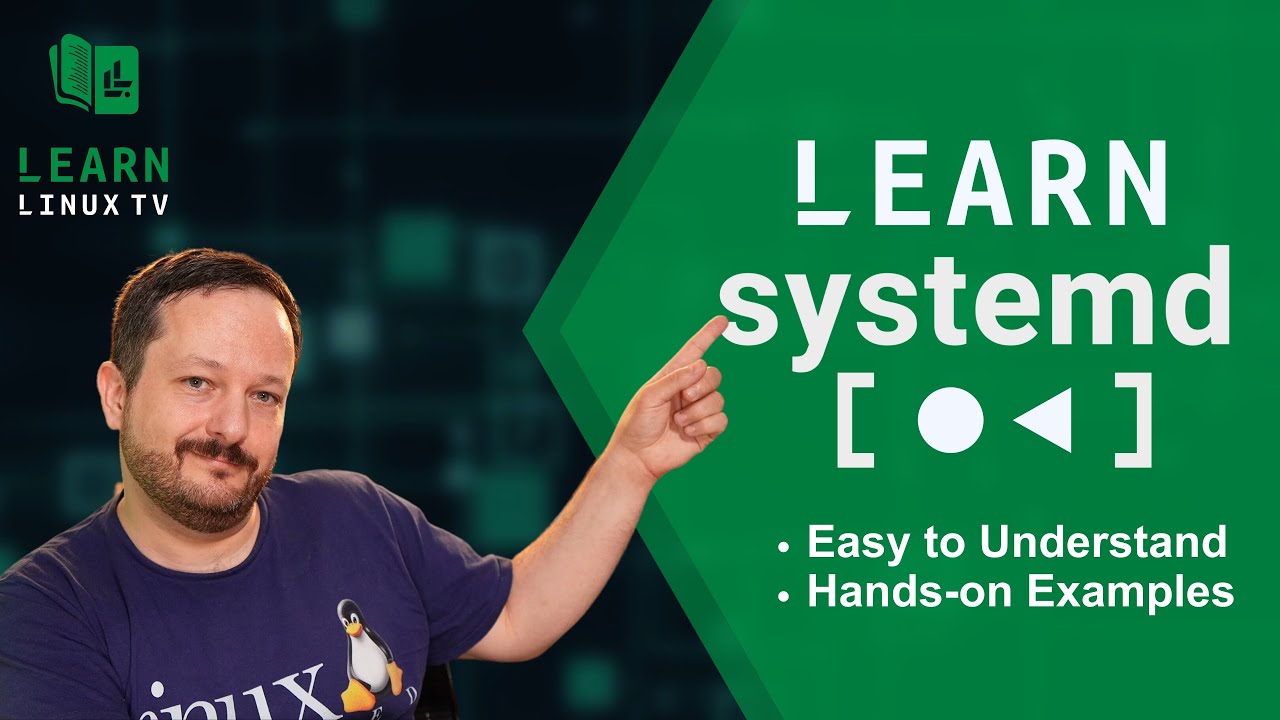
Systemd – it’s the most popular init system when it comes to Linux, and everyone loves it. Honest. But whether or not you love Systemd, you’re going to love this video because it will teach you all the core basics of Systemd. This coverage will include starting, stopping, restarting units, location priority in regard to unit file locations, editing service units and more!
A great way to Learn Linux is by working with it directly! In the spirit of hands-on #Linux Learning, in this video you’ll be walked through the process of setting up a remote desktop in the cloud. You’ll be able to connect to it from an X2go client whenever you need it. This is a fun project for those looking for a more practical way to learn.
CrowdSec is a service that aims to enhance the security of your Linux server – which it does in a very interesting way. Leveraging the power of the very “crowd” it serves, CrowSec is able to build intelligence that benefits every server that has it installed. This service has been discussed on the channel before, but in this tutorial you’ll see some of the new features as of CrowdSec 1.5.
Debian 12 codenamed “Bookworm” is AWESOME! If you’re the proud owner of a brand new Debian install, then this is the video for you! We’ll go over 12 things you should consider implementing in Debian 12, from productivity apps to gaming. This is definitely a can’t-miss video for Debian fans!
Debian 12 (codenamed “Bookworm”) is a FANTASTIC release of an awesome Linux distribution, and this is a release that fans of the popular desktop distro are sure to love. In this video, Jay goes over all the reasons why he feels that this is the best Debian release ever. This review will include a look at the installation process, performance, stability, and a surprising change. And speaking of “surprising”, there’s a surprise twist at the end of the review that will be sure to shock long-time fans of the channel. Check it out!
Debian is a distribution loved by many, and one of the most popular of all time. If you’re thinking of installing it on your computer, then this installation guide will cover the “Net Install” method from beginning to end. In this video, you’ll see the process of wiping your drive and replacing your OS with Debian from start to finish!
Note: The installation screen captures are a lower resolution than normal due to a screen recorder issue.
Netdata is a solution that monitors key metrics within your infrastructure while also providing a multitude of graphing and reporting options. It’s also implemented in a very simple and straight forward way. But how do you get started? How does the cloud offering differ from a local installation? In this video, Learn Linux TV has teamed up with Netdata to bring you this guide that will answer all that and more!
Netdata is a monitoring solution that goes about things a little differently. It auto-discovers running services (and configures itself accordingly) and can be installed in one command. For Free?! In this video, Jay gives his thoughts on Netdata after having a chance to check it out.
The Linux Crash Course Series – Teaching you a valuable Linux command/skill/topic one video at a time! This time around, our journey takes us to the Secure Copy (scp) command, which you can use to copy files from one Linux instance to another via SSH. You’ll learn everything you need to know in order to get started with scp so don’t miss this video!
Thanks to Akamai Connected Cloud for sponsoring today’s video! Check out their awesome cloud platform and spin up your very own Linux server!
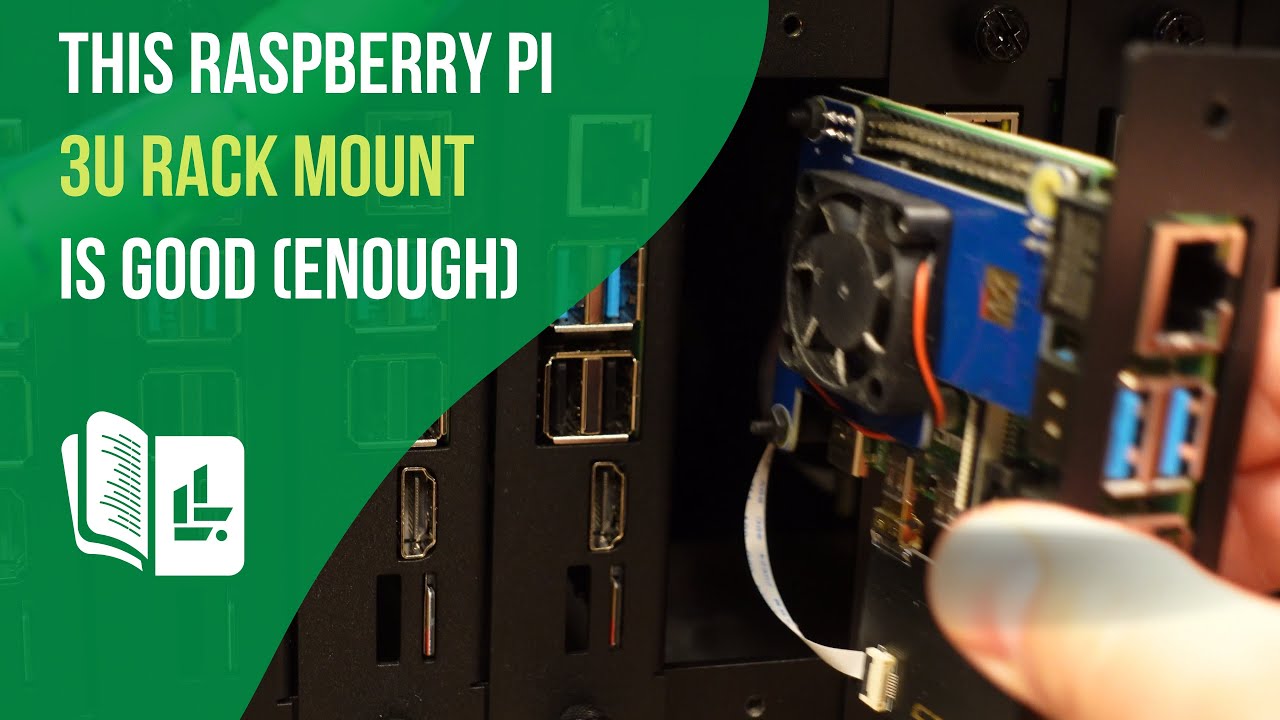
I wanted to test out a rack mount for Raspberry Pi clusters, and that search brought me to the 19″ 3U Rack Mount made by GeeekPi. So, as always, I decided to give you guys my thoughts. It’s not going to win any style awards, but it DOES rack 14 Raspberry Pi’s. Check out this review for more.
Check out the 19″ 3U Pi Rack Mount here (affiliate link).
Welcome to another episode of the “Linux Crash Course” series! In this installment, we delve into the top command in Linux. With hands-on examples, we’ll demystify the top command, explaining its various options and parameters in a beginner-friendly manner. Learn how to monitor system resources, view running processes, and gain insights into system performance in real-time. By the end of this tutorial, you’ll have a solid grasp of using the top command to optimize your Linux system. Subscribe now for more Linux Crash Course tutorials and empower yourself with Linux knowledge!
Are you looking to build your very own Raspberry Pi-based Network Attached Storage (NAS) for your network or homelab? In this video, we’ll take an in-depth look at the features and functionality of the Argon EON Pi NAS case, a case designed for Raspberry Pi that transforms it into a NAS. You’ll see the the build process, and we’ll also demonstrate how to install and configure OpenMediaVault, a popular open-source NAS operating system, to maximize the capabilities of your build. This is definitely a fun project, so check it out!
Relevant Links
Check out the Argon EON Pi NAS case (affiliate link, commission earned)