GNOME 51 is here! In this video, I walk through what’s new in the latest release of the GNOME desktop. We’ll cover what GNOME OS is, the biggest new features, improvements to GNOME Software and the file previewer, and the removal of support for legacy NVIDIA proprietary drivers. At the end, I’ll share my overall thoughts on whether GNOME 51 is worth the upgrade.
Spinning up your own Linux server in the cloud takes about ten minutes and a few dollars a month. In this beginners guide I’ll walk you through creating a VPS on DigitalOcean from scratch – no prior server experience needed.
We’ll start by generating an SSH key so your server is locked down from the very first boot, then create a Droplet, add a startup script that configures the machine for you automatically, and walk through the settings worth turning on. Finally we’ll SSH in and talk about what to do with it.
Ansible lets you configure a server once, write it down, and never do it by hand again. In this tutorial we’ll build your first playbook from scratch – then run it with ansible-pull, which I think is the better way to use Ansible for most setups.
We’ll create a git repository to hold the playbook, write it step by step, break the settings out into a variables file, then SSH into a Linode server, install Ansible, and let the machine pull its own configuration and apply it. No control node, no inventory file to babysit.
By the end you’ll have a working, version-controlled setup that any new server can configure itself from in one command.
Note: You’ll find the code I used in this video here.
Learn how to install and use Flox to create, share, and manage reproducible development environments. This hands-on Flox tutorial covers Python setup, Nix-powered workflows, and seamless SDLC integration.
Thanks to Flox for sponsoring this tutorial! Check them out to make it easier to deploy development environments and integrate with your existing SDLC.
Most cloud disasters come from the same handful of habits, not bad luck. In this video, I cover five cloud “worst practices” I see over and over: weak monitoring, runaway spending, sloppy security, no governance, and treating one tool as the answer to everything. If any of these sound familiar, here’s how to spot them and fix them before they cost you.
Why did I walk away from a traditional publishing contract and move my books to Leanpub? In this video, I share how my technical writing career started, why I chose to self-publish, and what it’s actually like writing on Leanpub, including its excellent GitHub integration that lets you write your book like code. I’ll also share lessons I’ve learned from years of writing about Linux.
Check out my brand-new book “Switching to Linux” on Amazon or Leanpub.
Ready to try the Sway window manager? In this hands-on Linux tutorial, you’ll learn how to install Sway, navigate with keyboard shortcuts, use workspaces, manage windows, customize your configuration, and more.
Sway brings the power of a tiling window manager to Wayland, and in this beginner-friendly guide, I’ll show you what it’s actually like to use. Stick around for the hands-on lab where we’ll configure Sway ourselves!
Ever wondered what goes into making a Learn Linux TV video? Check out my behind the scenes look as I pull back the curtain and talk about my writing and production workflow, how I capture screen recordings on real hardware, a full tour of my recording studio, why I care so much about production quality, and more!
ISO files have been the standard way to download and install Linux distributions for decades—but is it time for Linux to move on? In this video, I make the case that Linux ISO files should be replaced by IMG disk images, especially now that most people install Linux using bootable USB drives rather than CDs or DVDs.
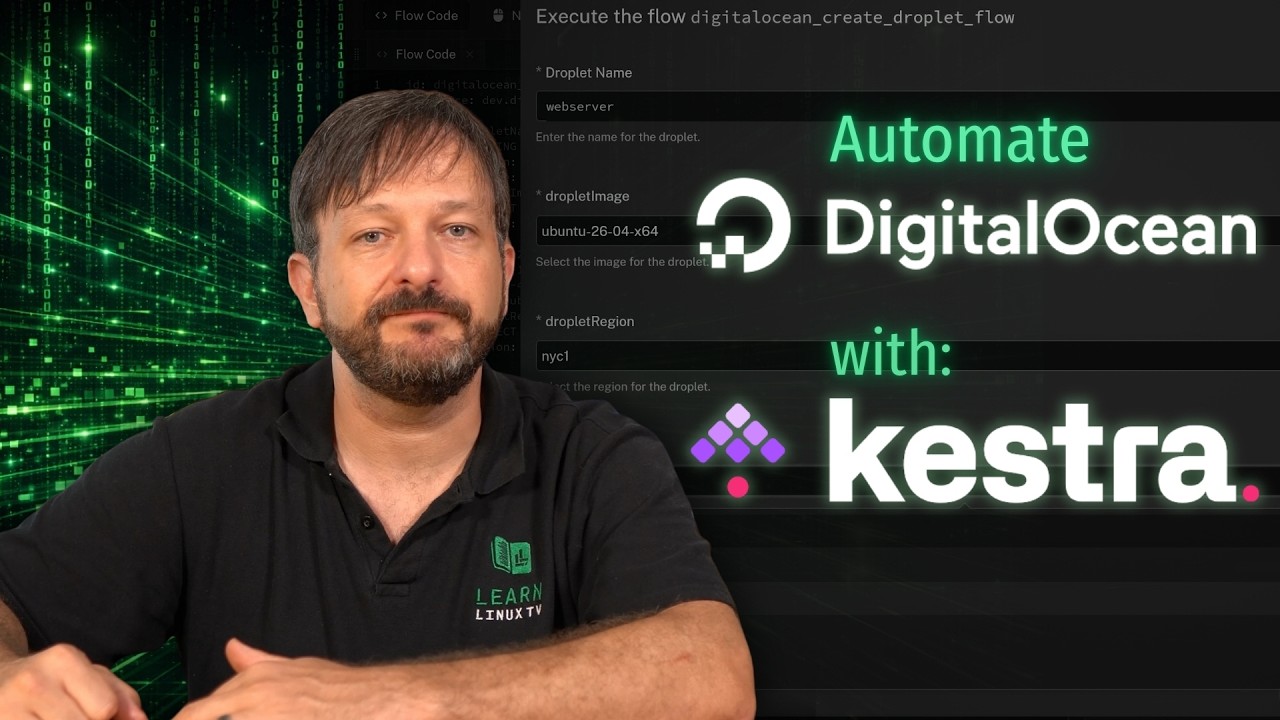
Kestra 2.0 is here, and in this tutorial I’ll show you how to automate DigitalOcean with it. We’ll walk through the brand new DigitalOcean plugin, build our Kestra flow, and add inputs so the flow can be reused with different values. If you’ve been looking for an open-source way to automate your cloud infrastructure, this one’s for you!
Learn how to create a Linux Golden Image on Linode and use it to deploy secure, preconfigured VPS instances in minutes.
In this hands-on Linux tutorial, you’ll learn what a Golden Image is, why system administrators use them, and the best practices to follow when building one. We’ll prepare a reusable Linode image by installing updates, preinstalling essential packages, configuring Fail2ban, and converting the finished VPS into a deployment-ready template.
By the end of the lab, you’ll be able to launch new Linux servers from your Golden Image – saving time, improving consistency, and eliminating repetitive server configuration.
Every time you create a new user account on a Linux system, the files that land in their home directory have to come from somewhere – and that somewhere is /etc/skel. In this video I walk through what the skel directory actually is, how it gets used during account creation, and how you can leverage it so every new user on your servers and workstations starts out with exactly the configuration you want.
⚙️ Grab Jay’s actual Dotfiles!
For a small donation, grab a zip file full of configs for Bash, ZSH, Vim, Tmux, i3, Sway (and more)! Curated over a decade, there’s something for everyone!