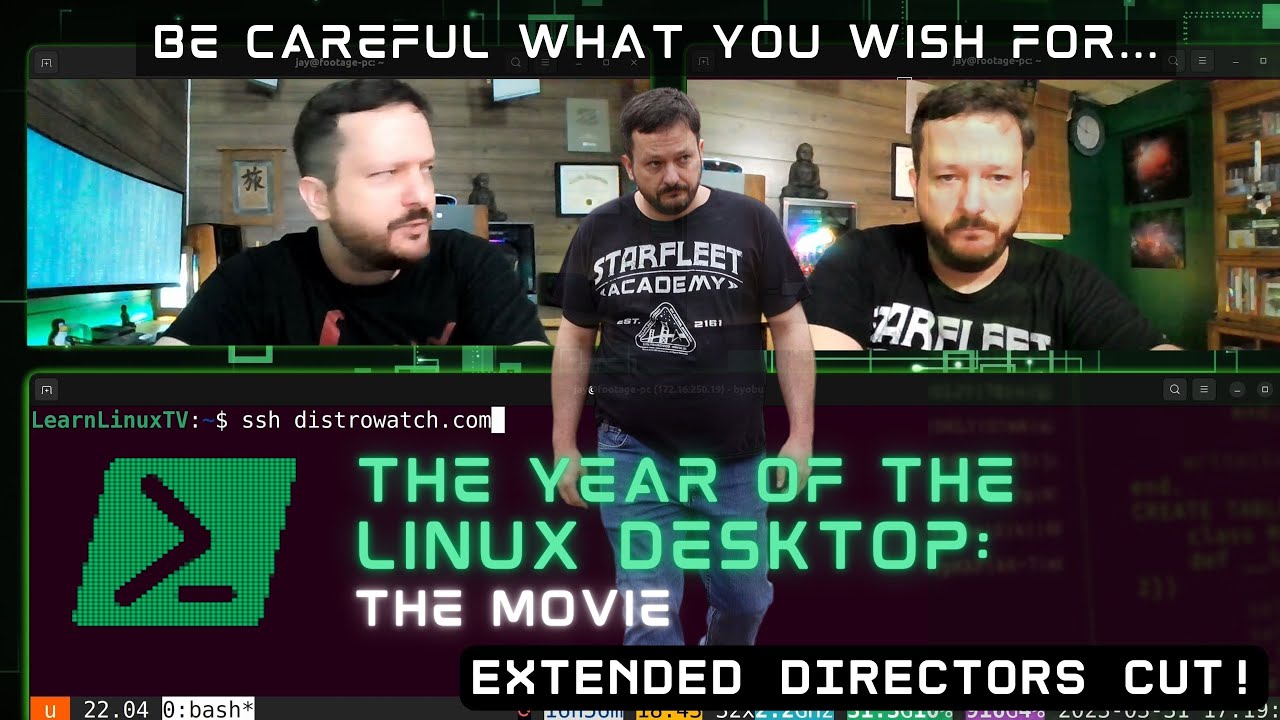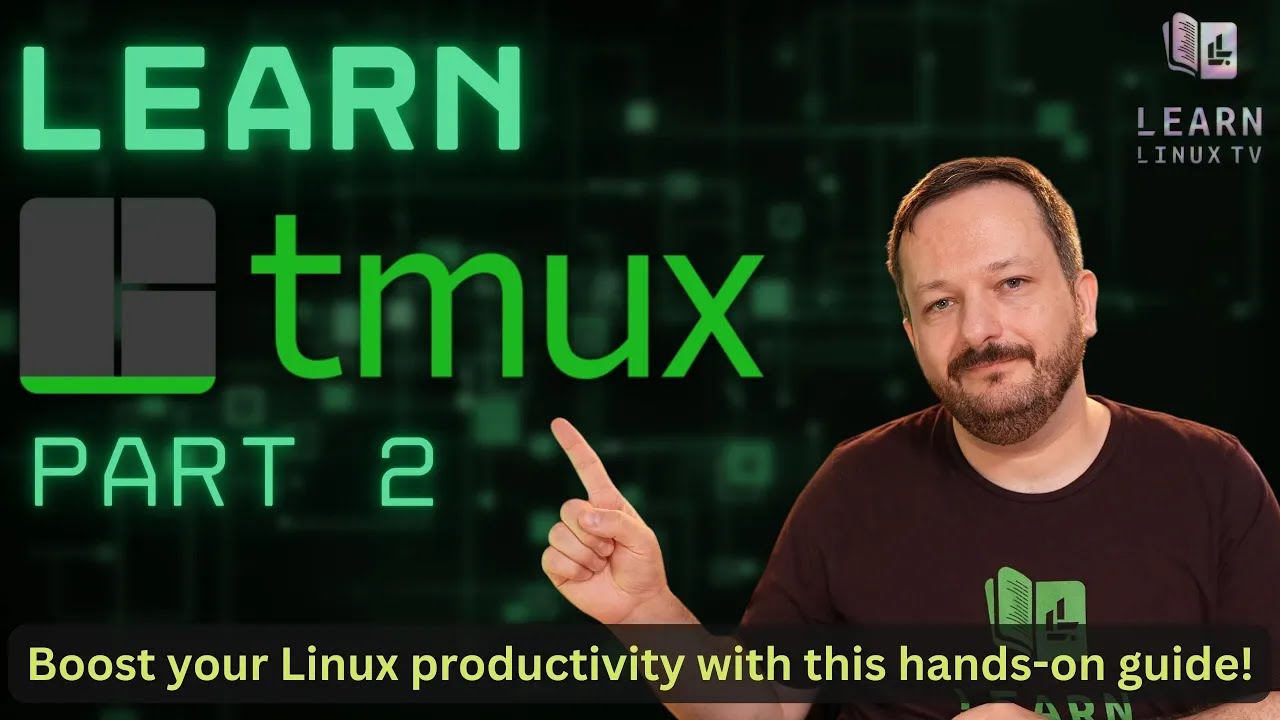
Switching to Linux is one of the best decisions you can make for your computer — but knowing where to start is another matter entirely. This book is your guide through that transition, written by Jay LaCroix, creator of the Learn Linux TV YouTube channel, with over a decade of experience helping people make Linux approachable.
Whether you’re fed up with Windows nudging you toward Microsoft Edge or Apple prompting you to sign in to yet another account, Linux offers a computing experience designed to work for you, not against you. You’ll learn everything you’ll need to know — from understanding what Linux actually is, to choosing a distribution, installing it, and using it confidently day to day.
By the end, you won’t just have Linux running on your computer. You’ll understand it!
In this video, Jay shows off some of the services that run in his homelab! This time around, we’ll take a look at TrueNAS, Proxmox, and even get a sneak peak at the provisioning solution known internally as “NodeForge”. This is more of an introductory video, additional videos will be considered for diving into even more detail!
Thanks to Akamai for sponsoring this video! Support Learn Linux TV and set up your own cloud server with Akamai’s Connected Cloud.
The rsync command is kind of like a “swiss army knife” of file transfer utilities. With a wealth of options available, it’s easily one of the best methods of moving files around. In this video, Jay goes over the finer points of the rsync command, with an emphasis on the most important options you should know for day-to-day usage.
Thanks to Akamai for sponsoring today’s video! Check out their connected cloud platform for your own awesome Linux server!
The passwd command is what you use to change your password on your Linux system, but did you know you can also use it to change the password of other users, lock accounts, and view statistics? In this video, you’ll learn about the passwd command – and there may even be a new thing or two to learn even if you’re already familiar with the command.
When it comes to Linux Distros, each are either managed by their community or by a company. With recent news, it becomes clearer than ever that those managed by a company should be avoided. With a recent history of being untrustworthy, Red Hat is on the list to steer clear of – but they’re not the only example. With histories of misleading claims (with some being downright lies) it’s time to leave corporate-owned Linux distributions behind. Here’s why.
Systemd – it’s the most popular init system when it comes to Linux, and everyone loves it. Honest. But whether or not you love Systemd, you’re going to love this video because it will teach you all the core basics of Systemd. This coverage will include starting, stopping, restarting units, location priority in regard to unit file locations, editing service units and more!
A great way to Learn Linux is by working with it directly! In the spirit of hands-on #Linux Learning, in this video you’ll be walked through the process of setting up a remote desktop in the cloud. You’ll be able to connect to it from an X2go client whenever you need it. This is a fun project for those looking for a more practical way to learn.
CrowdSec is a service that aims to enhance the security of your Linux server – which it does in a very interesting way. Leveraging the power of the very “crowd” it serves, CrowSec is able to build intelligence that benefits every server that has it installed. This service has been discussed on the channel before, but in this tutorial you’ll see some of the new features as of CrowdSec 1.5.
Debian 12 codenamed “Bookworm” is AWESOME! If you’re the proud owner of a brand new Debian install, then this is the video for you! We’ll go over 12 things you should consider implementing in Debian 12, from productivity apps to gaming. This is definitely a can’t-miss video for Debian fans!
Debian 12 (codenamed “Bookworm”) is a FANTASTIC release of an awesome Linux distribution, and this is a release that fans of the popular desktop distro are sure to love. In this video, Jay goes over all the reasons why he feels that this is the best Debian release ever. This review will include a look at the installation process, performance, stability, and a surprising change. And speaking of “surprising”, there’s a surprise twist at the end of the review that will be sure to shock long-time fans of the channel. Check it out!
Debian is a distribution loved by many, and one of the most popular of all time. If you’re thinking of installing it on your computer, then this installation guide will cover the “Net Install” method from beginning to end. In this video, you’ll see the process of wiping your drive and replacing your OS with Debian from start to finish!
Note: The installation screen captures are a lower resolution than normal due to a screen recorder issue.
Netdata is a solution that monitors key metrics within your infrastructure while also providing a multitude of graphing and reporting options. It’s also implemented in a very simple and straight forward way. But how do you get started? How does the cloud offering differ from a local installation? In this video, Learn Linux TV has teamed up with Netdata to bring you this guide that will answer all that and more!
Netdata is a monitoring solution that goes about things a little differently. It auto-discovers running services (and configures itself accordingly) and can be installed in one command. For Free?! In this video, Jay gives his thoughts on Netdata after having a chance to check it out.